Framevia Studio
A native macOS animation sketchbook for hand-drawn motion. Designed for learners, indie creators, and anyone who wants to draw frame-by-frame on a real keyboard with a real timeline.
At a glance
- Version
- v2.0.2
- Platform
- macOS 13+
- Download
- Mac App Store · Direct (.dmg) · Buy a license
- App Store ID
- 6783455700
- Export formats
- MOV, MP4, GIF, AVI
- Project format
- .ad2
What's inside
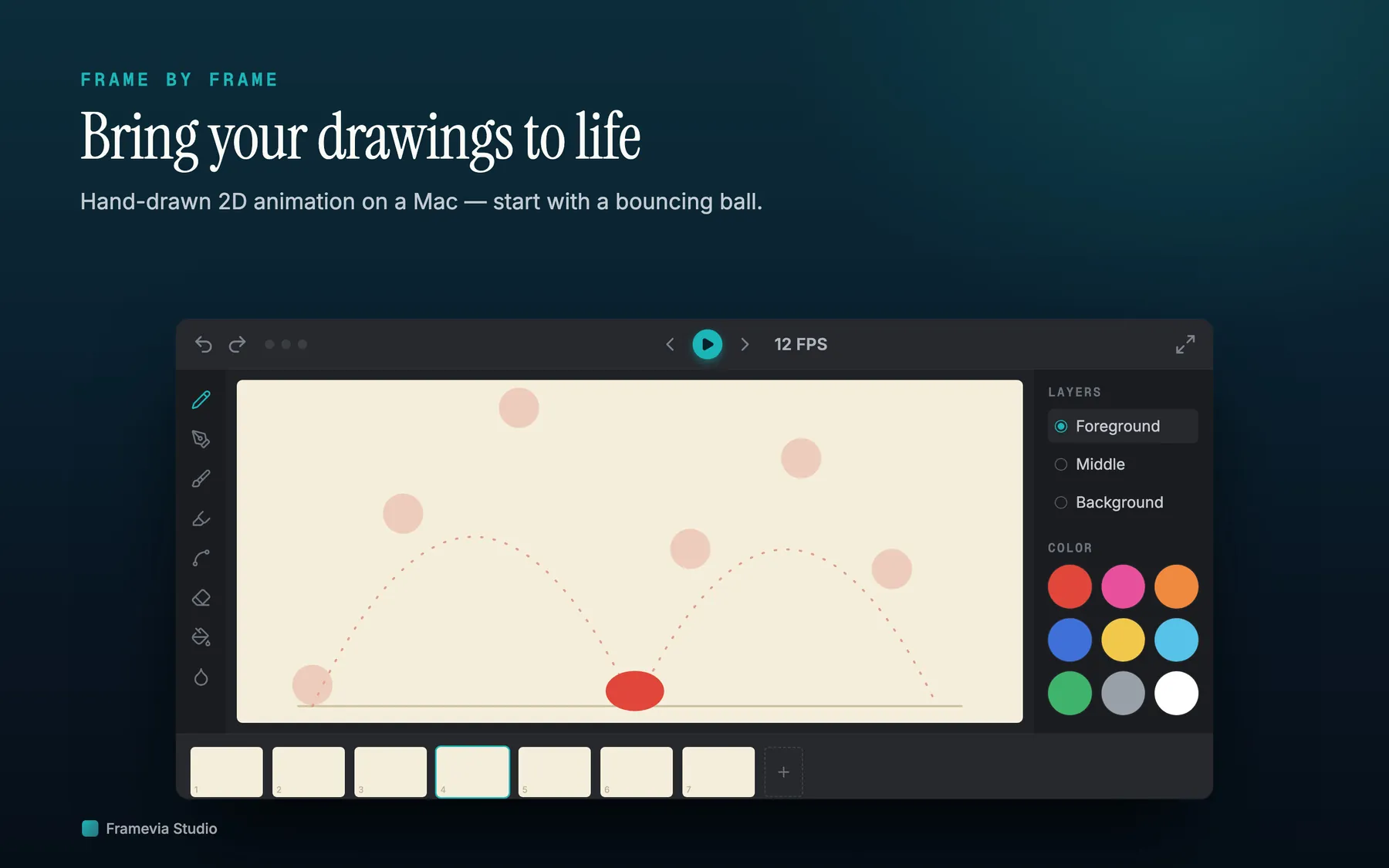
Brushes + shape tools
Eraser, pencil, four texture brushes, fountain pen, fill — plus rectangle, ellipse, line, and arrow shape tools with floating-shape editing (move, resize, copy/paste before commit).
Frame timeline
Frame strip with semantic zoom (S/M/L), keyframe markers, jump-to field, and frame range navigation. Pose-to-pose six-step workflow built in.
Onion skin
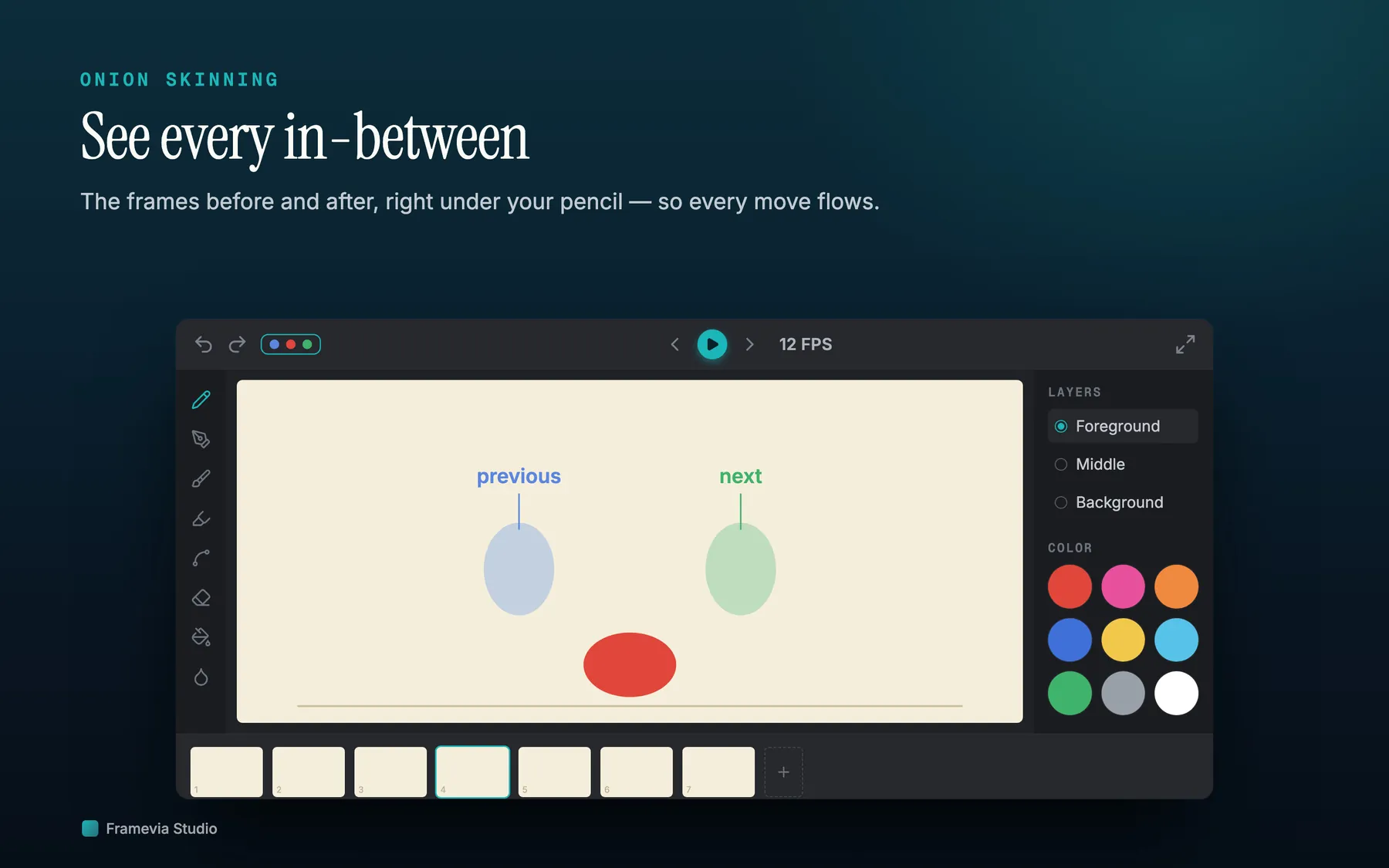
Three onion-skin modes for previous frames, next frames, or both — see the motion before you commit the next drawing.
Layers
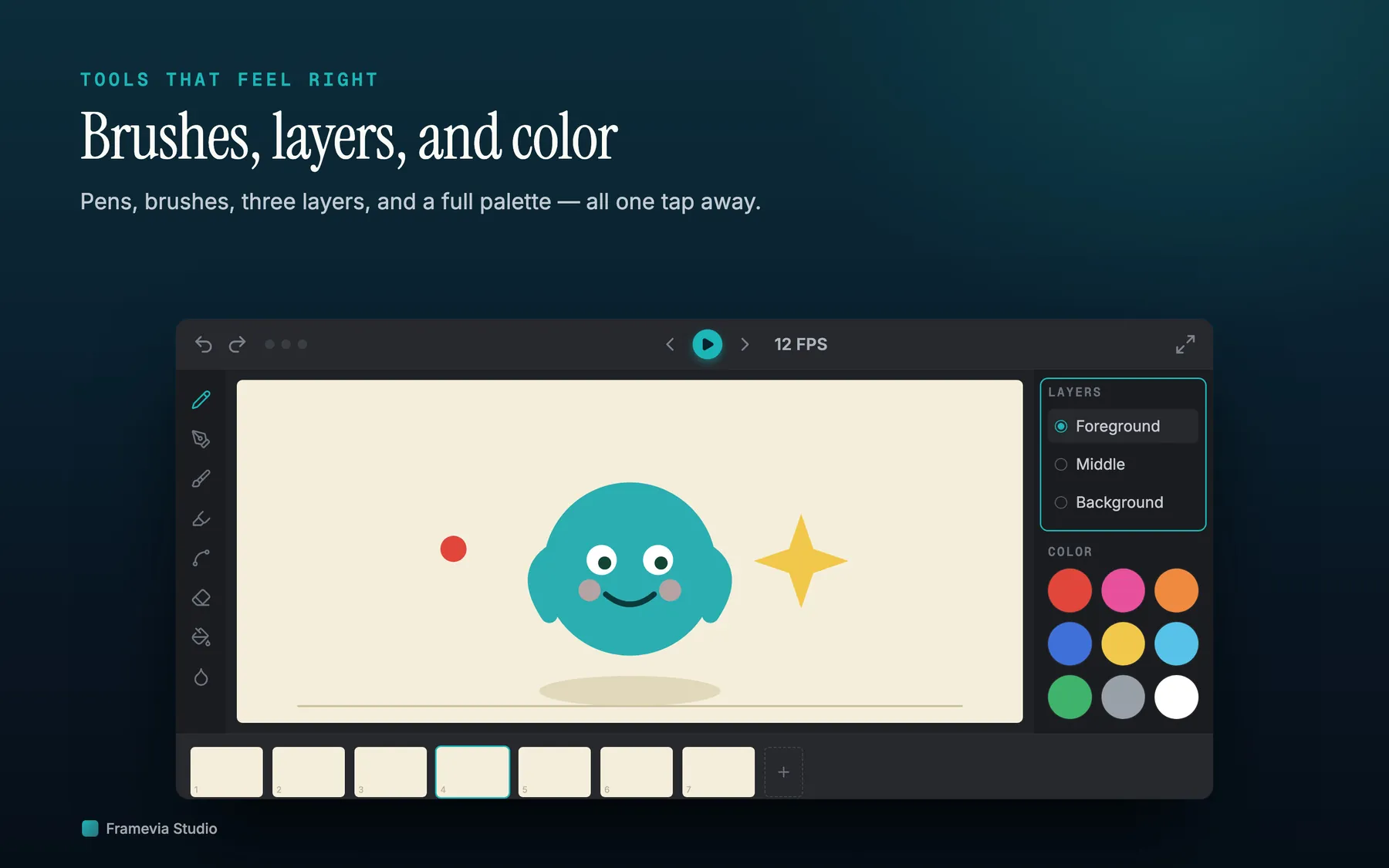
Two drawing layers per frame (Middle + Foreground) plus an optional shared Background. Per-layer visibility toggle for distraction-free work.
Project Manager
Pinned and Recent sections, search, sort, focus mode for zen drawing. Project library lives inside the app's sandbox so your work survives between sessions.
Export
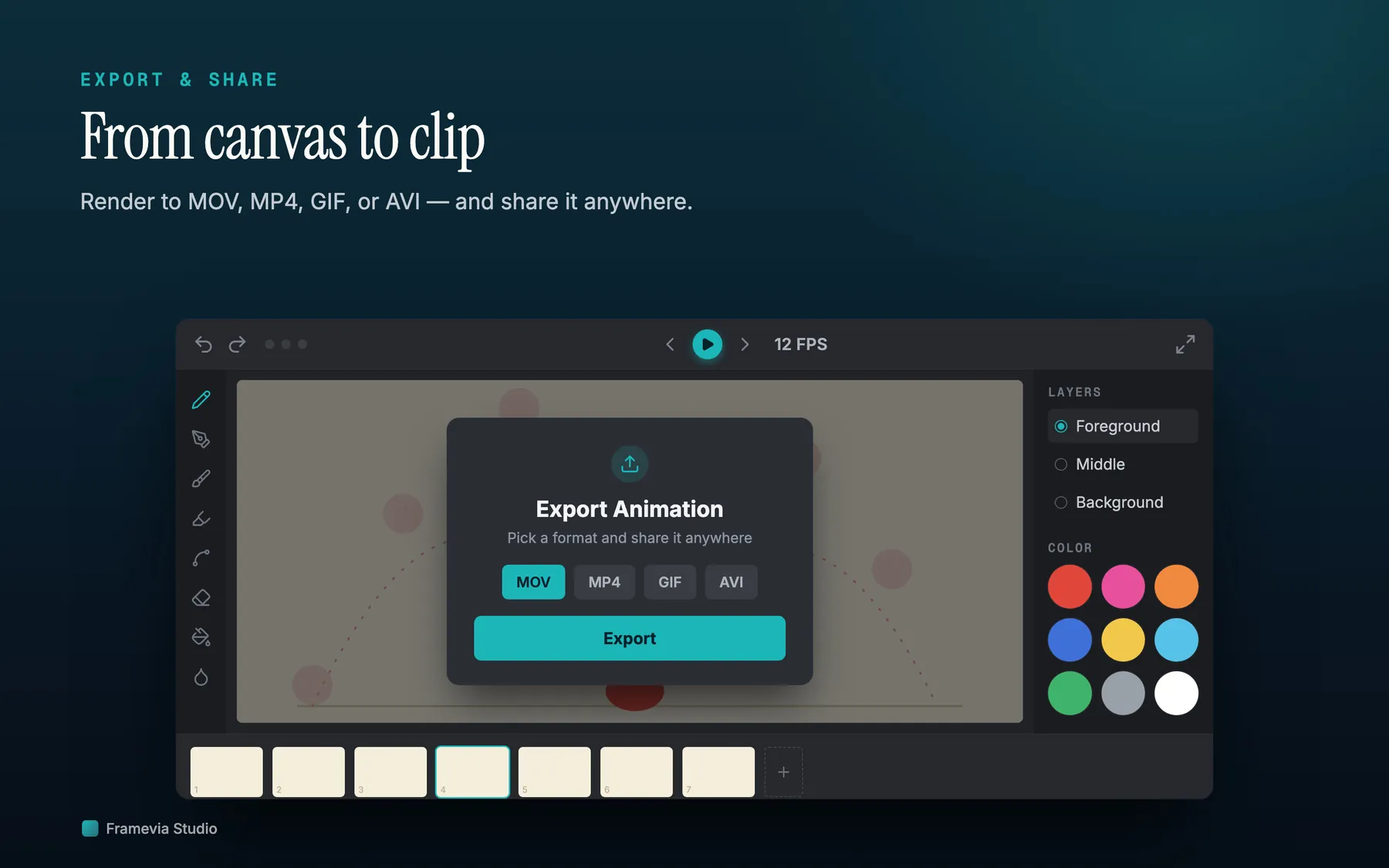
Export your animation as MOV, MP4, GIF, or AVI. Pick resolution and FPS at export time. Your project file (.ad2) stays editable.
At work
Framevia Studio in context
Framevia Studio sits in a narrower lane than Procreate Dreams, Rough Animator, or Callipeg: a native Mac animation sketchbook built around local .ad2 project files, keyboard-friendly timeline work, and no account layer. If you want a focused frame-by-frame workflow on one Mac, it is the simpler bet; if you want a different device-first setup or a broader studio environment, one of those tools may suit you better.
This comparison is intentionally structural rather than feature-by-feature.
Specific to your workflow
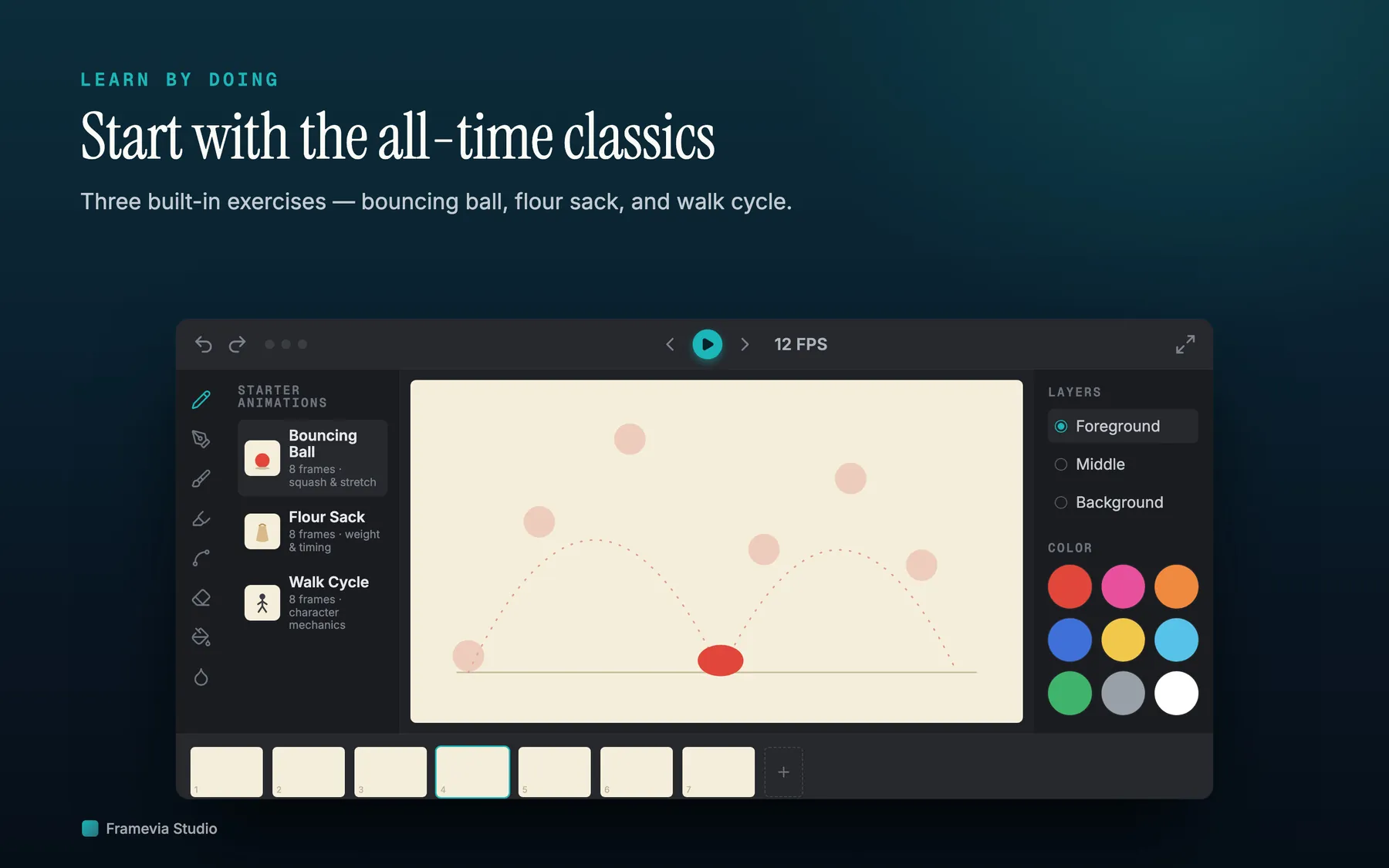
If you are learning animation from scratch, this is the path that matches Framevia Studio's current toolset.
Frequently asked questions
How do I use onion skin?
The toolbar above the canvas has three onion-skin buttons (previous frames, next frames, both). Toggle any of them to see neighboring frames as semi-transparent ghosts behind the current frame — invaluable for tracking motion between drawings. Onion skin shows the keyframes around the current frame, not interpolated frames.
How do I draw a rectangle / circle / line / arrow?
Open the Tools menu in the menu bar and pick a shape, or use the Shapes button at the bottom of the brush bar. Keyboard shortcuts: ⌘⇧R rectangle, ⌘⇧E ellipse, ⌘⇧L line, ⌘⇧A arrow. Drag on the canvas to draw the shape. While drawing, hold Shift to lock to a square / circle / 45° line. After you release, the shape stays editable as a floating object — drag the body to move it, drag any corner handle to resize, press Delete to cancel, or click outside (or switch to another tool) to commit it as pixels into the layer. Once a shape is committed, it becomes part of the bitmap and can no longer be moved as an object — it's strokes on the layer at that point.
How many layers can I have per frame?
Each frame has up to two drawing layers (Middle and Foreground) plus an optional Background image that's shared across all frames. Use the L button or right sidebar to switch between layers. The eye icon next to each layer toggles its visibility.
How do I export the animation?
Press ⇧⌘E or open File → Export. Supported formats: MOV, MP4, GIF, AVI. The export sheet lets you choose resolution and frame rate. The animation plays back at the FPS you set in the playback toolbar.
Where are my projects saved?
Every project is saved wherever you tell the system Save dialog to put it (the file extension is .ad2). The app also maintains a working library inside its sandbox container so you can browse and reopen recent projects from the Project Manager (left sidebar). Pin a project by right-clicking it in the list.
Does Framevia Studio upload my animations anywhere?
No. The app does not connect to any Joy Truepath server. Your animation files stay on your local disk. See the privacy policy for the full breakdown.
How do I get a refund?
Mac App Store purchases are refunded by Apple, not by us: go to reportaproblem.apple.com, sign in with the Apple ID that purchased the app, and request a refund. If Apple denies it and you have a strong case, email us and we'll reach out to Apple on your behalf. Direct (.dmg) purchases are handled by our payment provider, Lemon Squeezy — email [email protected] and we'll process the refund.
About
Framevia Studio is built by Joy Truepath Pte. Ltd. in Singapore. The app is a single signed binary — no analytics, no telemetry, no third-party SDKs. Everything you draw stays on your Mac.
If you have feedback or hit a bug, email [email protected]. Real people read every message.