What a Mac-only team workflow can look like without a subscription stack around it.
Many small teams do not actually need a sprawling cross-platform collaboration suite. They need sales notes in Word, an operations spreadsheet, a deck for a client meeting, a PDF contract, and the occasional image attachment. If every person on the team already works on a Mac, the current TruePath Office product story is appealing for a simple reason: keep those standard files on disk, keep the editing native, and keep the app useful even when the network is not.
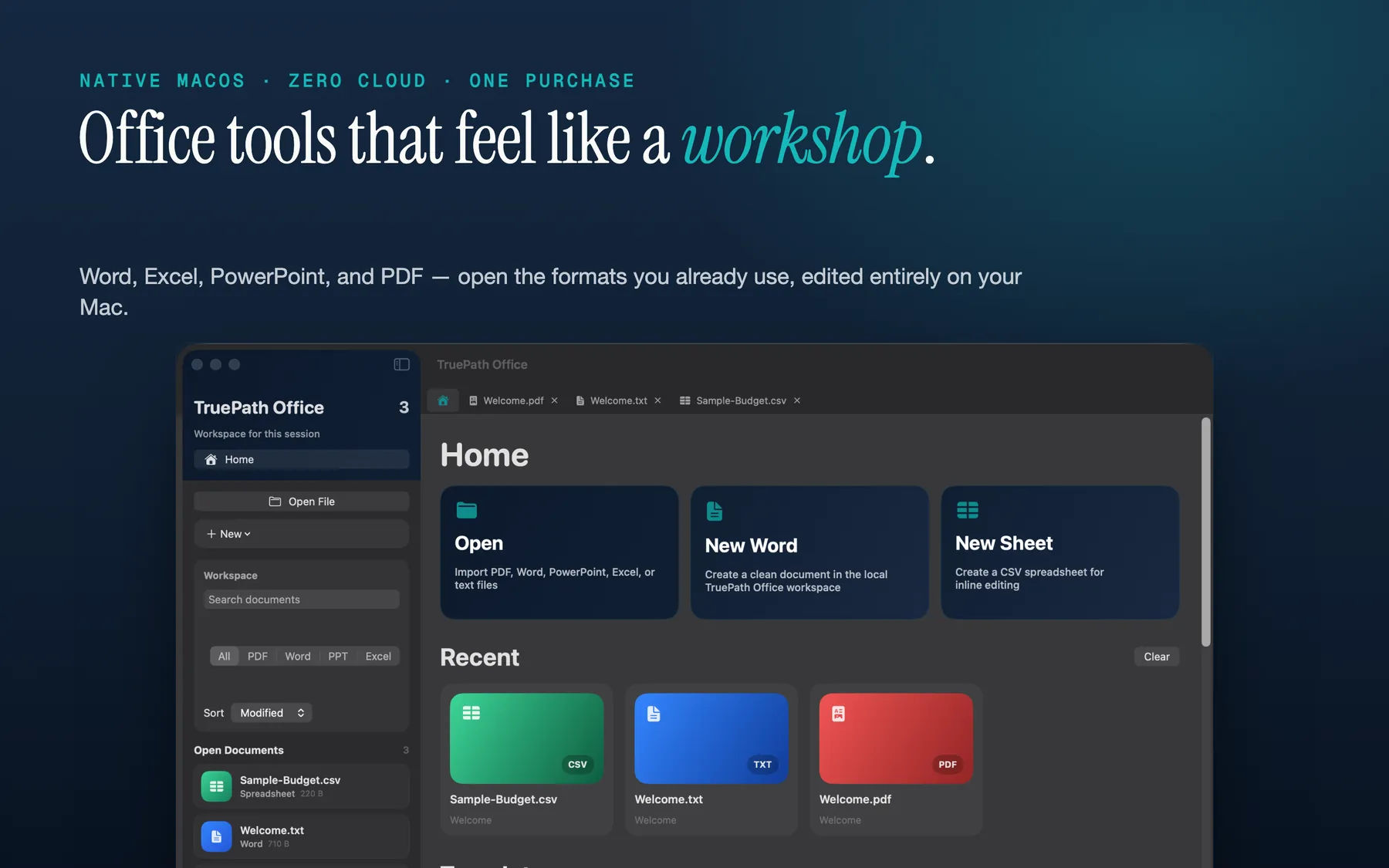
Open into a local dashboard instead of a hosted workspace.
The home dashboard is a Mac document entry point, not an account-first portal. That matters for small teams because onboarding can stay simple. Team members open the files they already have, rather than first being trained on where the suite wants the files to live. For Mac-only teams, less ceremony around ordinary documents is a real productivity win.
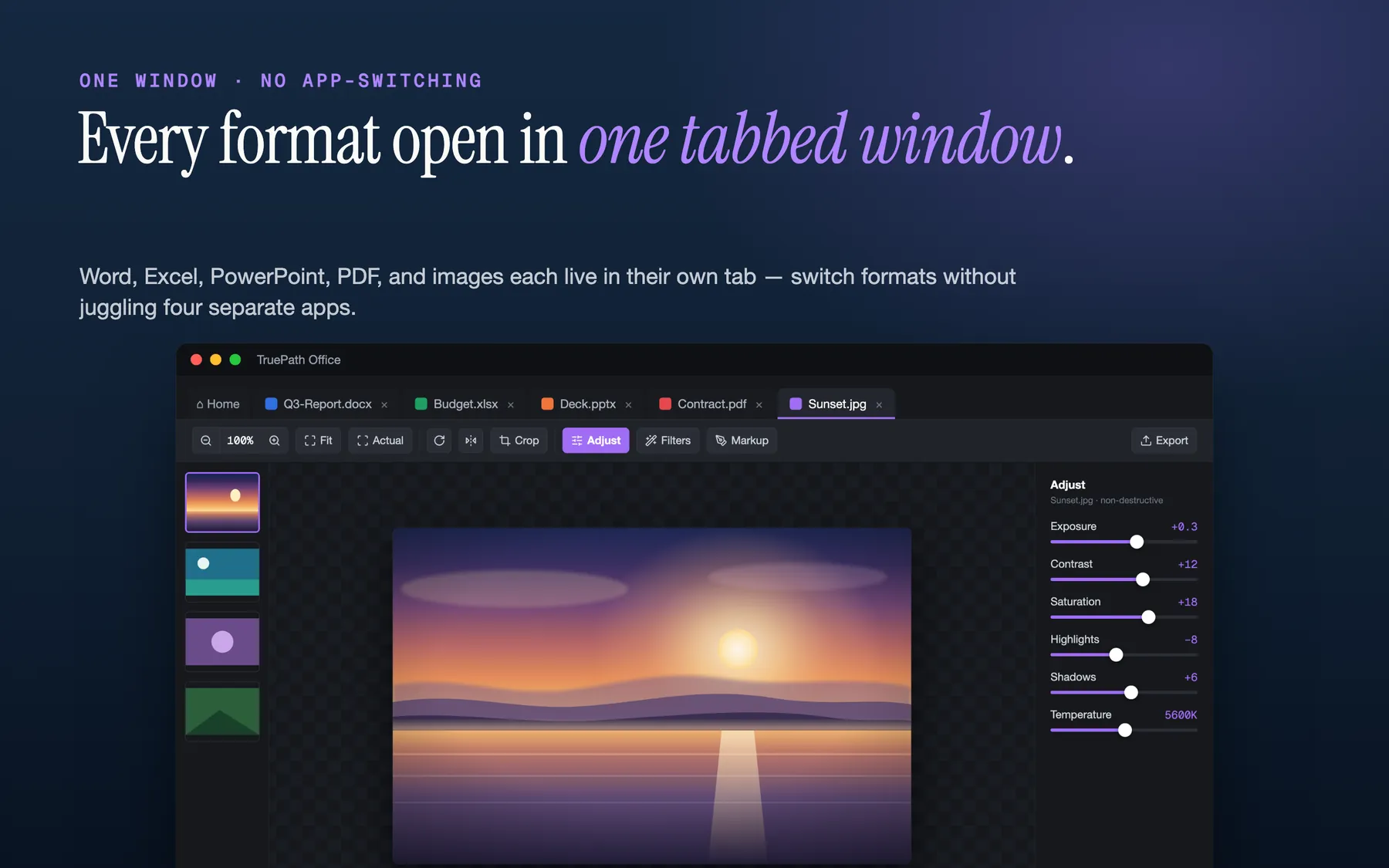
Keep Word, Excel, PowerPoint, PDF, and image files in one window.
The tabbed multi-format view is the clearest differentiator on the current site. A contract in PDF, a pricing sheet in .xlsx, a proposal in .docx, and a slide deck in .pptx can sit beside each other in one native window. On a small team, that reduces the constant context-switching that usually turns simple file work into window management.
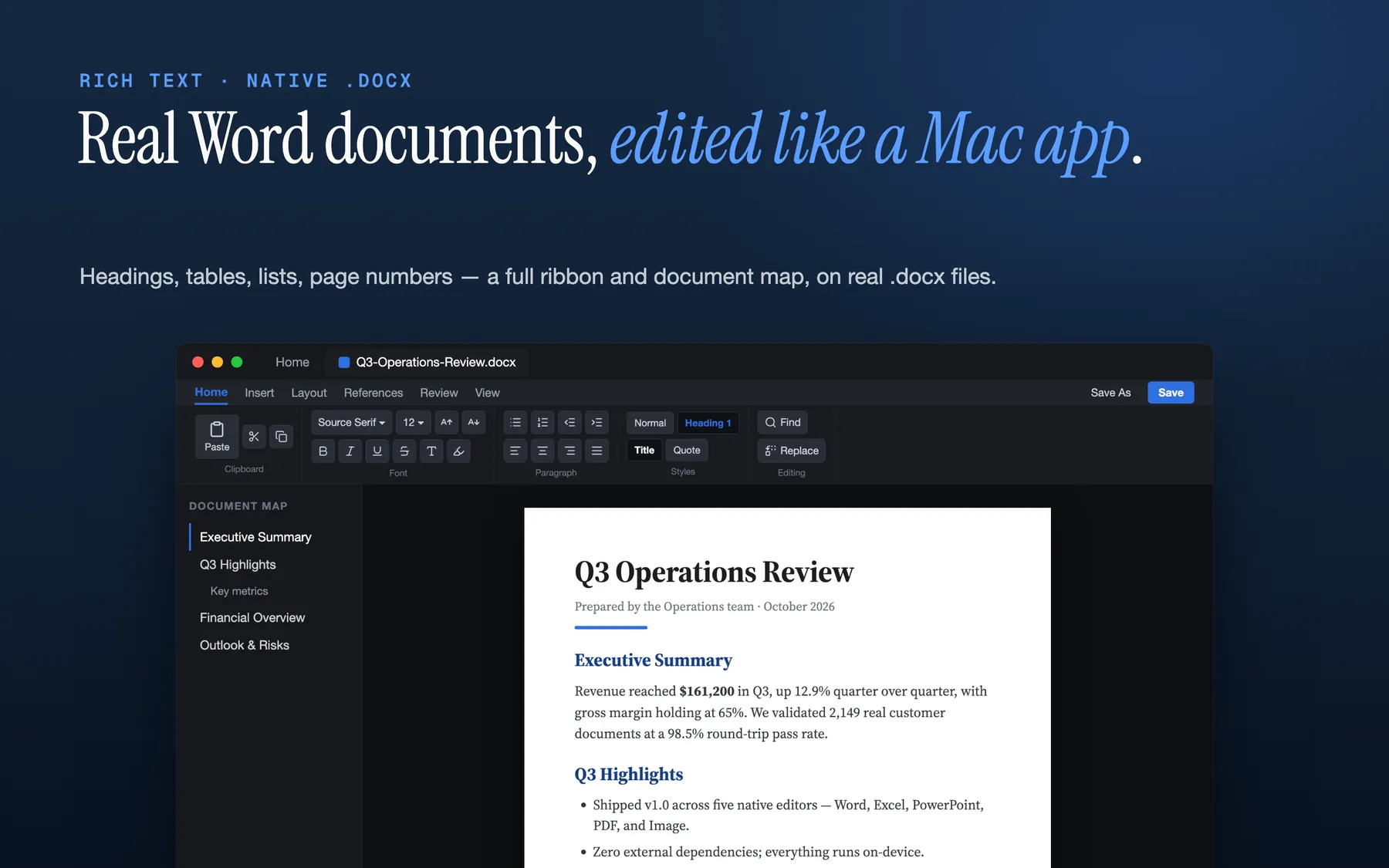
Edit real .docx files where the team already works.
TruePath Office explicitly states that it opens and edits native .docx files. That is critical for Mac-only teams because most collaboration with clients, vendors, and outside counsel still happens through standard file handoff. The practical question is not whether the suite invents a new way to document. It is whether it respects the formats the team already uses.
Keep spreadsheet work in the same local suite.
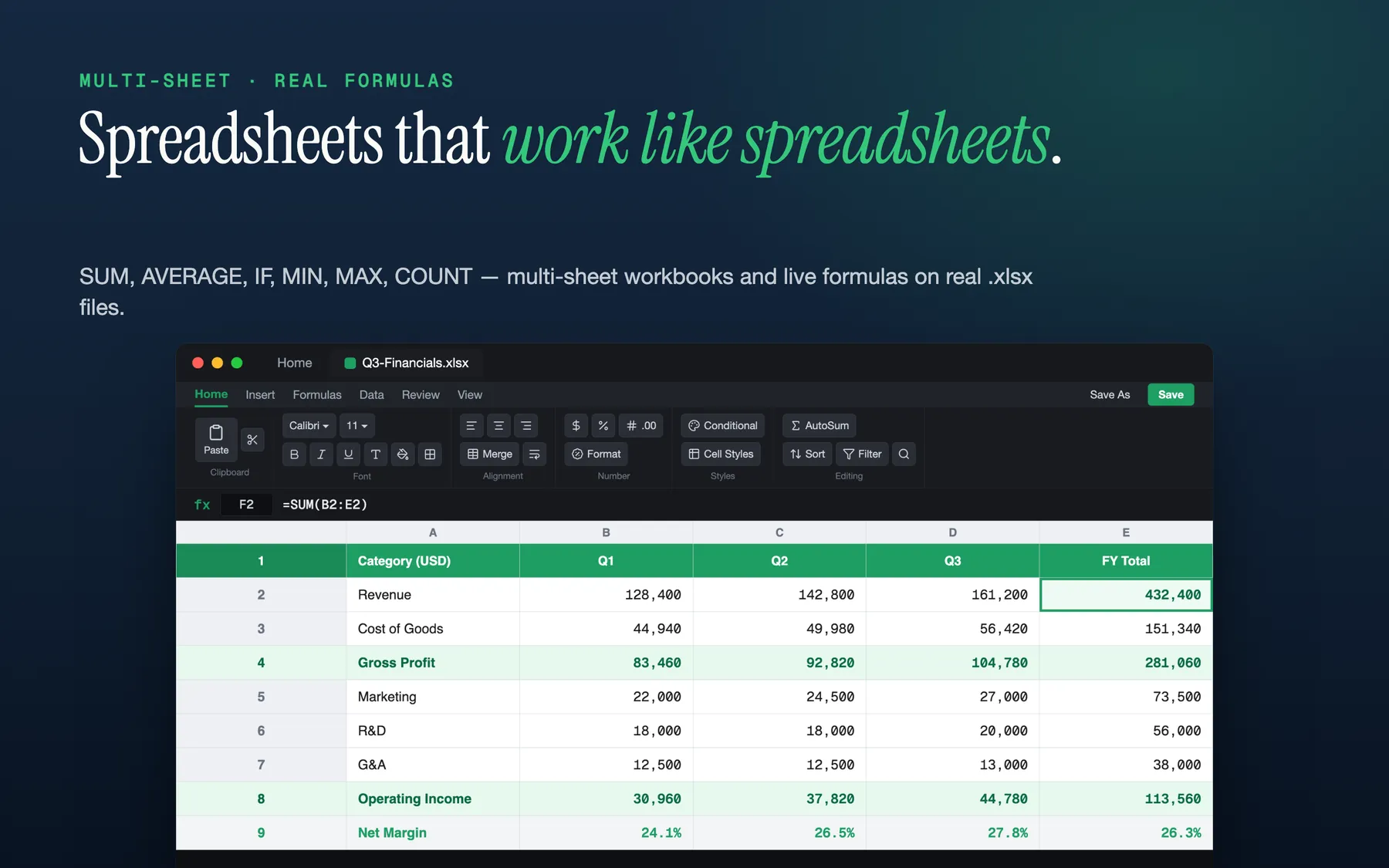
The spreadsheet editor supports multi-sheet .xlsx workbooks and common formulas with a live formula bar. For a Mac-only team, that means forecasts, budgets, inventory sheets, or campaign trackers can live in the same app and in the same local workflow as the rest of the office files instead of requiring a separate subscription-backed environment to stay usable.
Keep privacy and offline use as defaults.
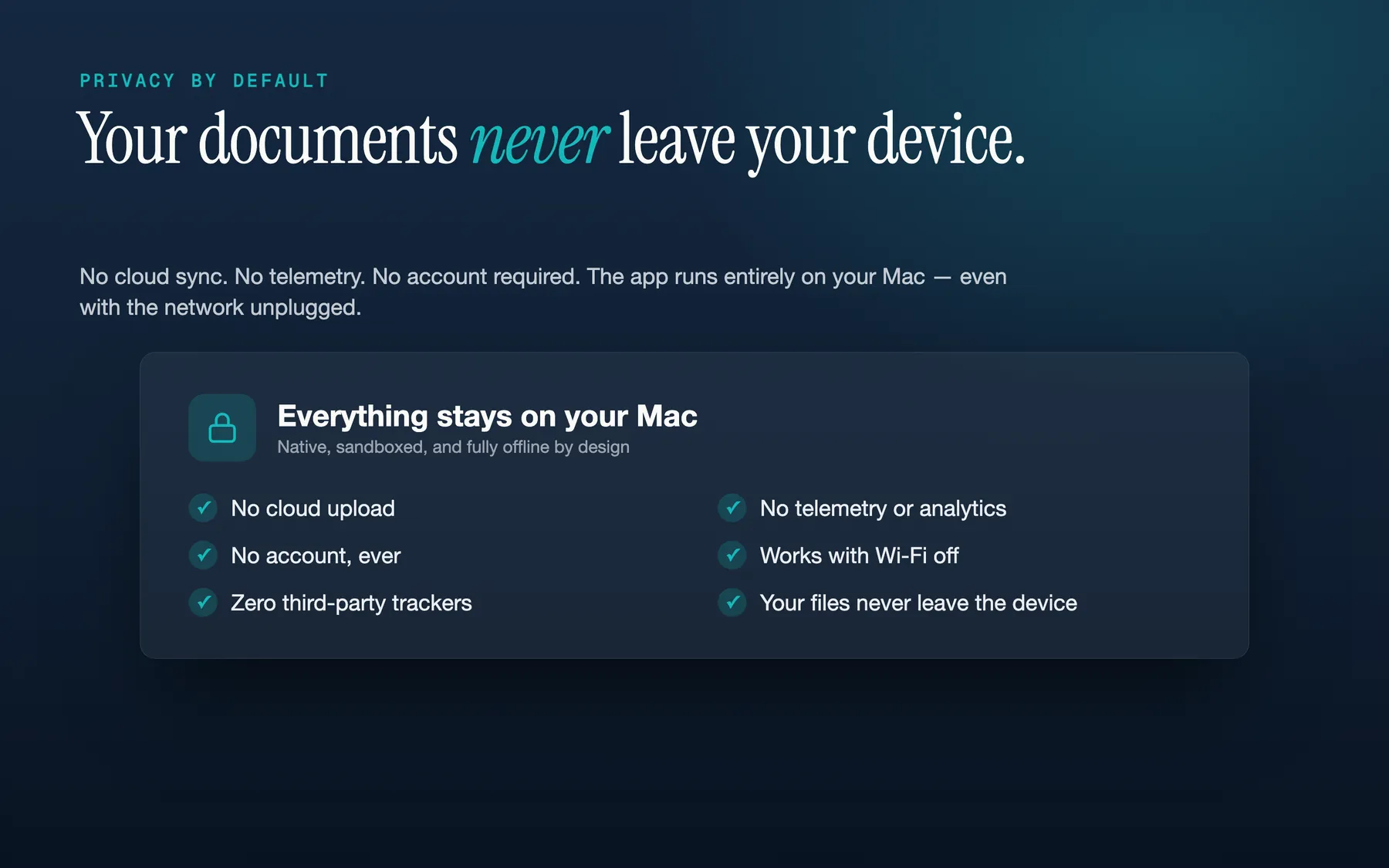
The current site says there is no account, no cloud upload, no third-party analytics, no tracking, and that the full app works offline inside Apple's sandbox. For teams that intentionally standardized on Macs, that is a coherent operating model: one local suite, one machine at a time, and fewer external dependencies between a document and the person editing it.