TruePath Office is aimed at Mac users who mostly need the modern Office file formats themselves, not a monthly cloud bundle around them. Open the files you already have, edit them locally, save them back in place, and work offline without an account wall in front of your documents.
Many people paying for Microsoft 365 on a Mac are not running a large collaboration stack. They are opening Word reports, spreadsheet models, slide decks, PDFs, and the occasional image attachment. The appeal of TruePath Office is that it stays centered on that local file-editing surface instead of making OneDrive, sign-in state, and subscription renewal the main event.
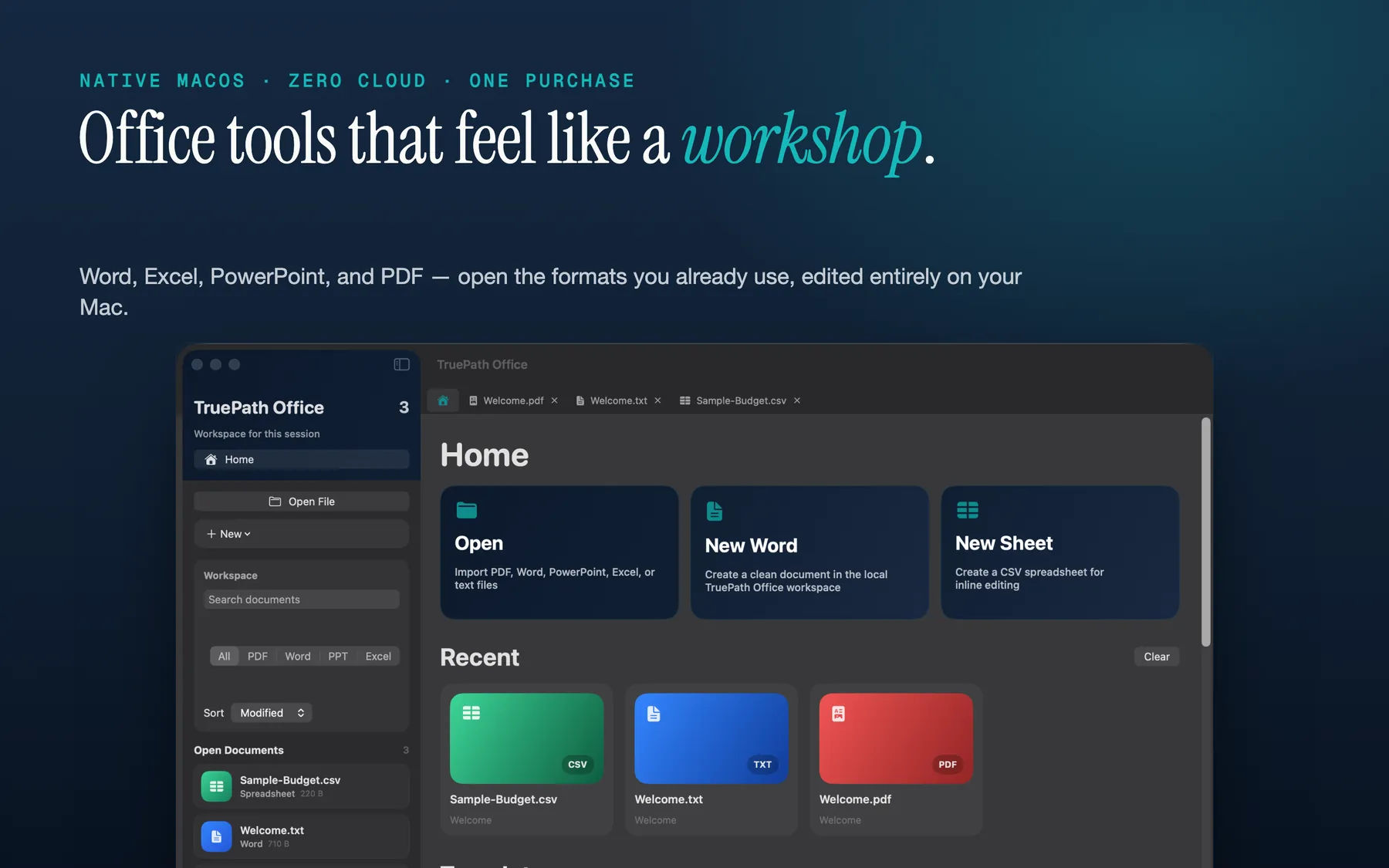
The home dashboard is a local document entry point rather than a cloud workspace. That matters for switchers because it means the mental model stays simple: your files are still yours, still on disk, and still opened by a native Mac app rather than being funneled through an account first.
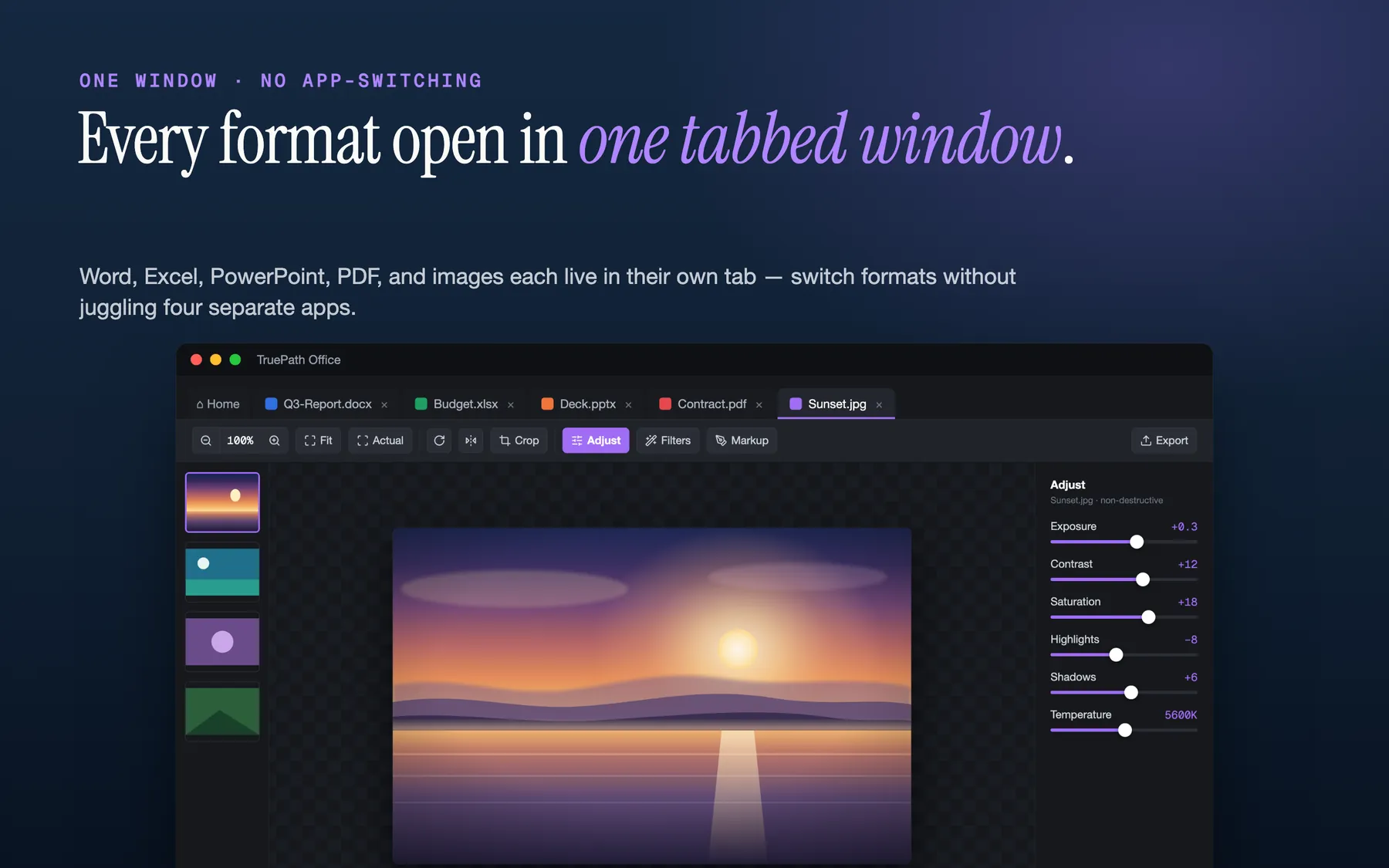
The tabbed interface is the clearest product differentiator on the current site: Word, Excel, PowerPoint, PDF, and image files can sit beside each other in one native window. If your current workflow is bouncing between separate apps just to compare or copy content, this is the switch you actually feel first.
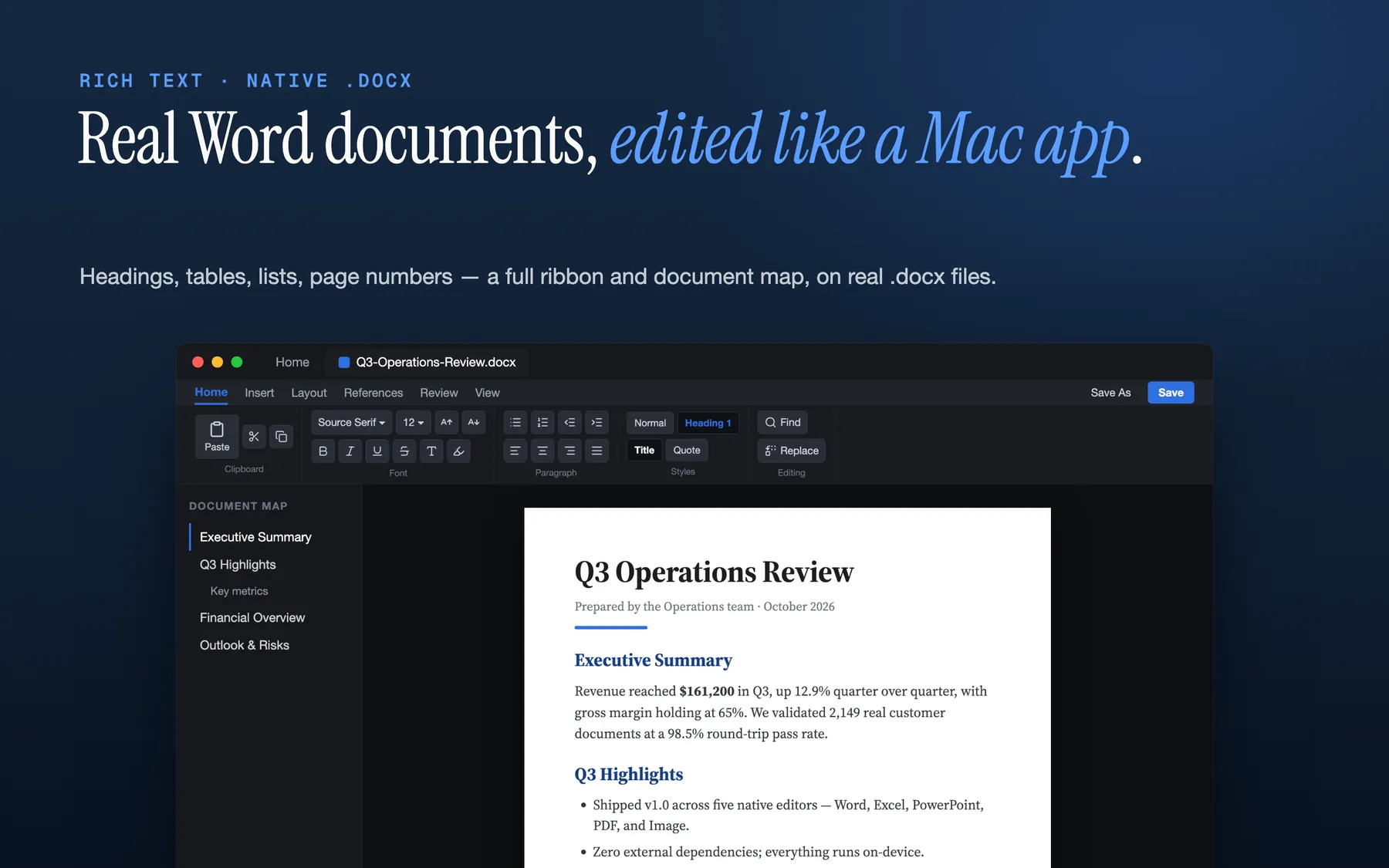
The hub page is explicit that TruePath Office opens and edits native .docx files. For a Microsoft 365 alternative page, that is the critical promise: you are not switching to a private format or a forced export step just to write and revise ordinary business documents.
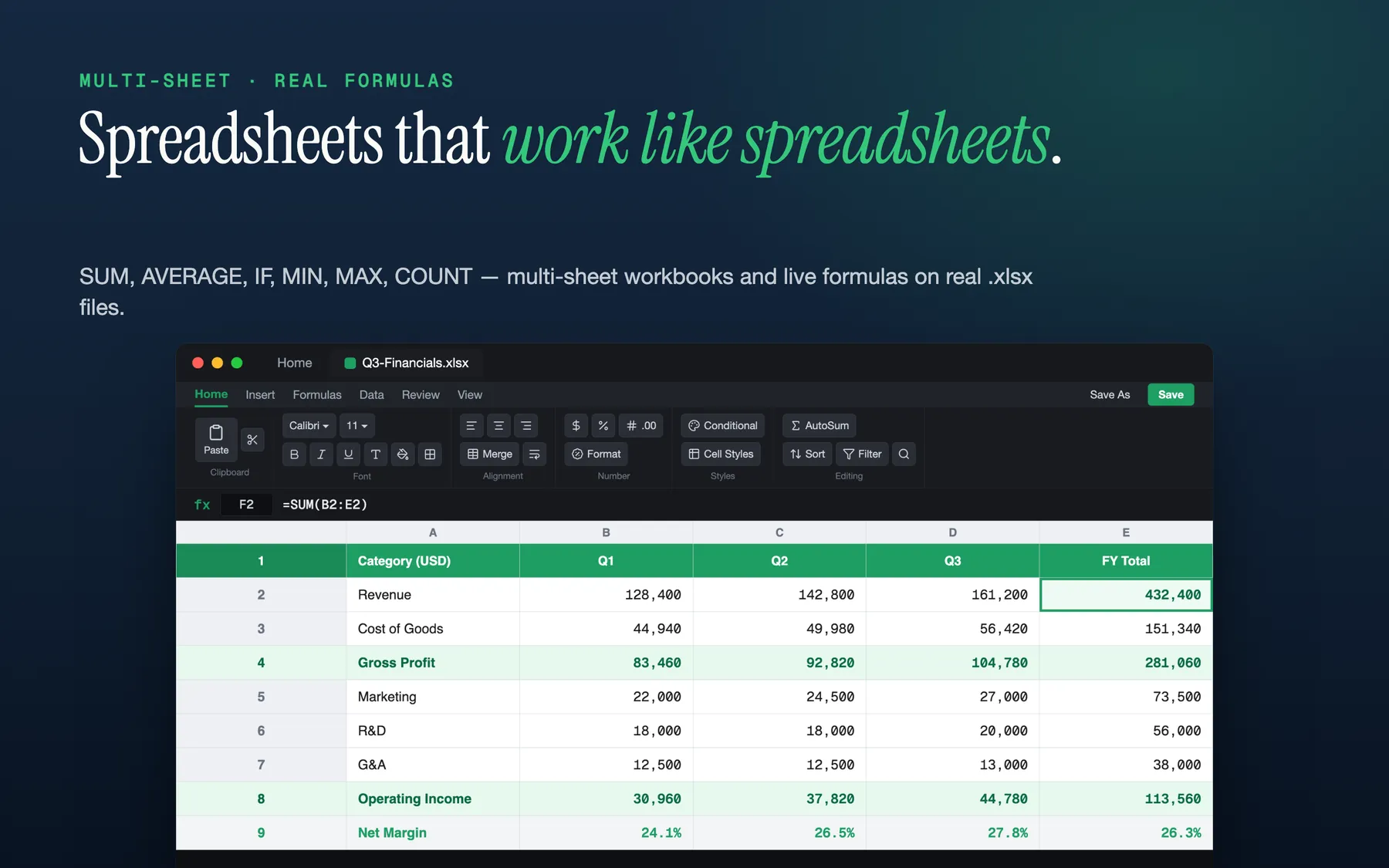
Spreadsheet work is part of the same app, with multi-sheet .xlsx support and a live formula bar. That makes the suite proposition concrete: not a grab-bag of viewers, but one local Mac app that can carry a report, its numbers, and the related PDF without pushing you back into a subscription bundle.
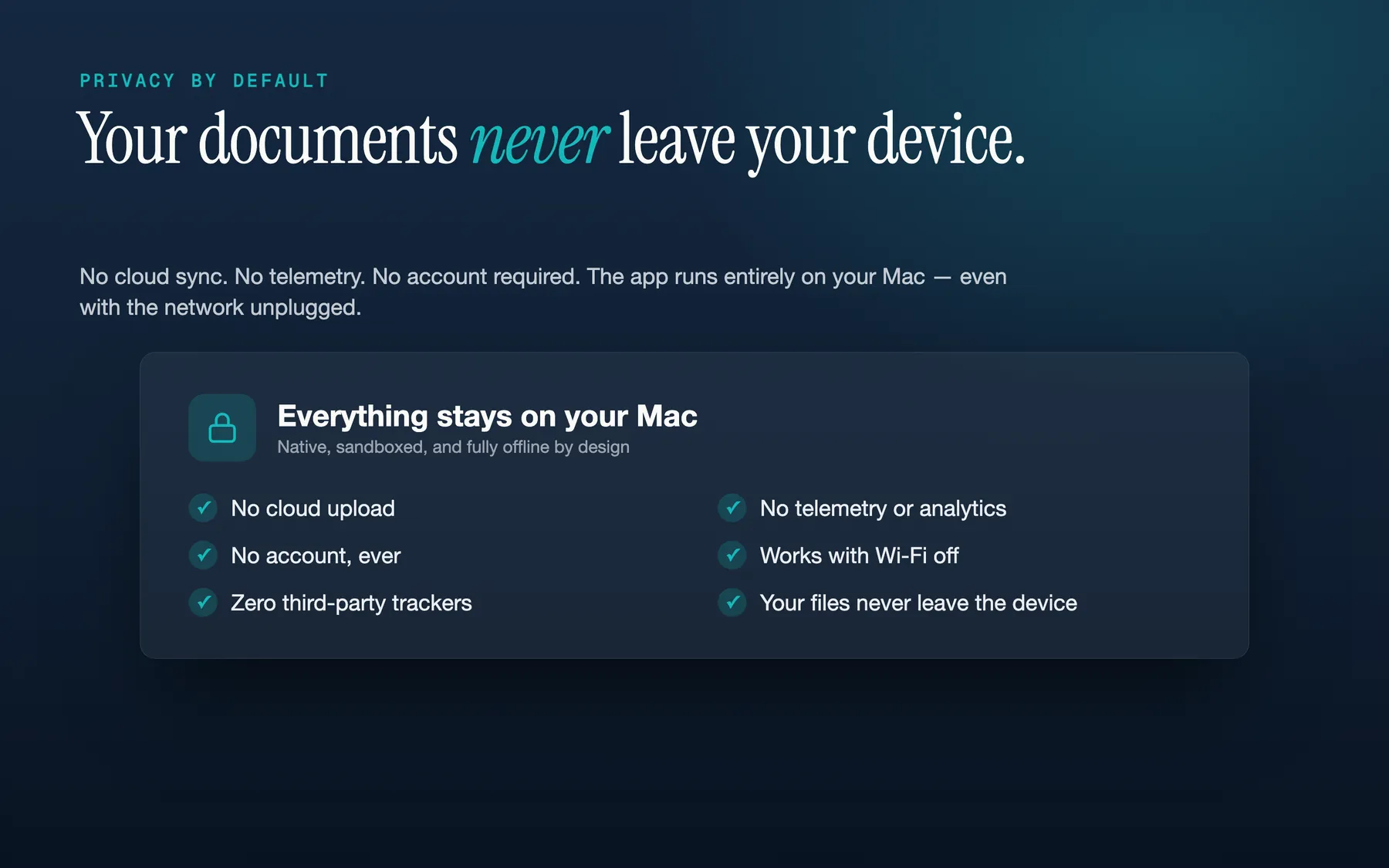
The privacy page and hub copy make the posture plain: no account, no cloud upload, no third-party analytics, no tracking, fully offline, and a single signed binary inside Apple's sandbox. If you are leaving Microsoft 365 because you only need the documents, that is the cleaner contract.
This keeps the comparison structural rather than feature-by-feature. If you are trying to leave Microsoft 365 on a single Mac, pricing model, cloud dependence, platform focus, telemetry posture, and file-format handling are the categories that matter most.
| Dimension | TruePath Office | Microsoft 365 | Apple iWork | LibreOffice |
|---|---|---|---|---|
| Pricing model | One-time purchase | Subscription-led | Free with Apple devices | Free open source |
| Account required | No account | N/A | No account | No account |
| Cloud upload required | No upload | N/A | N/A | No upload |
| Platform focus | Mac-native | Cross-platform | Apple ecosystem | Cross-platform |
| Telemetry posture | No third-party analytics or tracking | Not stated here | Not stated here | Not stated here |
| File formats | .docx, .xlsx, .pptx, PDF, images | Office-native | Apple formats first | Mixed office formats |
The attraction here is not that TruePath Office becomes a clone of Microsoft 365. It is that the product is unapologetically narrower: real office files, one Mac, local storage, and a simpler ownership model.
The tab UI lets Word, Excel, PowerPoint, PDF, and image files live in one place. That reduces the usual Mac-office sprawl where a report, spreadsheet, deck, and reference PDF each try to become their own application context.
The site explicitly states support for opening and editing .docx, .xlsx, and .pptx, then saving those files back in the same format. That is the baseline promise switchers need before any other preference matters.
The hub page describes a single signed binary with zero external dependencies. That is a strong signal about product shape: less plumbing, less service coupling, and fewer moving parts than a cloud-centric office stack.
TruePath Office makes no network calls of its own and the full app works with the network unplugged. For travelers, consultants, or anyone who just wants their documents to open on a plane, that is not a side benefit; it is the core operating mode.
The current product story says there is no account to create before opening, editing, or saving files. That is a meaningful difference if you are tired of a login state deciding whether you can get work done.
The privacy posture combines local-only operation with Apple's sandbox. That keeps the suite grounded in the Mac environment rather than treating desktop work as a thin client on top of a broader web service.
These are the practical switcher questions: will the files still open, what disappears when the subscription does, and which Microsoft-ecosystem expectations are intentionally out of scope.
Yes. TruePath Office explicitly states that it opens and edits .docx, .xlsx, and .pptx files, plus PDF and common image formats. Older binary formats such as .doc, .xls, and .ppt are out of scope.
No. TruePath Office works with the modern Office file formats themselves and saves back to the same format. There is no conversion to a proprietary Joy Truepath format and no lock-in.
Yes. If they send modern .docx, .xlsx, or .pptx files, TruePath Office is designed to open, edit, and save them back in the same format.
No. The app is intentionally local-first: no cloud upload, no sync layer, and the full product works offline on one Mac.
They are not part of the current product story. The existing page focuses on opening, editing, and saving real office files locally on your Mac rather than adding a cloud AI layer around them.
Macros are not part of the compatibility claims on the current site. TruePath Office is positioned around the document and spreadsheet content itself, not the older automation runtime.
Not yet. TruePath Office is not on the Mac App Store yet, and this page does not advertise a free trial. If you want launch updates, use the launch-notification email link below.
Keep the familiar formats, drop the recurring bill, and work in one local suite that does not depend on a cloud workspace to stay useful.