TruePath Office
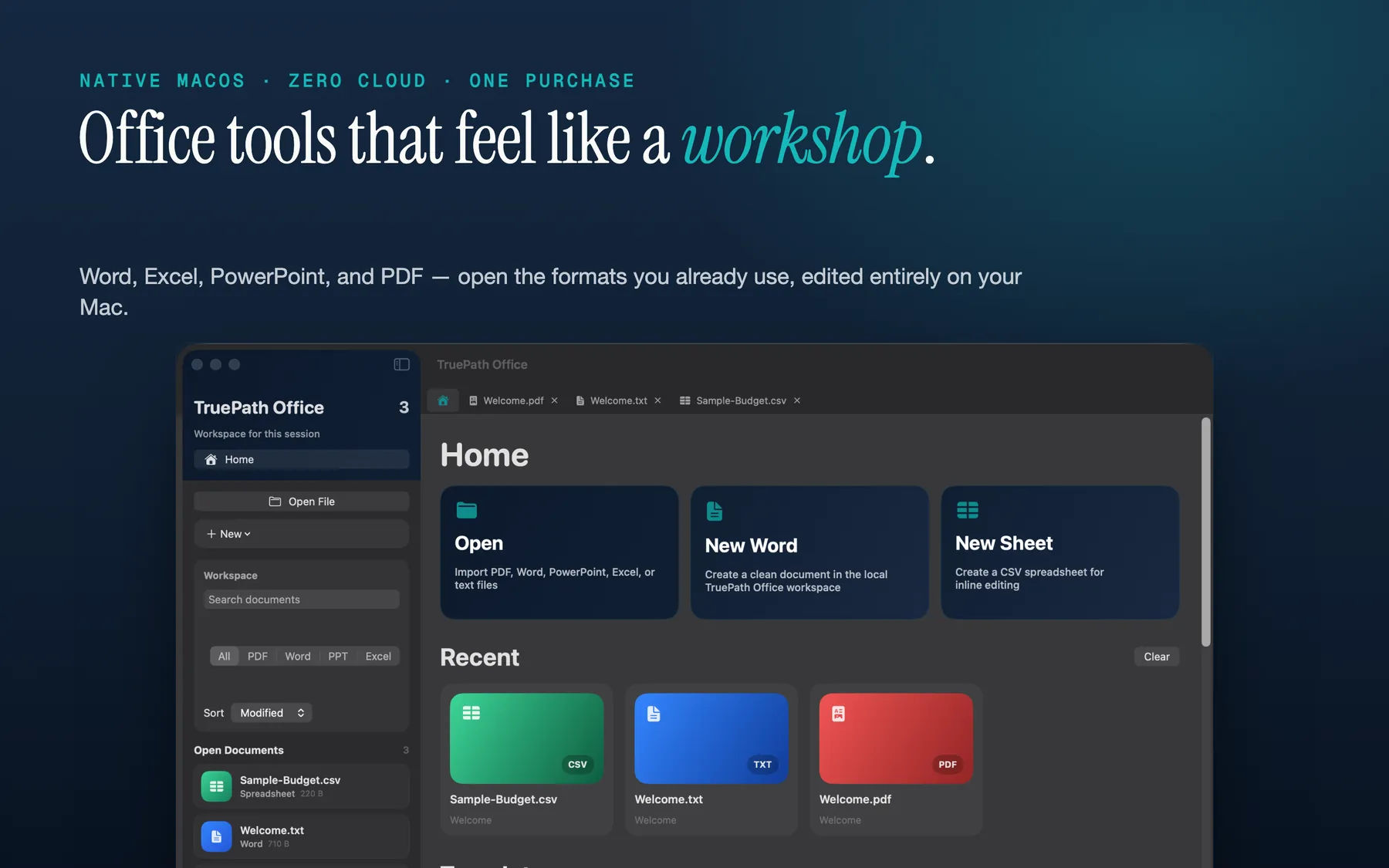
One native Mac app for Word, Excel, PowerPoint and PDF — about 22 MB, launches in a second, and works entirely offline. A fraction of the size of the alternatives, with no subscription, no cloud sync, and no data ever leaving your Mac. Buy once, yours forever. It can even be driven from the command line and by AI agents.
Download for macOS
Prefer to download directly instead of the Mac App Store? Get the notarized app straight from us and try every feature free for 14 days. After the trial, opening and viewing your documents stays free; saving and exporting unlock with a one-time license — no subscription, no account.
At a glance
- Version
- 1.0.14
- Platform
- macOS 14+
- File support
- .docx, .xlsx, .pptx, PDF, and image files
- Pricing model
- Buy once. No subscription, no in-app purchases, no upsell.
- App model
- Single signed binary with zero external dependencies
- Privacy posture
- Works fully offline inside Apple’s sandbox
- Download size
- ~22 MB — a fraction of the size of the alternatives; launches in under a second
- Automation
- Scriptable via a CLI + MCP server — office files as an API for scripts and AI agents
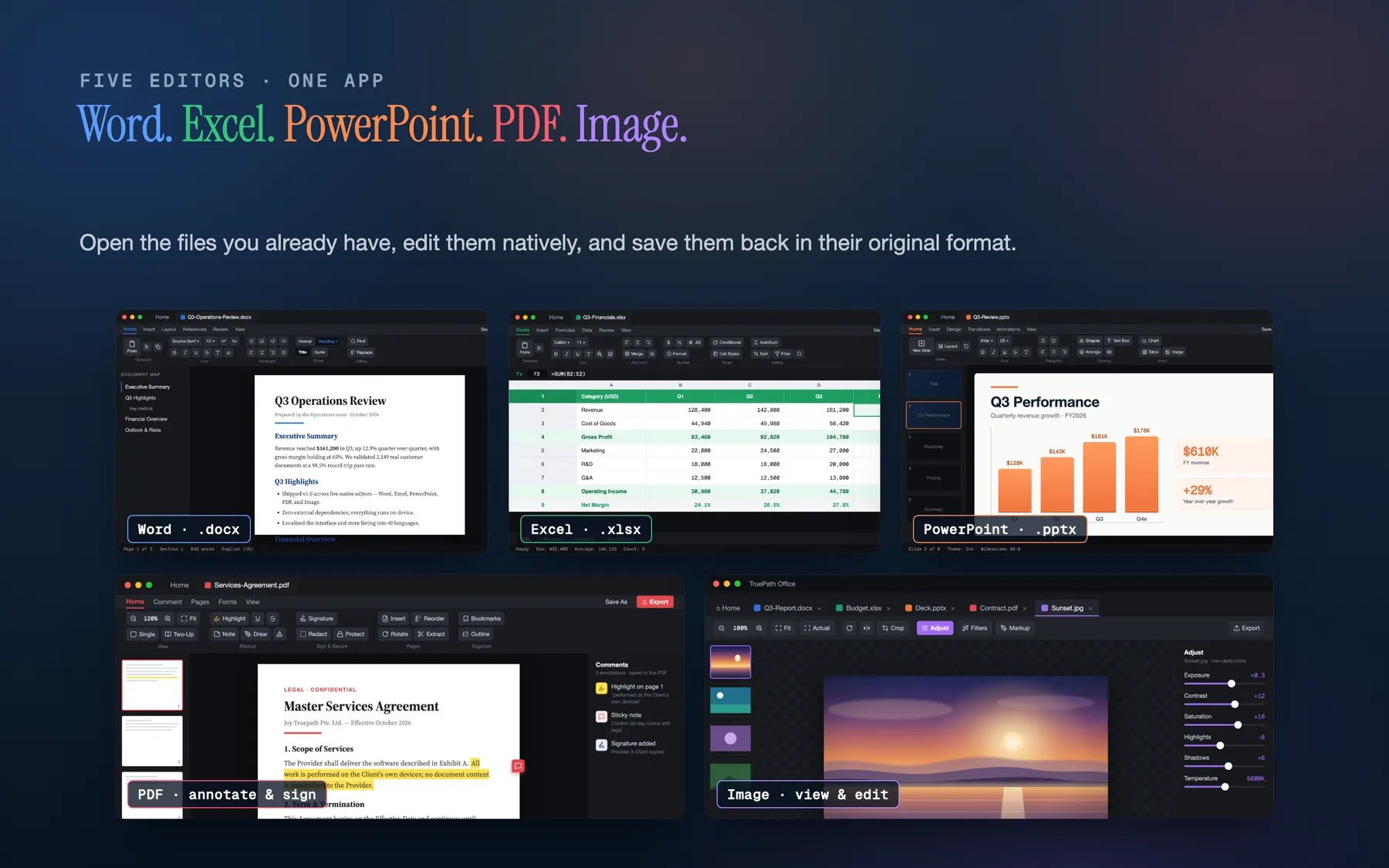
Five editors, one app
Word processor
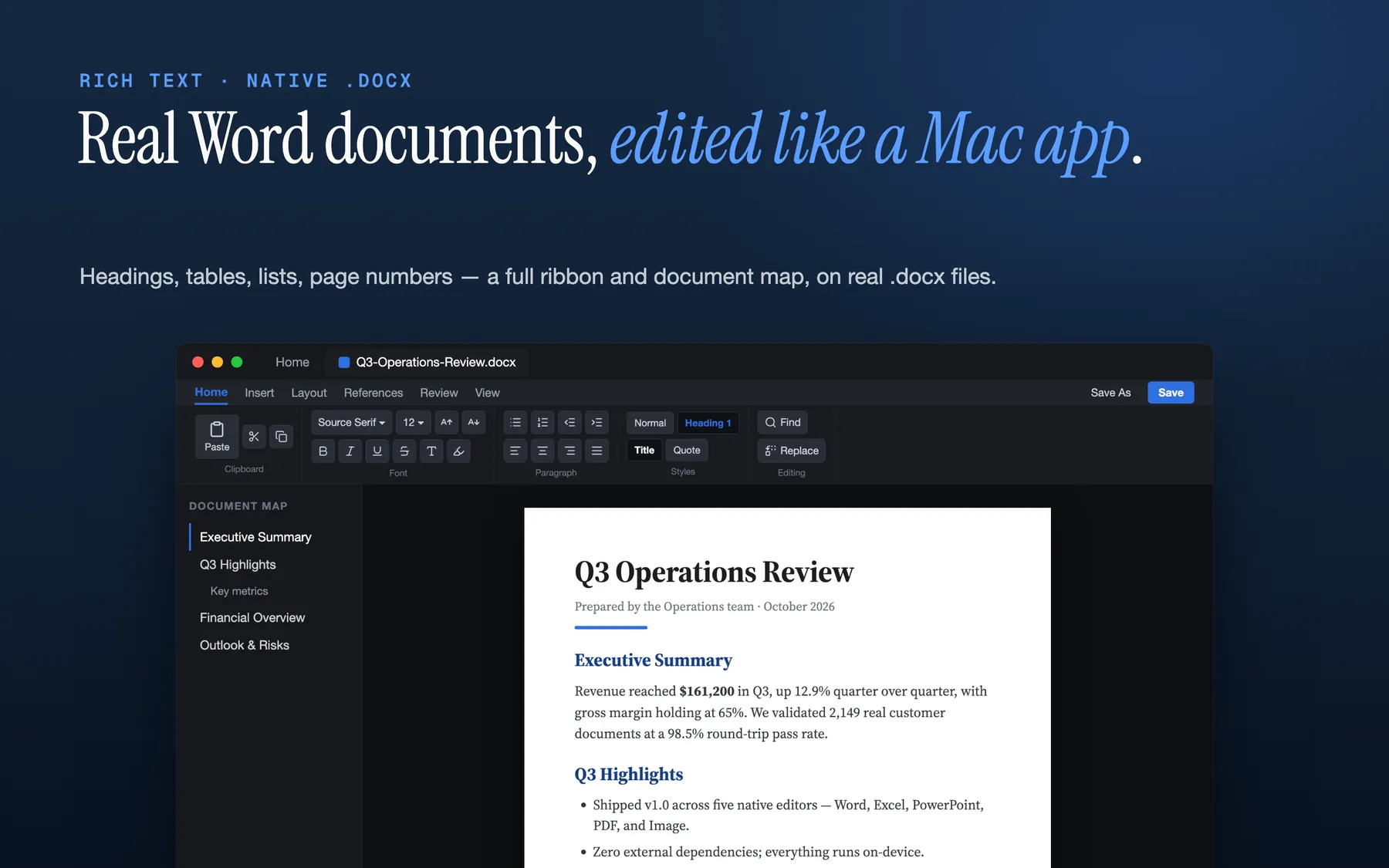
Open and edit real .docx files natively — bold, italic, underline, lists, tables, headers, footers, and page numbers — with a ribbon that respects your screen.
Spreadsheets
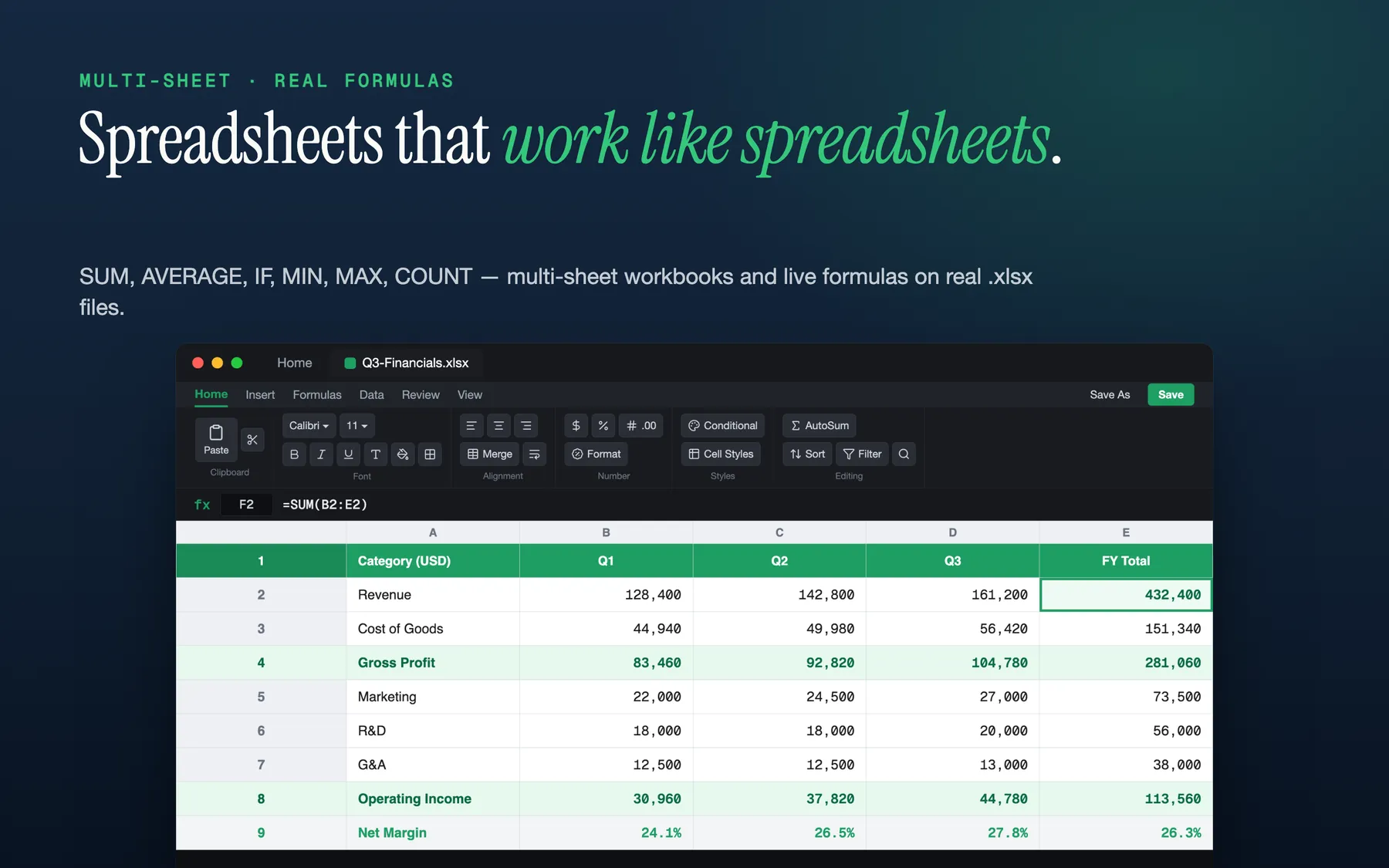
Multi-sheet .xlsx workbooks with real formulas — SUM, AVERAGE, IF, MIN, MAX, COUNT and the operators you already know — and a live formula bar.
Presentations
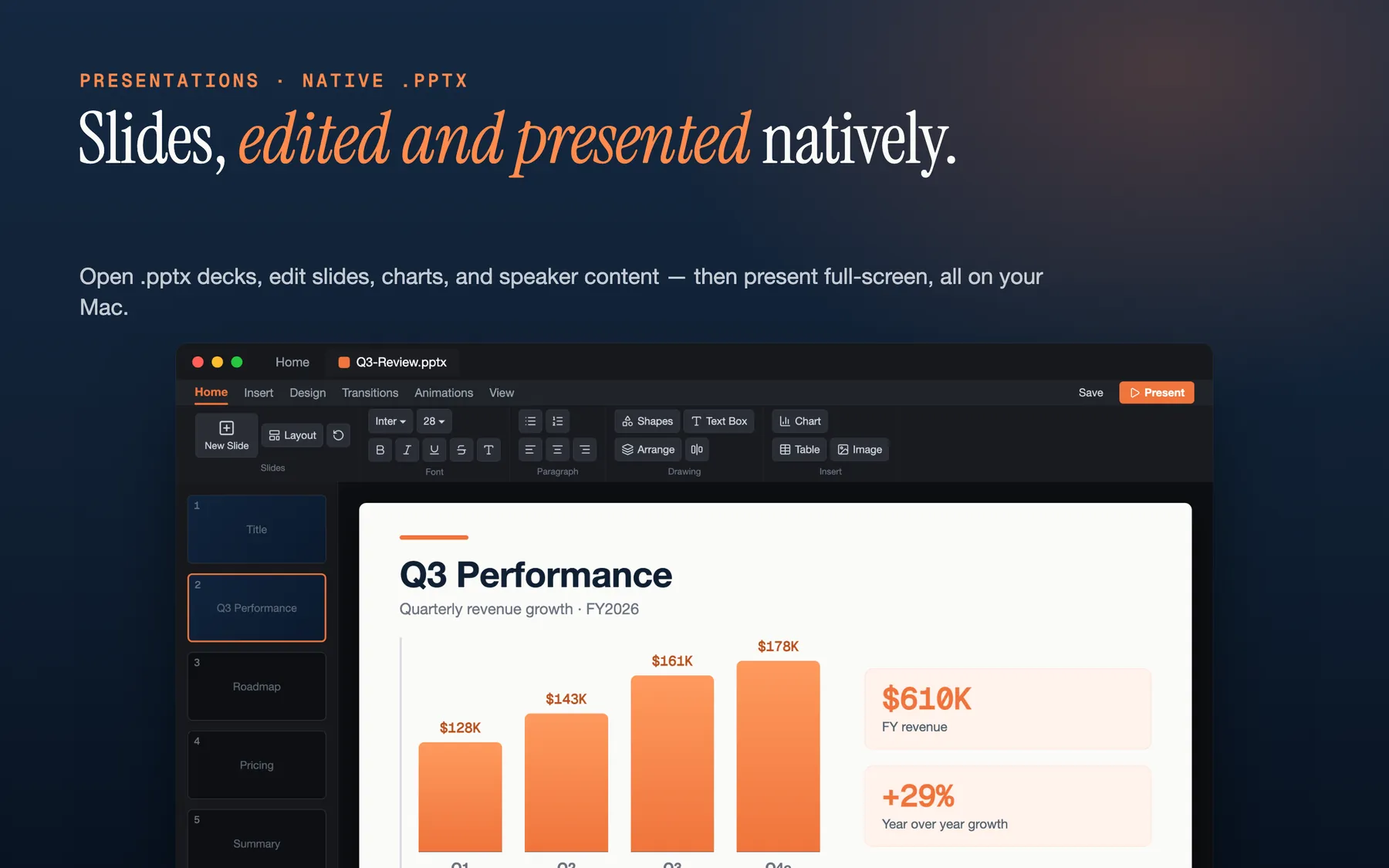
Open .pptx decks, edit slides and speaker content, and present full-screen — slides render structurally, not as flat images.
PDF tools
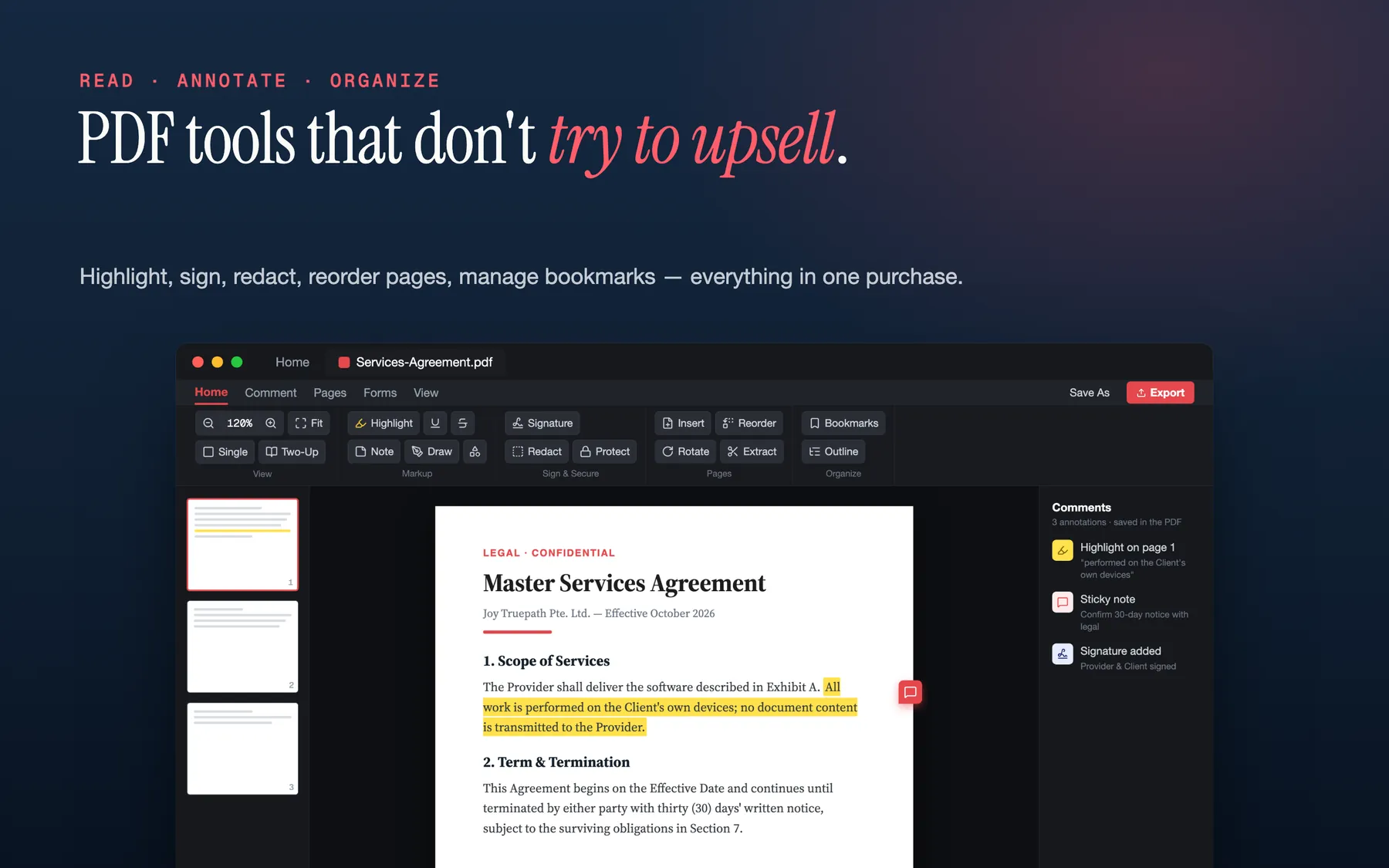
Read, highlight, underline, add sticky notes and signatures, redact, reorder pages, and manage bookmarks — every tool one click away.
Images
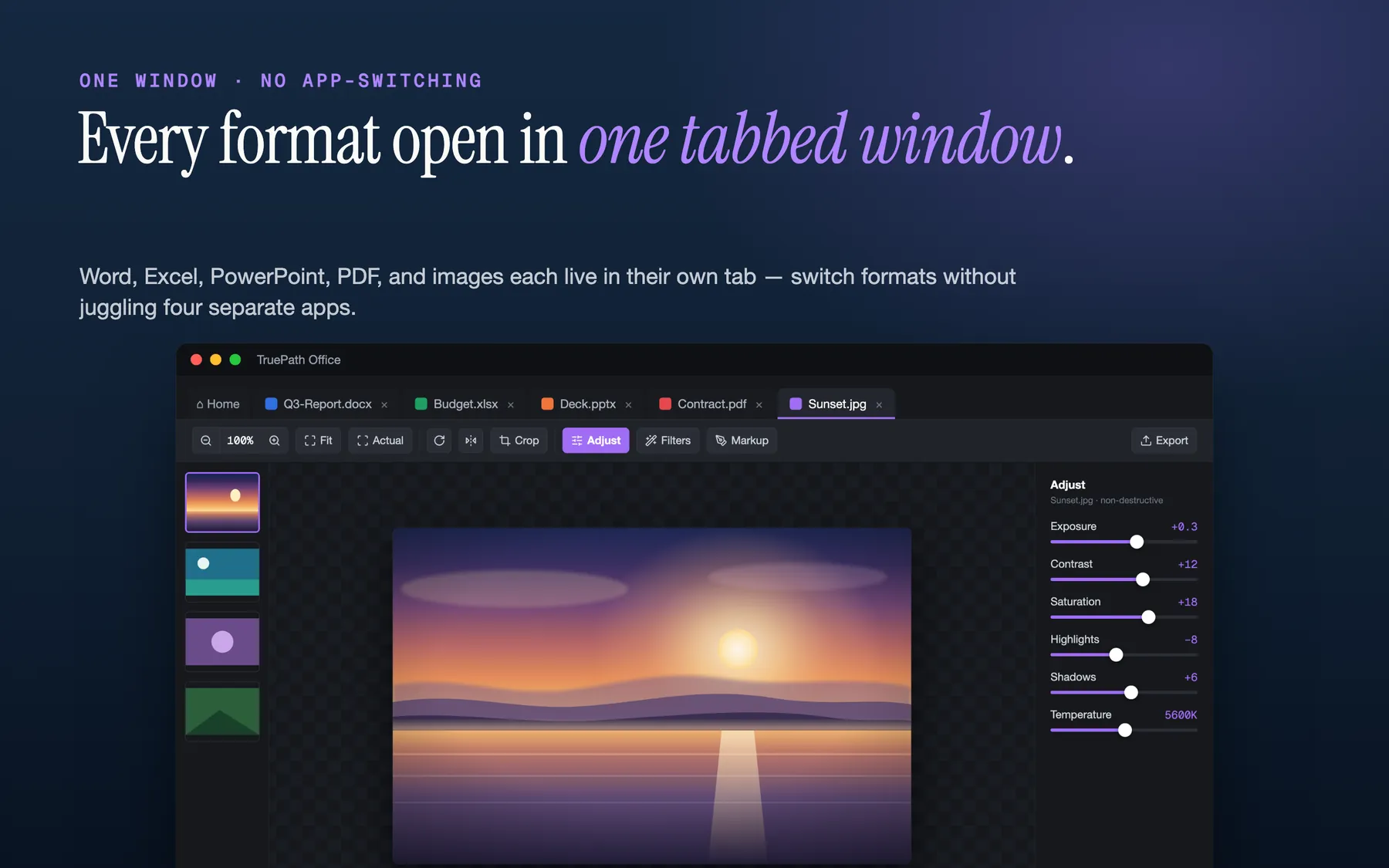
View and make quick edits to image files, and bring images into your documents — all in the same native app.
Real files, real formats
Open the files you already have, edit them natively, and save them back in their original format. No conversion round-trips, no lock-in.
Private by design
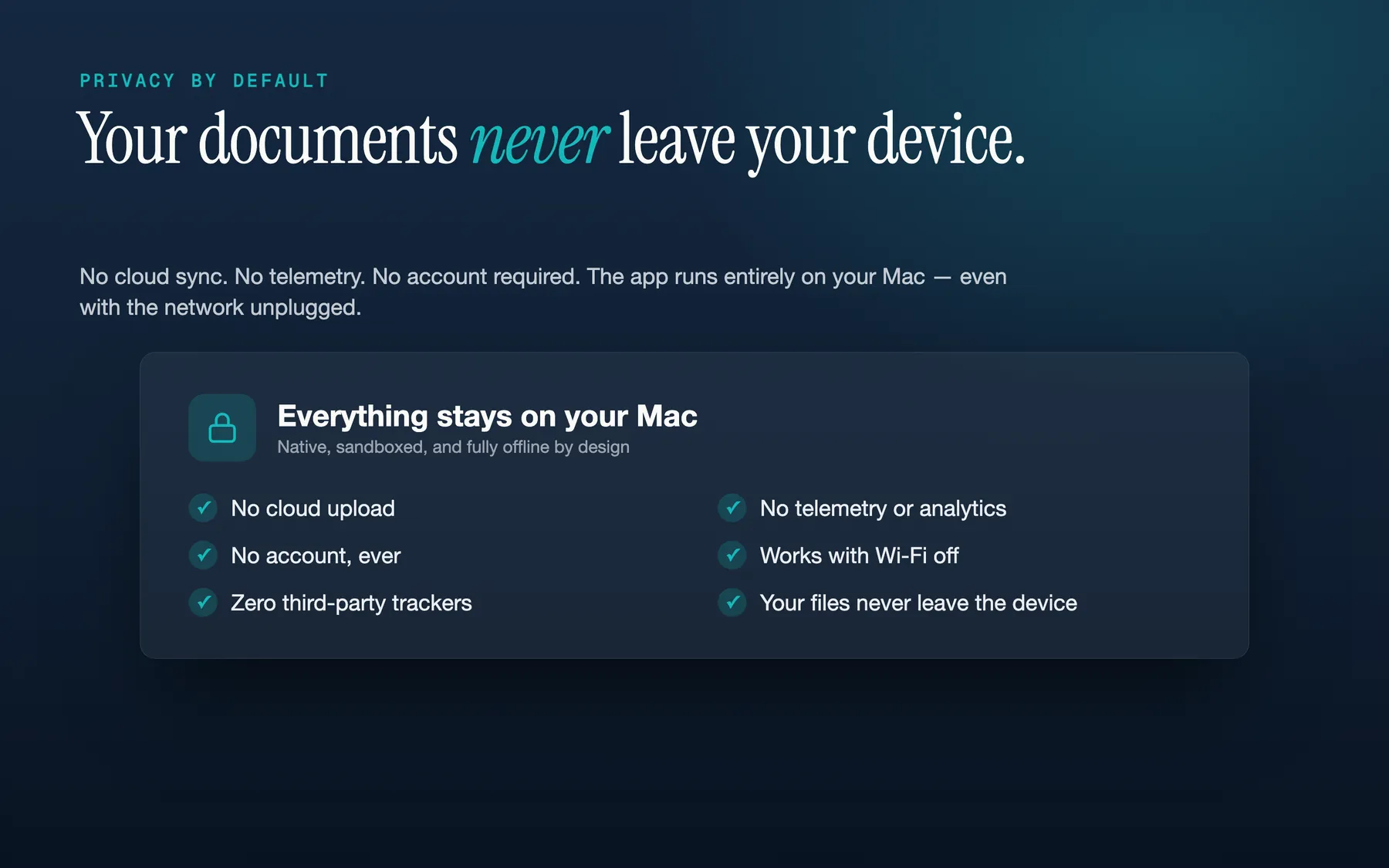
TruePath Office runs entirely on your Mac. There's no account to create, no cloud upload, no third-party analytics, and no tracking — your documents never leave your computer, and the app works fully offline. It is a single signed binary with zero external dependencies, running inside Apple's sandbox. The only data that ever leaves your device is Apple's standard, anonymized, opt-in crash diagnostics; see the privacy policy for the full breakdown.
Honest pricing
Buy once. No subscription, no in-app purchases, no upsell. The app you pay for is the app you keep.
See it in action
TruePath Office vs the standards
TruePath Office is for people who want modern office files to stay local, editable, and readable on a Mac without a subscription stack around them. Microsoft 365, Apple iWork, LibreOffice, and OnlyOffice each make different trade-offs around platform reach, pricing, and ecosystem shape.
| Dimension | Microsoft 365 | Apple iWork | LibreOffice | OnlyOffice | TruePath Office |
|---|---|---|---|---|---|
| Pricing model | Subscription-led | Free with Apple devices | Free open source | Freemium | One-time purchase |
| Account required for core app use | N/A | ✗ | ✗ | N/A | ✗ |
| Cloud required for desktop work | N/A | N/A | ✗ | N/A | ✗ |
| Platform focus | Cross-platform | Apple ecosystem | Cross-platform | Cross-platform | Mac-native |
| Suite posture | Microsoft ecosystem | Apple-native suite | Open-source suite | Collaboration-oriented suite | Local suite for real office files on one Mac |
This is structural rather than feature-by-feature; the larger suites may be a better fit if you need a different platform or collaboration model.
File compatibility matrix
These marks stay conservative and only reflect file handling that is explicitly stated on this page and the support page.
| Format | Open | Edit | Save in same format | Export |
|---|---|---|---|---|
.docx |
✓ | ✓ | ✓ | Not stated |
.xlsx |
✓ | ✓ | ✓ | Not stated |
.pptx |
✓ | ✓ | ✓ | Not stated |
| ✓ | ✓ | ✓ | Not stated | |
| Common image formats | ✓ | partial | Not stated | Not stated |
What TruePath Office is not
By design, this suite stays narrow and local rather than trying to be every kind of office product.
Not a cloud workspace
There is no cloud upload or sync layer in the app. Documents stay on your Mac and the full app works offline.
Not account-driven
There is no account to create before you can open, edit, or save your files.
Not a telemetry stack
The page promise is no third-party analytics and no tracking. The only data mentioned as leaving the device is Apple’s standard, anonymized, opt-in crash diagnostics.
Not cross-platform software
TruePath Office is positioned as a native macOS suite and currently targets macOS 14+.
Specific to your workflow
Start with the Office path that matches whether you are switching, standardizing a small Mac team, or pressure-testing file compatibility.
Switch from Microsoft 365
The Mac office suite you own: open and edit real .docx, .xlsx, and .pptx files locally, without a subscription or OneDrive layer.
For Mac-only teams
A local suite for small Mac teams that share standard office files and do not need a broader cloud bundle wrapped around ordinary documents.
File compatibility deep-dive
A conservative look at what TruePath Office claims for modern .docx, .xlsx, .pptx, PDF, and image handling, plus same-format save-back scope.
From the blog
The honest version of the decision, not just the feature list.
Frequently asked questions
Which file formats can I open?
TruePath Office opens and edits Word (.docx), Excel (.xlsx), PowerPoint (.pptx), and PDF files, plus common image formats. It works with the modern Office formats; the older binary formats (.doc, .xls, .ppt) are out of scope.
Does it save back to the original format?
Yes. When you open a .docx, .xlsx, or .pptx file and save it, TruePath Office writes it back in the same format, preserving the parts of the document it didn't change. There's no conversion to a proprietary format and no lock-in.
Which spreadsheet formulas are supported?
The spreadsheet editor evaluates common functions including SUM, AVERAGE, IF, MIN, MAX, and COUNT, along with the usual arithmetic and comparison operators. Workbooks can have multiple sheets, and the formula bar shows the formula behind each cell.
How do I annotate or sign a PDF?
Open a PDF and use the toolbar to highlight, underline, add sticky notes, or place a signature. You can also reorder pages from the thumbnail sidebar and manage bookmarks. Save the document to keep your annotations inside the PDF.
Does TruePath Office upload my documents anywhere?
No. The app does not connect to any Joy Truepath server, and your documents stay on your local disk — every operation runs on your Mac. The only data that may leave your device is Apple's standard, anonymized, opt-in crash diagnostics. See the privacy policy for the full breakdown.
Does it work offline?
Completely. TruePath Office is a native app with zero external dependencies and makes no network calls of its own — you can use every feature with the network unplugged.
Is there a subscription?
No. TruePath Office is a one-time purchase with no subscription and no in-app purchases.
How do I get a refund?
Mac App Store purchases are refunded by Apple, not by us. Go to reportaproblem.apple.com, sign in with the Apple ID that purchased the app, and request a refund. If Apple denies it and you believe you have a strong case, email us and we'll reach out to Apple on your behalf. Direct (.dmg) purchases are handled by our payment provider, Lemon Squeezy — email [email protected] and we'll process the refund.
About
TruePath Office is built by Joy Truepath Pte. Ltd. in Singapore. If you have feedback or hit a bug, email [email protected] — real people read every message.
Related: TruePath PDF — standalone PDF reader/editor if you only need PDF.