If you handle contracts, source material, or personal data, the real question is not whether a PDF can look redacted. It is whether the file stays on your Mac and whether the final workflow actually removes sensitive content. TruePath PDF is the right host for that posture today, and the dedicated redact workflow is planned for Pro.
Redaction pages are often written as if the main challenge were drawing a black box. That misses the real risk. Lawyers, journalists, contractors, compliance teams, and anyone handling PII care about three things first: keep the source document local, review it carefully before changing anything, and avoid confusing annotation with irreversible removal. That is why this page is honest about current scope. TruePath PDF already gives you a local-first document environment today, while the dedicated redact workflow is positioned as part of the upcoming Pro tier rather than being presented here as shipping now.
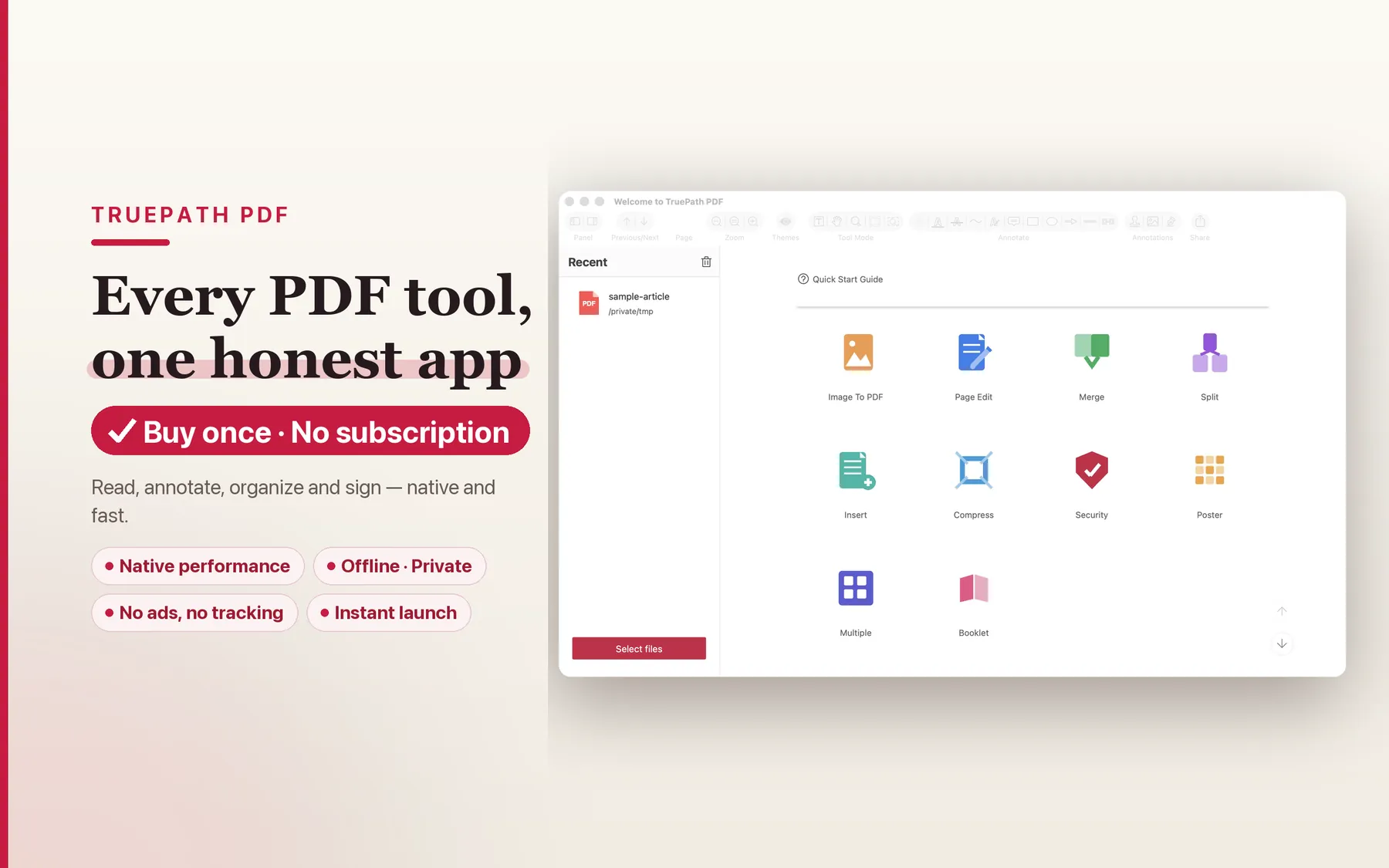
The current TruePath PDF posture is explicit: no account, no cloud upload, and every operation runs on your Mac. For redaction work, that matters before any toolbar detail does. If the document contains witness information, medical records, bid numbers, payroll data, or unannounced deal terms, reducing unnecessary movement is the first privacy win. The home view fits that model because it starts from your local files and recent documents rather than from a hosted workspace.
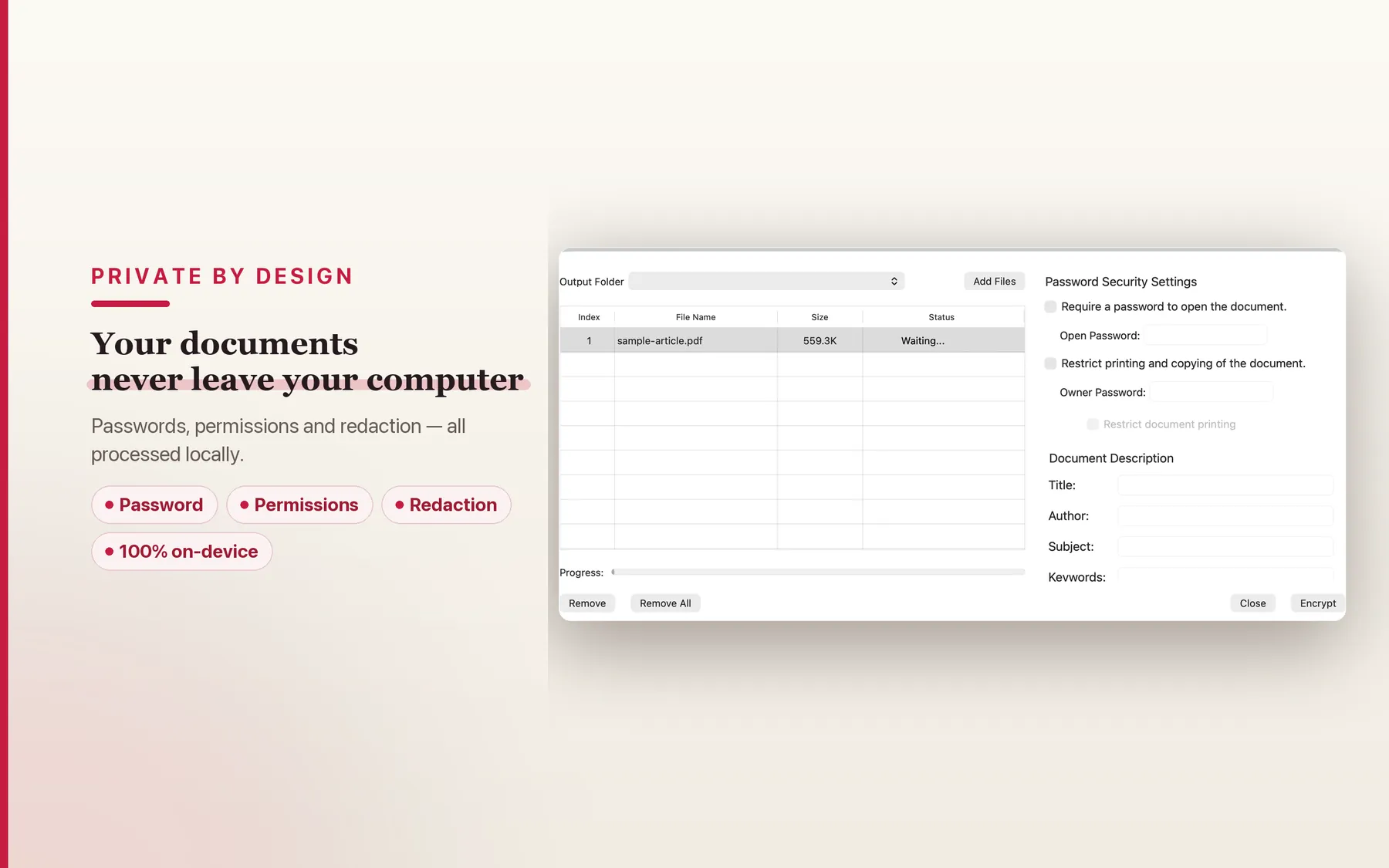
Before you redact, you normally need to inspect the whole file: visible text, attachments, permissions, and how much sensitive material is actually spread across the pages. The existing site already presents a security view and states that password and permission work is processed locally on your Mac. That local security posture is the reason this is the right product surface for future redaction rather than just another PDF UI pretending privacy is a marketing adjective.
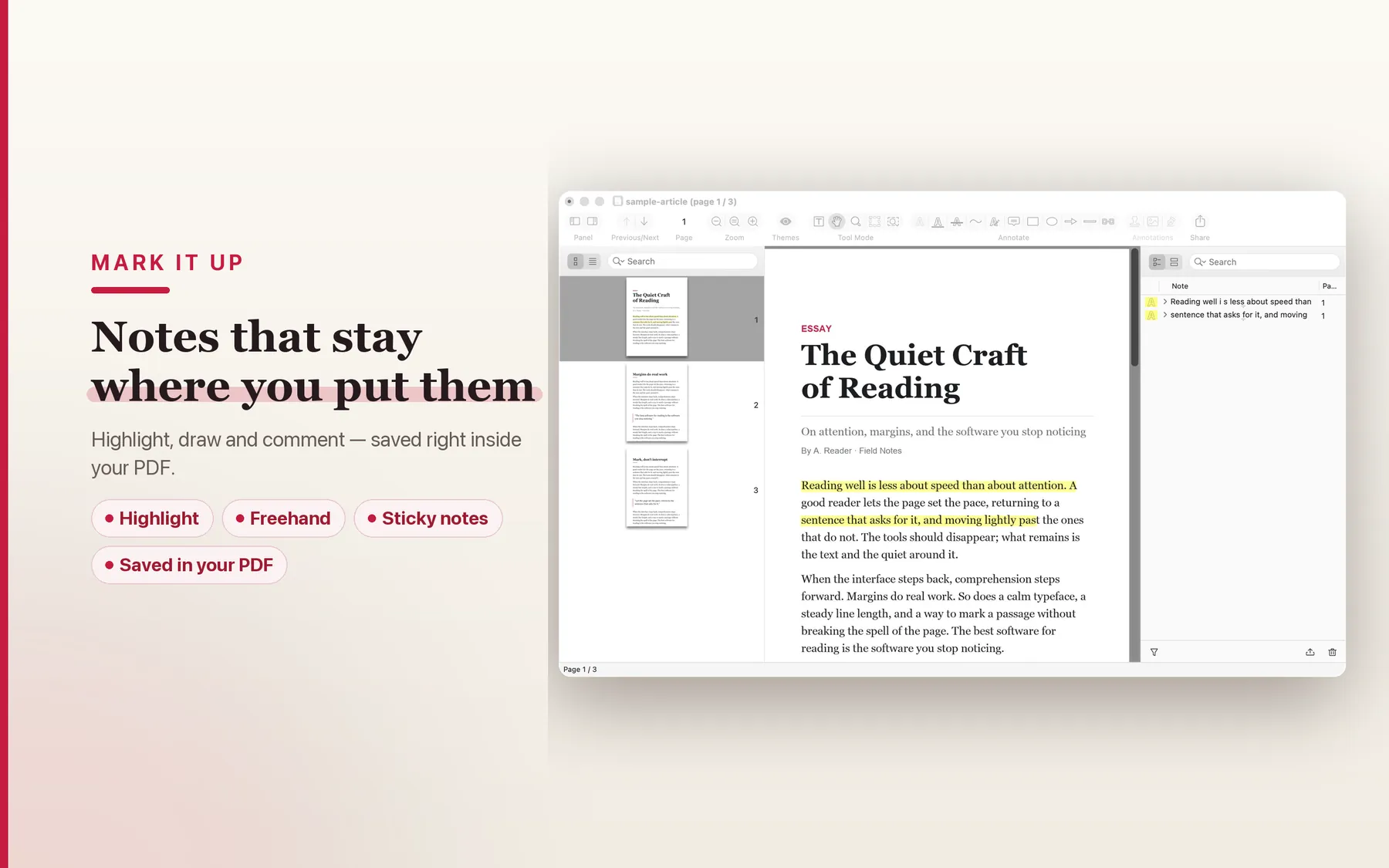
TruePath PDF already ships annotation tools such as highlight, underline, strike-through, drawing, and notes. Those are useful right now for marking sections that will need redaction later, flagging paragraphs for counsel, or reviewing a PDF with a teammate on the same machine. What this page does not do is blur the line between those markup tools and a dedicated redact workflow. A highlight is not redaction, a note is not redaction, and a black-looking annotation is not the same as removing underlying content.
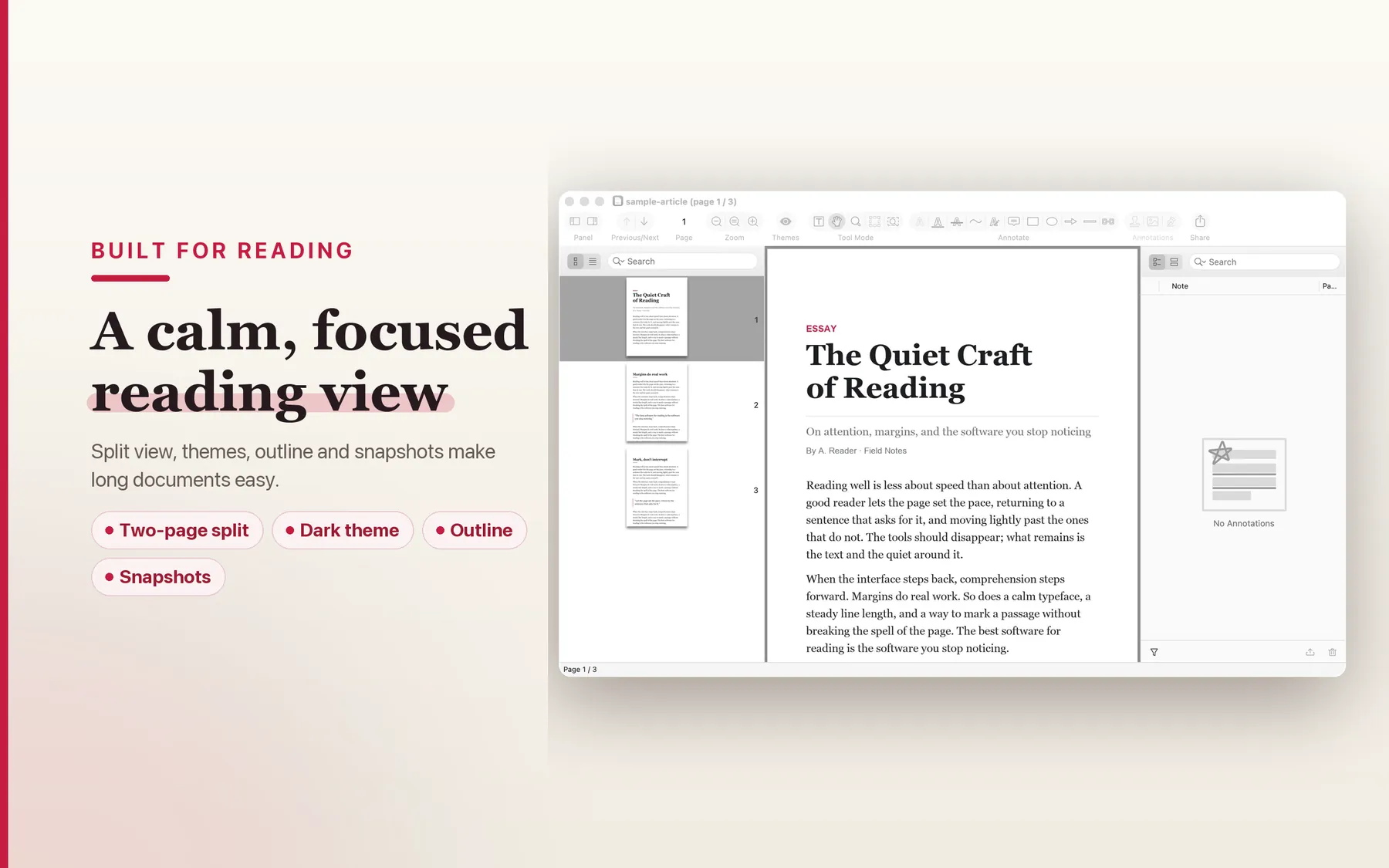
Redaction work often begins as reading work. You open a long filing, trace references across sections, search for a name, and confirm whether the same identifier appears on multiple pages. TruePath PDF's current site is built around fast native reading, search, outline navigation, and long-document comfort. That reading-first foundation matters because reliable redaction starts with complete review, and complete review is easier when the app is calm, local, and fast on the Mac itself.
This page is intentionally narrower than a feature-launch page. It does not advertise a live redact button. It does highlight the current local-first foundation that makes TruePath PDF a credible Mac host for redaction work when the dedicated Pro workflow arrives.
The current site says every operation runs on your Mac. That is the right starting point for legal, journalistic, or contractor workflows where documents should not leave the device just to be reviewed or secured.
TruePath PDF explicitly says there is no cloud upload layer. That matters because redaction work is often triggered by exactly the kinds of files that should not be copied into another service without a reason.
The hub page describes a single signed binary running inside Apple's sandbox. That tells you this is a native Mac document tool first, not a hosted workflow pretending to be one.
You do not need to create an account before opening documents. For sensitive work, fewer intermediaries and fewer identity layers is usually the cleaner setup.
Current annotations are saved into the PDF itself, and the app works with standard PDF files. That matters because the final redacted document, when the dedicated workflow ships, still needs to be shareable as an ordinary PDF.
TruePath PDF already ships with an MIT-licensed open-source MCP server that runs on your Mac. That is relevant because sensitive-document automation only gets more interesting when it can stay local too.
These answers stay honest about current scope while explaining the redaction principles that matter when the documents are sensitive.
This page does not claim that the dedicated redact workflow ships today. The current TruePath PDF site describes a Pro tier that ships next, and that roadmap note includes redact.
Today the grounded current tools are annotation tools such as highlight, underline, strike-through, notes, and drawing. Those are useful for review and marking, but this page does not present them as irreversible redaction.
Redaction often involves contracts, legal filings, invoices, personnel records, or source material that should not be sent through an upload step just to hide a few fields. TruePath PDF's current posture is local-only processing with no cloud upload and no account, which is the right design direction for this kind of work.
The safety bar for real PDF redaction is that the underlying content must be removed from the saved copy rather than merely covered visually. Keep an unredacted original, review the result carefully, and only share the redacted export.
Metadata, comments, hidden content, and other non-visible document elements can matter in sensitive PDFs. This page does not claim a current metadata-scrubbing workflow; it only states that TruePath PDF already keeps processing on your Mac rather than sending the file through a cloud service first.
TruePath PDF is built around local processing: no account, no cloud upload, and every operation runs on your Mac. That local-first posture is exactly why offline redaction is the intended fit when the dedicated Pro workflow ships.
Use TruePath PDF for a local-first document workflow today, and get notified when the dedicated redact experience ships in Pro.