Sign PDF on Mac

For signed PDFs, local-first matters before any signature button does.

If you sign contracts, approvals, tax forms, or client paperwork on a Mac, the important question is not only "can I place a signature?" It is also "does the document stay on my machine?" TruePath PDF already gives you that local-first posture today, and the dedicated sign workflow is being framed honestly here as a Pro-tier item rather than something this page pretends already ships.

Open in Mac App Store Notify me when sign ships

What a sensible Mac signing workflow should optimize for.

Professionals often sign the most sensitive PDFs they handle: engagement letters, vendor contracts, purchase approvals, NDAs, application forms, board resolutions, real-estate paperwork, and internal compliance documents. In those moments, a local-first document environment is not a nice extra. It is part of the trust boundary. That is why this page is educational first and launch-honest second: it explains why local-only signing matters, points to the current TruePath PDF posture, and clearly says the dedicated signing UI is the future Pro story rather than a claim about the current surface.

1

Start from a local document library, not an upload queue.

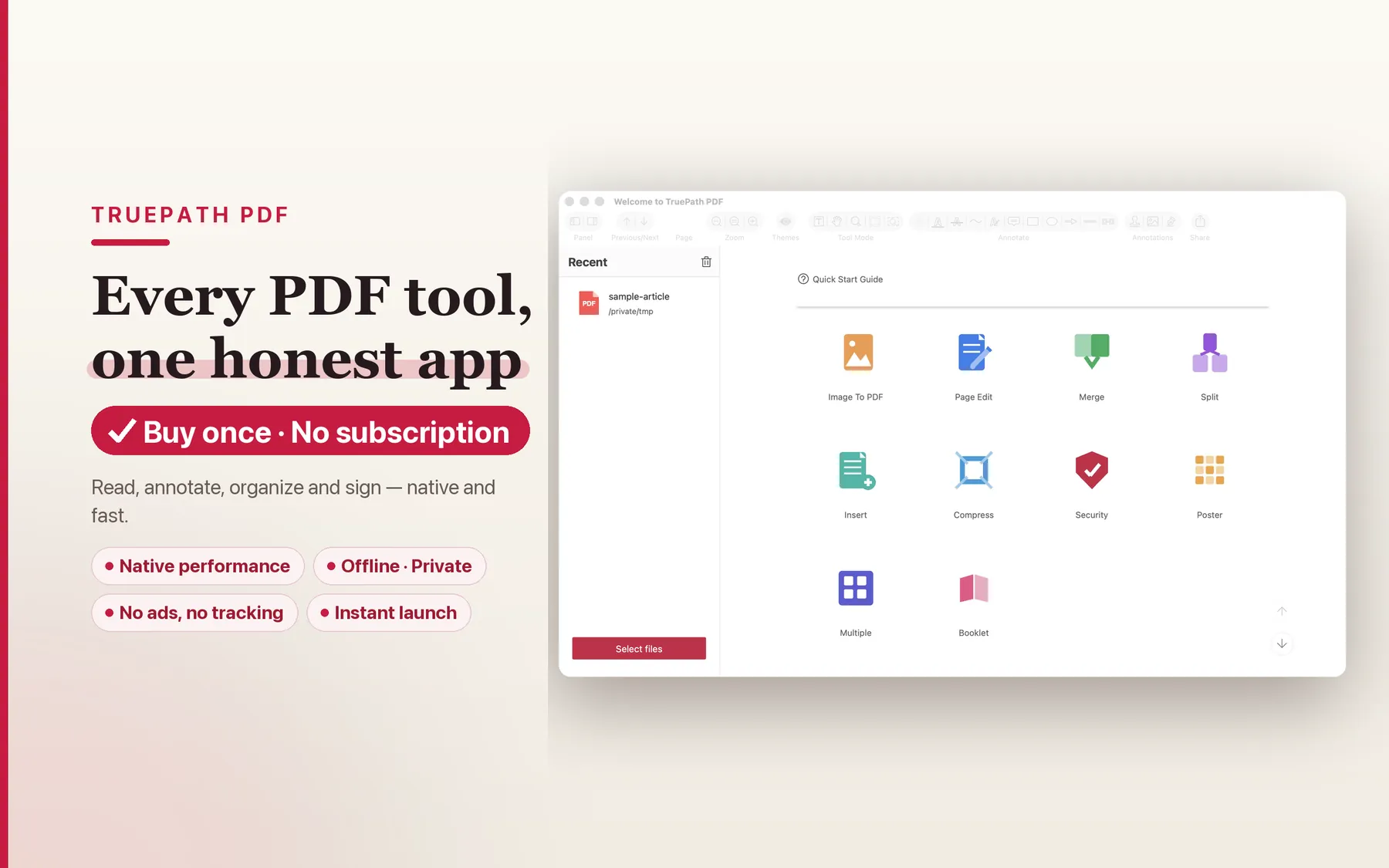
The existing TruePath PDF site is explicit about the privacy posture: no account, no cloud upload, and every operation runs on your Mac. For signing workflows, that matters immediately. A signed contract usually contains names, addresses, deal terms, banking references, or private correspondence. Even before you decide how the signature itself should work, the cleaner default is to open the PDF from a local library and keep it there. The current home view fits that posture well because the document starts as your file, not as a hosted asset waiting to be routed through someone else's service.

TruePath PDF home view showing locally stored PDF documents on Mac
2

Use today's annotation tools to review and prepare, not to fake a feature claim.

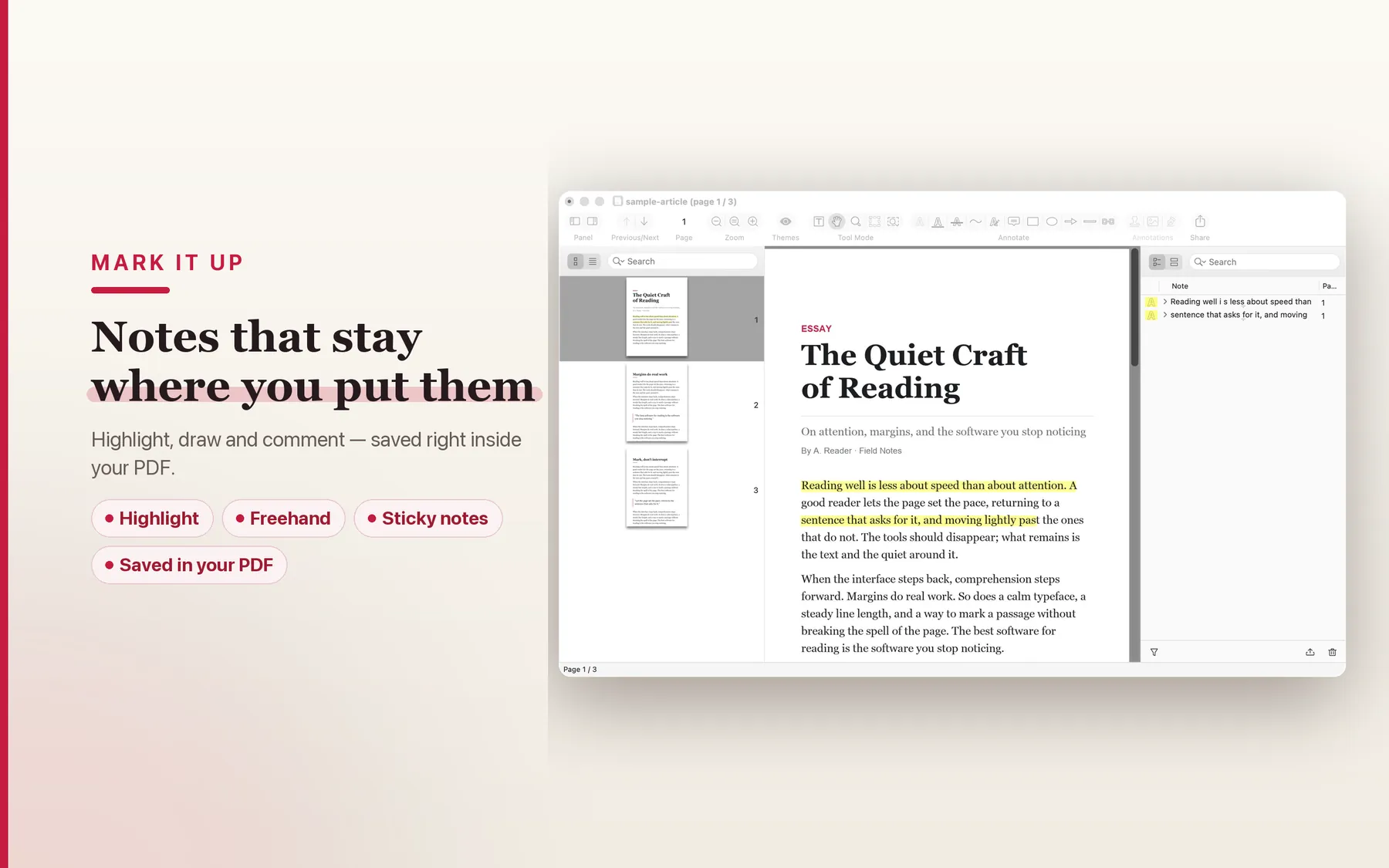
TruePath PDF already ships annotation tools for highlighting, underlining, notes, and drawing. Those tools are valuable today in the real lead-up to signing: mark the paragraph that changed, note the page that needs initials, highlight the date field someone missed, or flag a clause that needs counsel review. What this page does not do is quietly blur those tools into a claim that the dedicated sign surface is already shipping. The honest posture is simpler: you can review and prepare locally today, and the dedicated sign workflow is the next step when the Pro tier ships.

Annotation tools in TruePath PDF being used to prepare and review a document locally
3

Keep security options on-device when the document is sensitive.

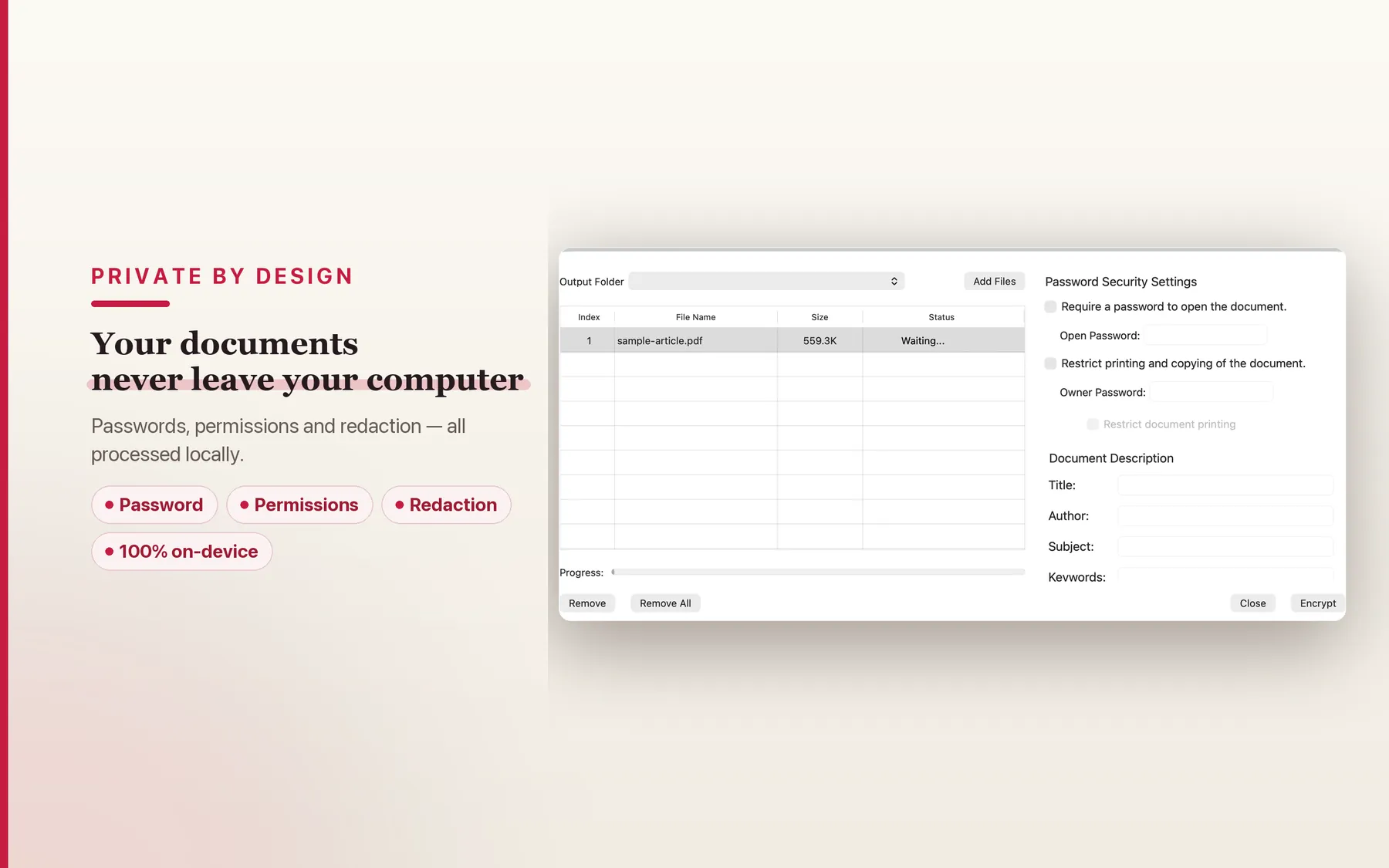
The current product pages also describe security tools such as passwords and permissions processed locally on your Mac. That matters because signature workflows often sit alongside access-control decisions: who can open the file, whether printing should be restricted, whether the completed document should be flattened or otherwise locked down before sharing, and how the final copy should travel. Even before the dedicated sign UI ships, the security view reinforces the larger point of this page: TruePath PDF is shaped like a local document tool, not like a cloud relay wearing a Mac icon.

TruePath PDF security view showing local password and permission handling on Mac
4

Read carefully before you sign anything.

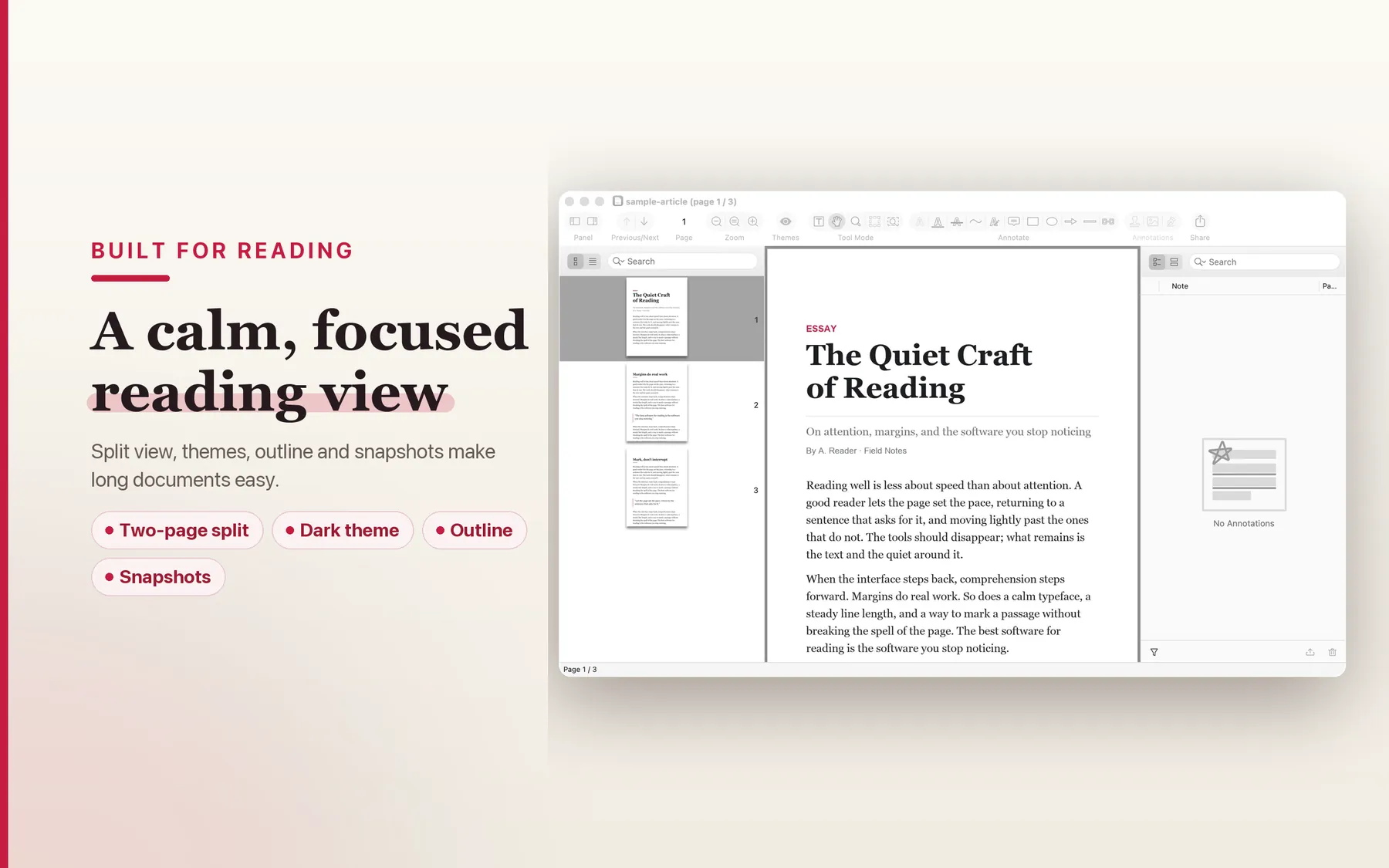
Signing is often the last step in a review process, not the first. That is why a reading-first PDF app is a credible place for signing to live. The current TruePath PDF story is already built around calm native reading, searching, and long-document navigation on Mac. In practice, that means the same app surface can support the full pre-sign cycle: open locally, read closely, annotate where needed, review security posture, then later add a dedicated signing pass when that Pro-tier UI arrives. For lawyers, consultants, operators, and founders, that is a more coherent workflow than treating signing as a detached upload ritual.

Reading mode in TruePath PDF for reviewing a contract before signing on Mac

What TruePath PDF can honestly claim today.

This page is not a disguised launch announcement. It is a clear statement of the current local-first foundation that makes TruePath PDF the right host for signing when the dedicated Pro workflow arrives.

Local-only processing

The current site says every operation runs on your Mac. For contracts and business forms, that local-only baseline matters as much as the signature itself.

No cloud upload

TruePath PDF explicitly says there is no cloud upload layer. That reduces unnecessary movement of documents that often contain sensitive business or legal information.

Single signed binary

The hub page describes a single signed binary running inside Apple's sandbox, which reinforces that this is a native Mac document tool first.

No account required

You do not need to create an account before opening or working on a PDF. That keeps ordinary document handling from turning into identity plumbing.

Standard PDF interop

The current product story is about ordinary PDF files, local saves, annotations inside the PDF, and form handling that preserves the document as a standard shareable file.

Open-source MCP server

TruePath PDF already ships with an MIT-licensed MCP server that runs on your Mac. That matters because local document automation becomes more valuable, not less, when the files are sensitive.

Frequently asked

These answers keep the line clear between what works today, what is educational guidance, and what is being saved for the dedicated Pro signing surface.

Is dedicated PDF signing shipping today?

This page does not claim that a dedicated signing UI ships today. The requested framing here is roadmap-honest: TruePath PDF is the current local-first host, and the dedicated sign workflow is positioned for the Pro tier rather than presented as live today.

What about signing with macOS Preview Markup today?

Preview is a practical built-in option on Mac if you need to place a signature today. This page is not pretending that TruePath PDF already replaces that workflow with a dedicated shipping sign surface.

Why does local-only signing matter?

Signed contracts, forms, engagement letters, approvals, and identity documents often contain information that should not move through an upload step just to collect a signature. TruePath PDF's current posture is no account, no cloud upload, and every operation on your Mac.

Will signatures be cryptographically verifiable when Pro ships?

This page does not make that claim yet. The current promise here is only about the local-first product posture and the fact that dedicated signing is planned for Pro. If signature specifics matter for your workflow, use the launch-notification email link on this page.

What about external signing services like DocuSign?

Those services are built around cloud workflows and hosted document routing. The structural difference here is local versus cloud: TruePath PDF is aimed at keeping the file on your Mac rather than sending it through a hosted signing layer.

Does the rest of TruePath PDF work today?

Yes. The current product story already covers reading, annotation, organization, security options, and other local PDF handling on Mac. This page simply keeps signing separate and honest by treating it as the Pro-tier item rather than implying it is already live.

Keep sensitive PDFs local while the signing surface matures.

Use TruePath PDF for the local-first reading and preparation workflow today, and get notified when the dedicated sign experience ships.

Open in Mac App Store Notify me when sign ships