Adobe Acrobat alternative

The Mac PDF app you own, not subscribe to.

TruePath PDF is for people who still need real PDF tools on a Mac but are tired of paying every month just to read, mark up, secure, and send back standard documents they already own.

Open in Mac App Store All TruePath PDF features ->

What switching away from Adobe actually looks like.

Leaving Acrobat on a Mac is usually less about one missing menu item and more about removing the surrounding subscription and account machinery. The TruePath PDF pitch is narrower and calmer: keep the library on your Mac, keep the files as standard PDFs, keep the tools local, and stop treating every document session like it needs a cloud service wrapped around it.

1

Open the library that already lives on your Mac.

The home view is built around recent documents and a local library, not around moving your first PDF into an online workspace. For people replacing Acrobat on a personal Mac, that matters because the switching cost stays low: your files remain where they are and the app starts from them instead of from an account prompt.
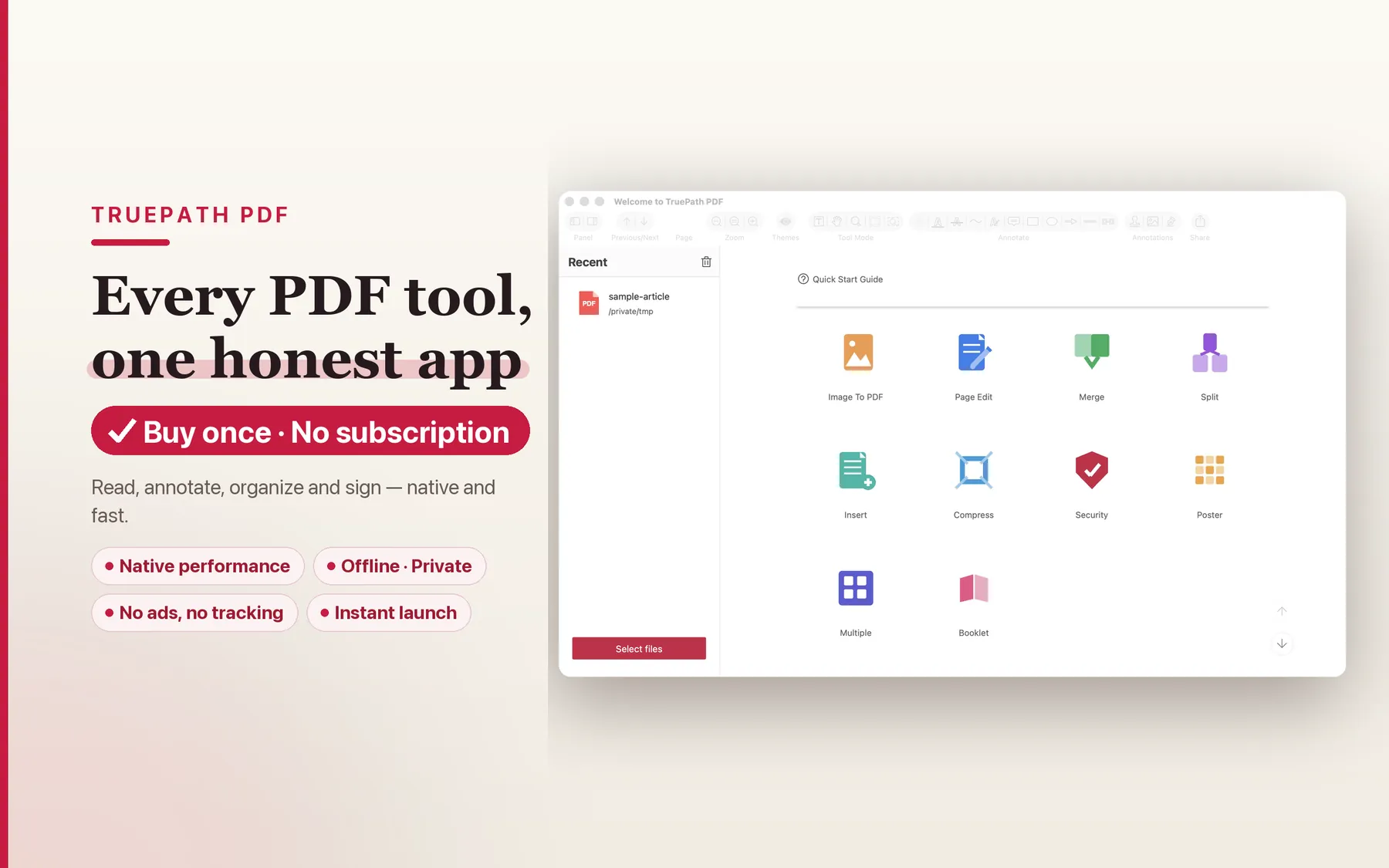
TruePath PDF home view showing recent documents stored locally on a Mac
2

Read long PDFs in a native Mac reading view.

The product page positions TruePath PDF as a fast, native macOS PDF app that puts reading first. That means the core experience is opening the file and getting to the document quickly, with native reading layouts, search, outline navigation, and page snapshots available without routing the session through a larger product stack.
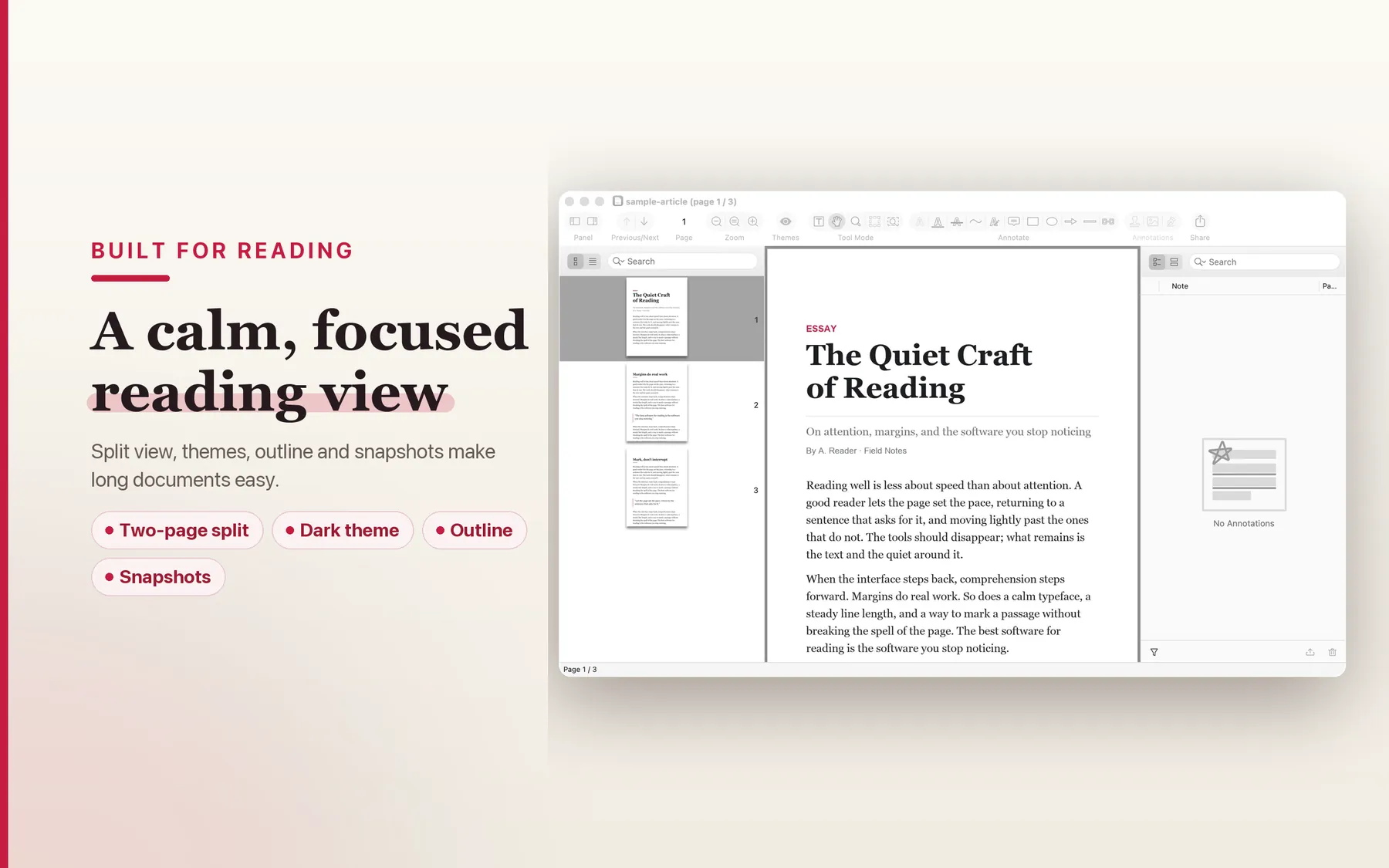
Native reading mode in TruePath PDF with a large PDF open on Mac
3

Annotate and stay in the standard PDF format.

Highlights, underlines, notes, and other annotations are written directly into the PDF when you save. That is the interoperability point for an Acrobat alternative page: you are not marking up a sidecar file or exporting into a private format before sending the document back to someone else.
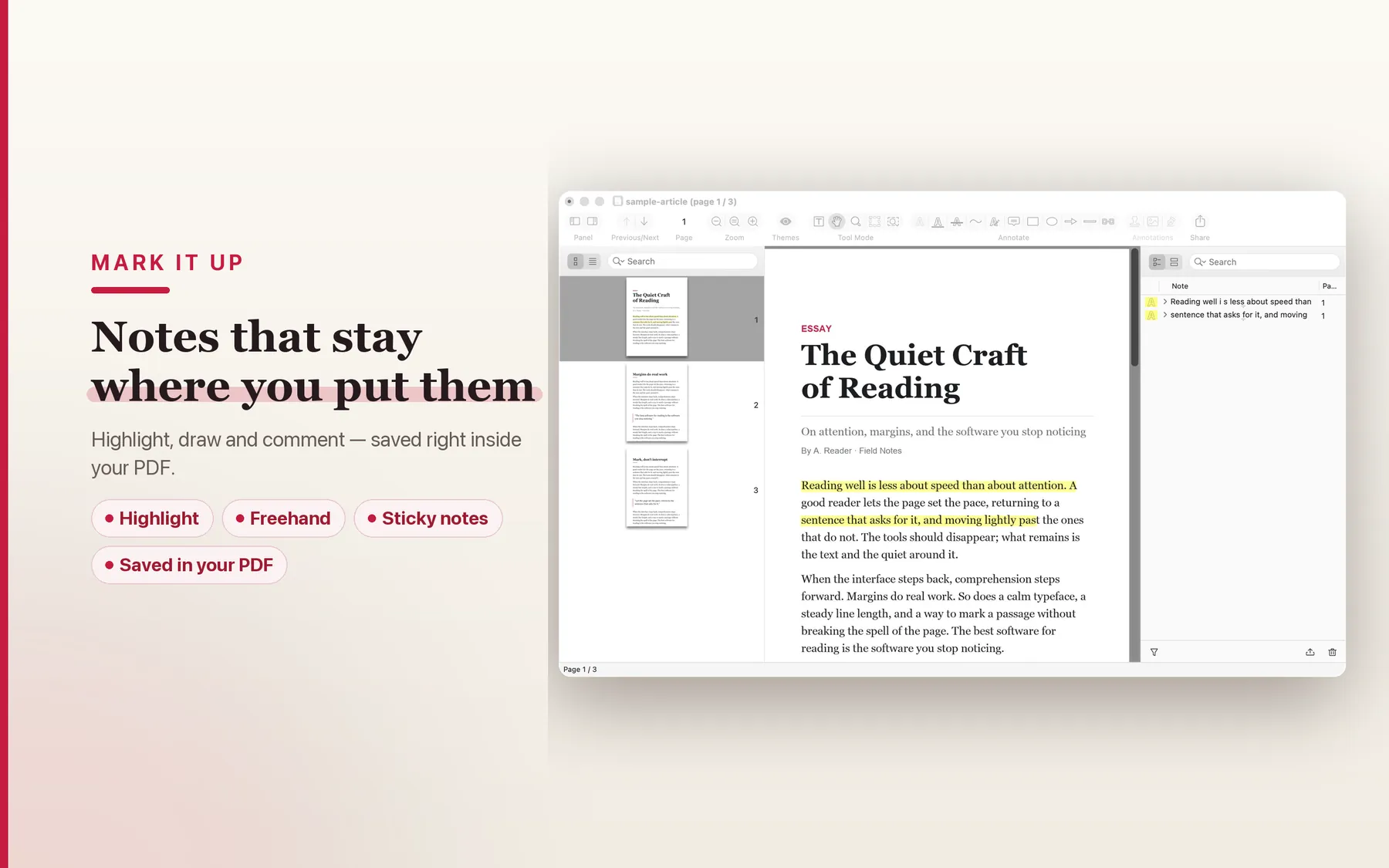
Annotation tools in TruePath PDF saving highlights and notes directly into a standard PDF
4

Handle sensitive PDFs without an upload step.

TruePath PDF describes its privacy stance in direct terms: no account, no cloud upload, no analytics, no tracking, and every operation runs on your Mac inside Apple's sandbox. If the reason you are leaving Acrobat is partly about owning the workflow again, that local-only posture is the actual differentiator.
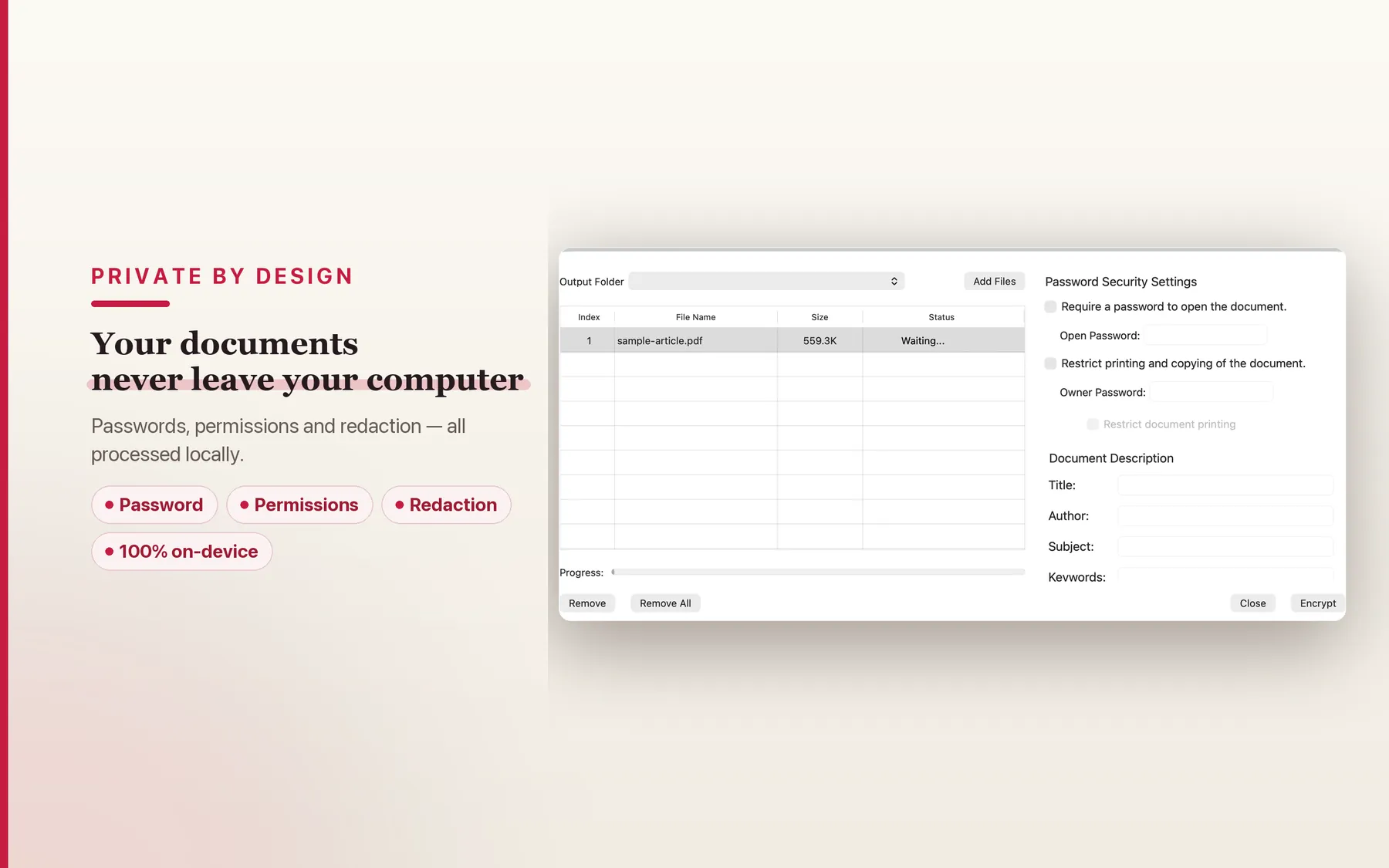
Security and privacy view in TruePath PDF emphasizing local-only PDF processing on Mac

Structural comparison, not feature theater.

This page stays at the structural level because pricing models, account layers, platform focus, and privacy posture are the decisions that go stale least slowly. If you are leaving Acrobat, those are usually the trade-offs you are trying to change first.

Dimension TruePath PDF Adobe Acrobat PDF Expert macOS Preview
Pricing model One-time purchase Subscription-led Paid app Included with macOS
Account required No account N/A N/A No account
Cloud upload required No upload N/A N/A No upload
Platform focus Mac-native Cross-platform Apple ecosystem Mac built-in
Telemetry posture No analytics or tracking Not stated here Not stated here Not stated here

Why this is the better fit for subscription-fatigued Mac users.

The point is not to mimic every possible Acrobat workflow. The point is to cover the local PDF jobs many Mac users do every week without adding cloud dependency, account friction, or another recurring bill.

Open-source MCP server under MIT

TruePath PDF is paired with an open-source Model Context Protocol server under the MIT license. If you use AI tools that can speak MCP, the automation story stays on your Mac instead of forcing a document upload into someone else's service.

Local-only processing

The core privacy promise is explicit: no cloud upload and every operation runs locally. For contracts, financial statements, immigration paperwork, or anything else sensitive, that is a cleaner posture than treating upload as the default.

Single signed binary in Apple's sandbox

The app model on the hub page is a single signed binary running inside Apple's sandbox. That is part of why the product reads like a Mac app first rather than like a web service with a desktop shell around it.

No account creation

The product page says there is no account to create. That matters when you open a PDF twice a day and do not want every utility on your Mac to become a login surface.

Standard PDF interoperability

Annotations are written back into the PDF itself, and standard AcroForm fields are preserved when you save. That keeps round-trips with Acrobat users practical even if they never touch the same app as you.

Reading-first native performance

The hub copy repeatedly frames TruePath PDF as fast, native, and built for reading. If your Acrobat usage is mostly opening large documents, searching them, and marking them up, that emphasis is more relevant than another sprawling platform layer.

Frequently asked

These questions are specific to Acrobat switchers: file compatibility, launch state, collaboration expectations, and what stays local versus what becomes a future roadmap item.

Will it open PDFs created by Adobe Acrobat?

Yes. TruePath PDF works with standard PDF files, fills standard AcroForm fields, and saves annotations directly into the PDF. You are not converting documents into a Joy Truepath-only format on the way in or out.

Will I lose my existing PDF library?

No. Your PDFs stay PDFs. TruePath PDF is positioned around local processing on the files already on your Mac, with no account layer and no cloud upload required to use the app.

Is there a free trial?

Not yet. TruePath PDF is not on the Mac App Store yet, and this page does not advertise a free trial. If you want launch updates, use the launch-notification email link below.

What about advanced features like form filling, signing, and OCR?

The current site already describes form filling, flattening, signatures, redaction, passwords, and permissions. OCR is mentioned separately as part of the upcoming Pro tier via Apple Vision.

Does it have cloud sync or real-time collaboration?

No. The product page frames that as a deliberate trade-off: no account, no cloud upload, no analytics, no tracking, and every operation runs on your Mac.

What if I need to send a PDF back to an Acrobat user?

That is the point of sticking to standard PDFs. Annotations save into the PDF itself, standard AcroForm values are preserved, and the file you send back is still a PDF rather than a proprietary export.

Leave the PDF subscription behind.

Keep the documents on your Mac, keep the files interoperable, and keep the purchase model simple.

Open in Mac App Store Get launch notification