TruePath PDF is for Mac users who mostly want to open standard PDFs, read them quickly, annotate them, organize pages, and move on without an account wall, a cloud-upload habit, or a subscription story taking center stage.
People searching for a PDF Expert alternative are often not asking for a giant feature matrix. They are asking whether a new Mac PDF app can preserve the basics that matter every day: open the same PDFs, keep the workflow local, save ordinary annotations back into the file, reorganize pages without friction, and avoid buying into a larger ecosystem than the job actually needs. TruePath PDF's current site is strongest exactly where those questions live.
The home view is centered on recent documents and a local library. That keeps the switching cost low because your PDFs remain where they already live on your Mac. You are not converting files, adopting a private library format, or reorganizing the whole archive just to test a new PDF app.
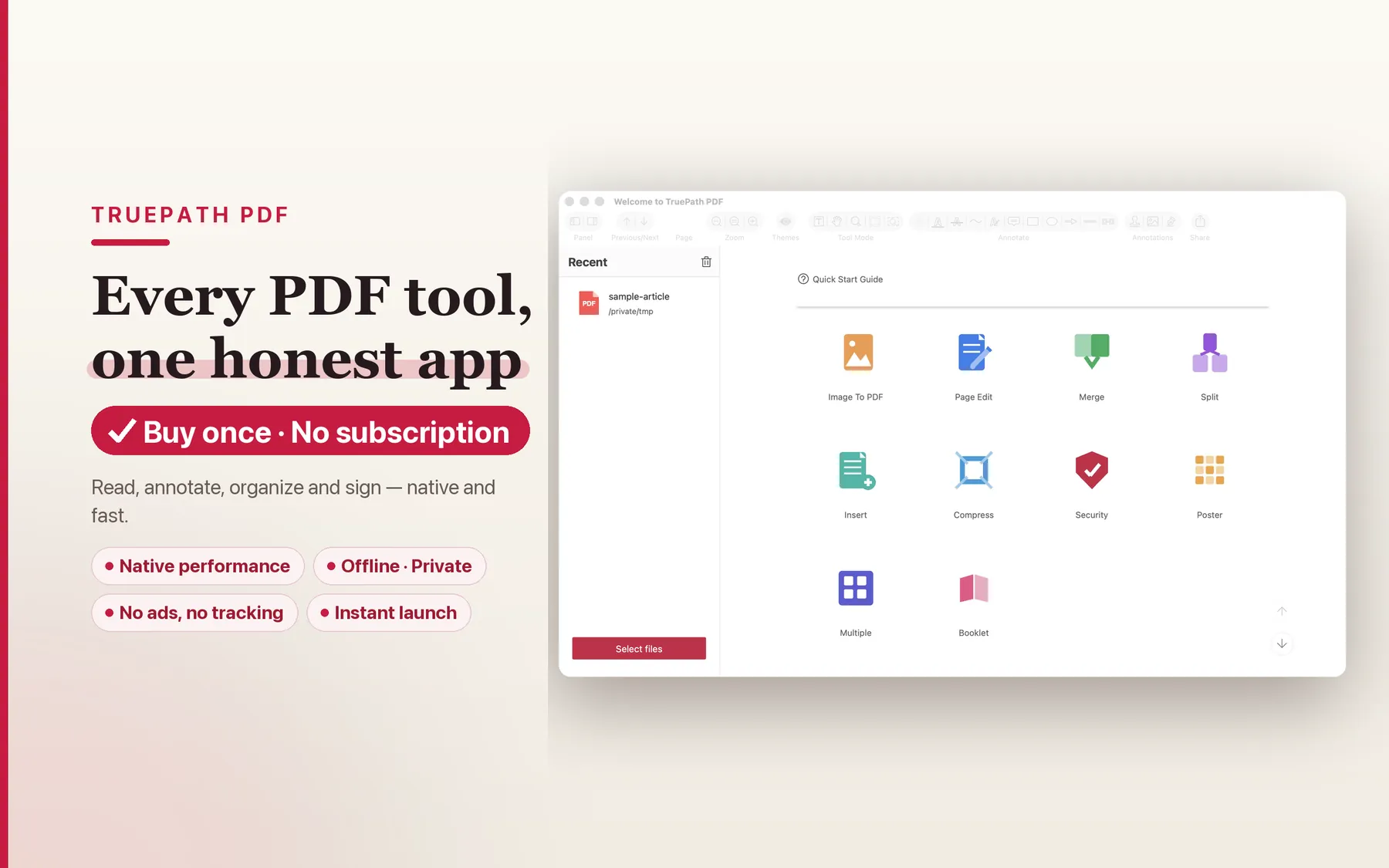
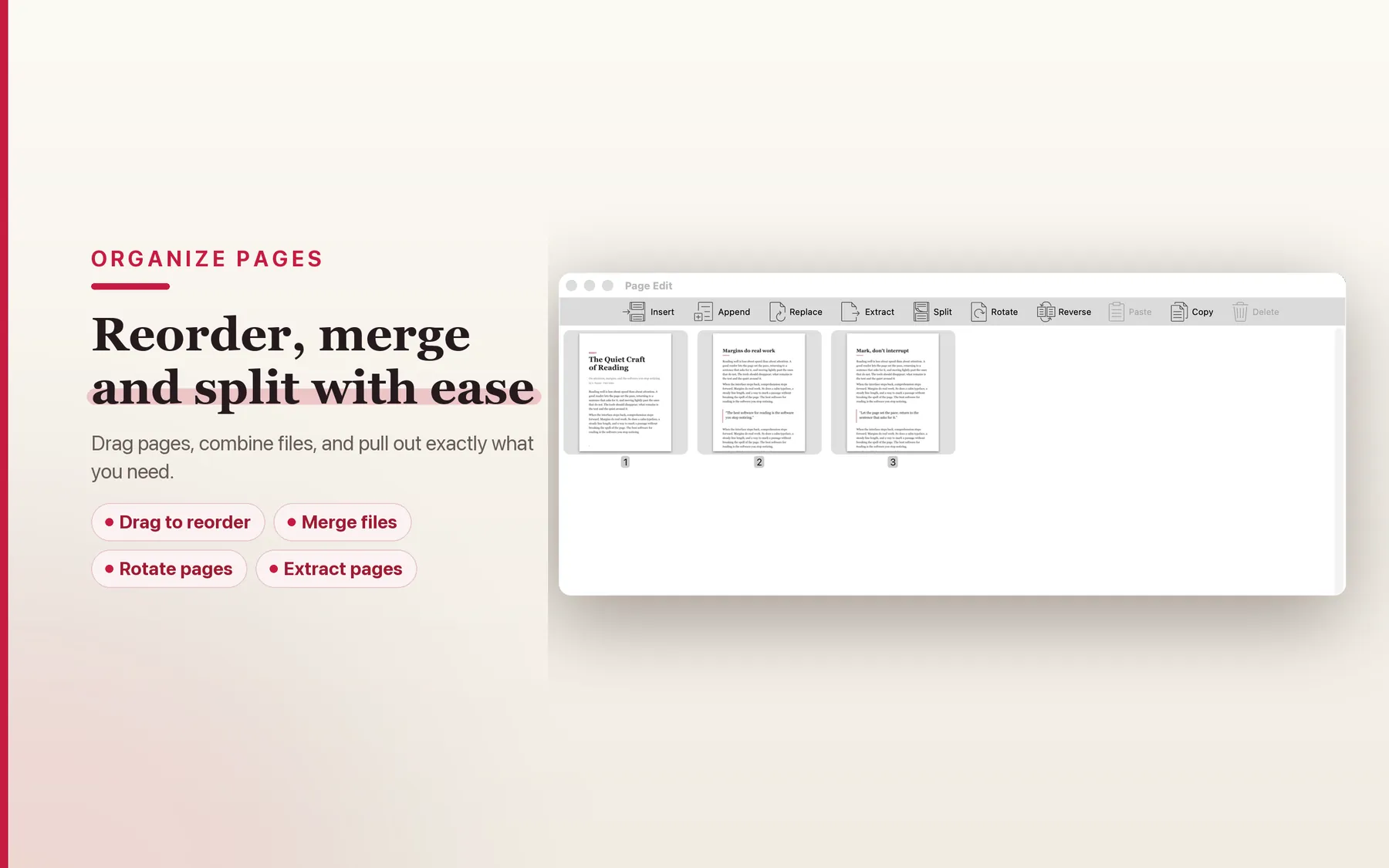
TruePath PDF repeatedly frames itself as a reading-first native Mac app. That matters for switchers because much of daily PDF work is not exotic editing. It is opening a long paper, searching for the right page, following the outline, toggling layouts, and getting through the document without the app becoming the main event.
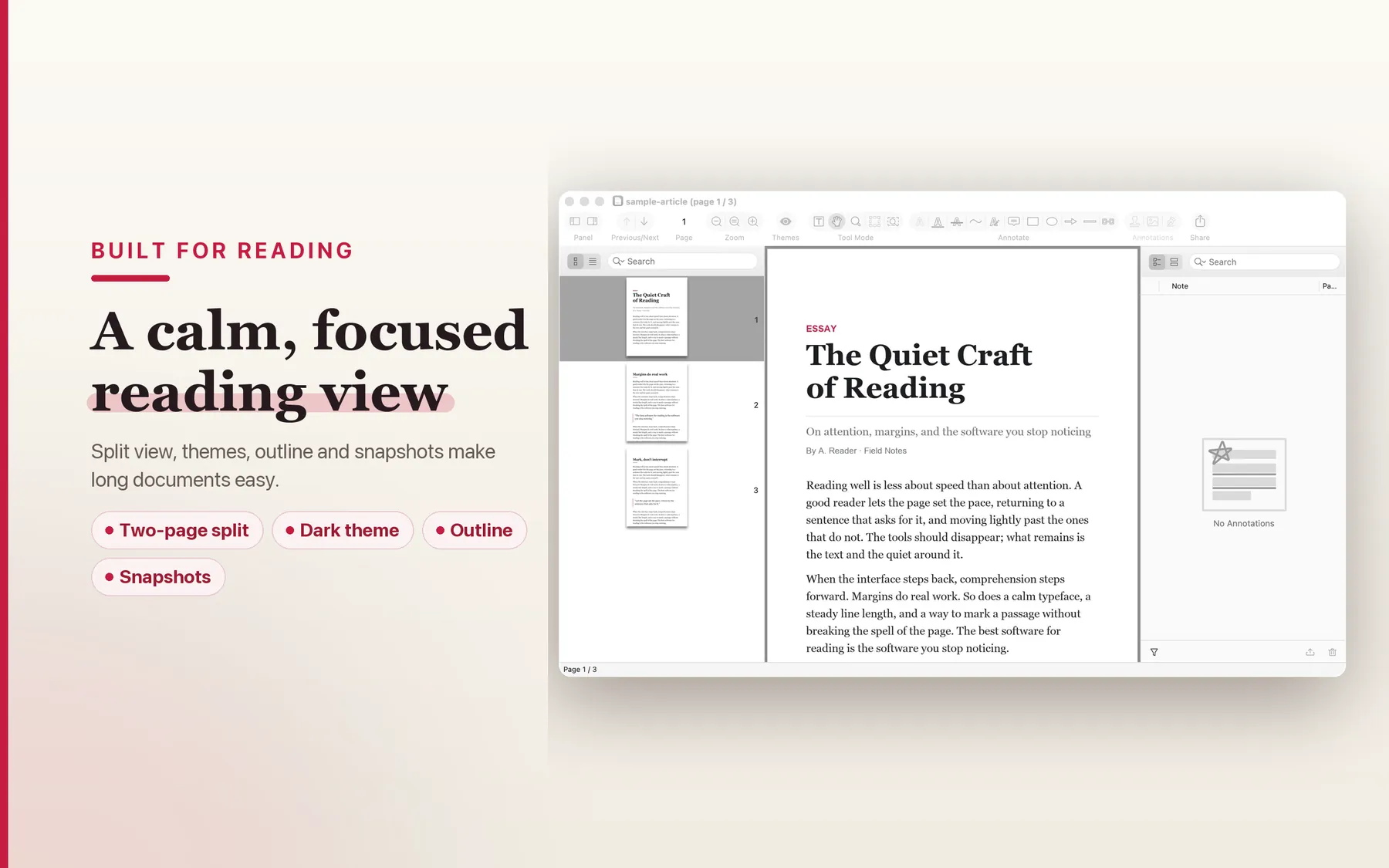
Highlights, underlines, strike-throughs, notes, and drawings are all part of the current product story, and the site says annotations save directly inside the PDF when you save. That is the real migration question for many switchers: can marked-up files stay standard and sendable, rather than becoming sidecar state that only makes sense inside one app?
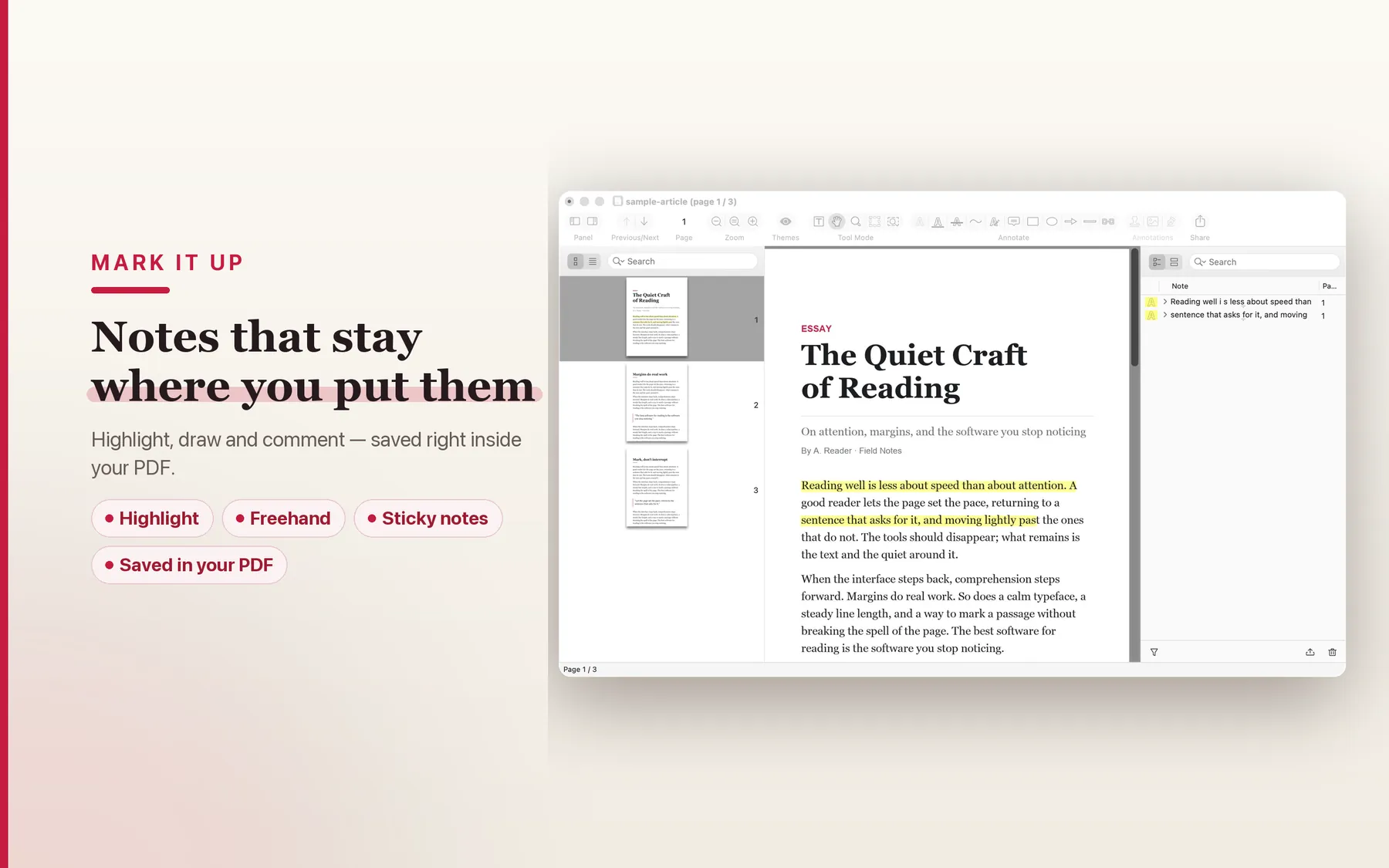
The current page organization tools cover reordering, merging, splitting, extracting, and exporting pages. That matters because alternative pages should not over-focus on edge cases. The bread-and-butter job is often simply taking a real PDF, pulling out the relevant pages, and sending back a cleaner file without leaving the Mac or opening another tool.
This table stays structural on purpose. It does not try to freeze a competitor feature matrix in HTML. The focus is pricing shape, cloud posture, account expectations, platform focus, and ecosystem model.
| Dimension | TruePath PDF | PDF Expert | Adobe Acrobat | macOS Preview |
|---|---|---|---|---|
| Pricing model | One-time purchase | Commercial PDF app | Commercial PDF platform | Included with macOS |
| Cloud upload posture | No cloud upload | Not the focus of this page | Not the focus of this page | No upload |
| Account required | No account | Not claimed here | Not claimed here | No account |
| Platform focus | Mac-native | Apple-focused | Cross-platform | macOS built-in |
| Ecosystem | Local app + open-source MCP server | Closed app ecosystem | Closed platform ecosystem | Built-in macOS utility |
The point is not to imitate every PDF workflow on the market. The point is to cover the local PDF jobs many people do every day while staying readable, interoperable, and grounded in the Mac itself.
The current privacy posture is explicit: every operation runs on your Mac. That is the cleanest reason to pick TruePath PDF if you do not want ordinary reading and editing to begin with an upload.
The open-source Model Context Protocol server is an unusual differentiator. If you automate PDF work with AI tools, the ecosystem story stays local and inspectable instead of becoming a black box.
The site describes a single signed binary running inside Apple's sandbox. That is a good shorthand for product shape: native Mac tool first, service layer second.
You do not need to create an account to open, annotate, or organize a PDF. That matters more than marketing language suggests when the app is something you use briefly but often.
Annotations save into the PDF itself, and standard AcroForm values are preserved. That keeps round-trips practical when another person opens the file in some completely different PDF app.
The hub copy is clear that reading comes first. If most of your day is reviewing, searching, and lightly marking PDFs, that emphasis is more useful than a sprawling platform wrapper.
These are the practical switcher questions: what opens cleanly, what stays standard, what is intentionally different, and what still belongs to the roadmap.
Yes. TruePath PDF works with standard PDF files, so ordinary PDFs you already have remain ordinary PDFs when you open them here.
TruePath PDF writes its own annotations directly into the PDF when you save. Standard PDF annotations are the intended interoperability path, but this page does not promise perfect handling for every non-standard annotation pattern created elsewhere.
No separate migration process is advertised here. The switching story is simply that your files stay PDFs and open as PDFs; you are not converting them into a Joy Truepath-specific format.
This page keeps the answer structural: local-only processing, no account, no cloud upload, a single signed binary inside Apple's sandbox, and an open-source MCP server that runs on your Mac.
No feature-parity claim is made here. The current site also includes a roadmap note for a Pro tier that ships next, covering items such as redact, fill forms, flatten, sign, compress, annotate, autocrop, batch, and OCR via Apple Vision.
Not yet. TruePath PDF is not on the Mac App Store yet, and this page does not advertise a free trial. If you want launch updates, use the email link below.
If you want a Mac PDF app with less surrounding platform noise, TruePath PDF is aiming squarely at that narrower, calmer job.