Screen Studio is a good product for creators who want deeper editing after capture. TruePath Recorder serves a different moment: open the app, frame the region, count down, stop, and ship the file now.
If you are recording tutorials, support clips, async demos, or product walkthroughs, the pressure is often not "how cinematic can this become after editing?" It is "can I get a clean take out without the recording session turning into another project?" That is where the current Recorder feature set makes sense. It stays centered on capture, clean starts, compact files, and immediate actions after you stop.
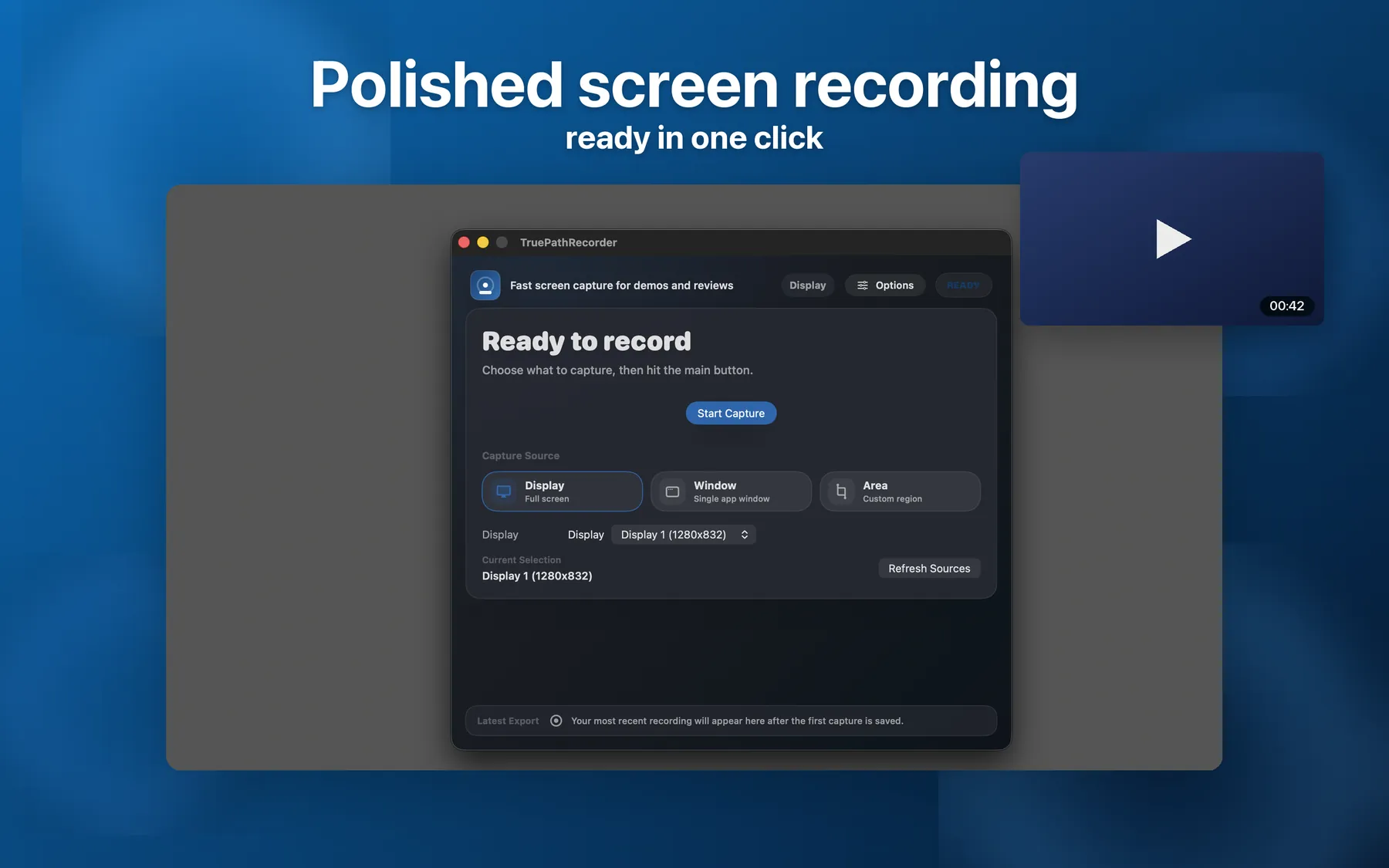
Recorder opens as a native Mac capture tool with display, window, and area recording in the current product story. That framing matters because many creators already know what they want to say before they hit record. They do not need the first screen to ask them how they want to polish the take later. They need a recorder that is immediately legible, immediately armed for capture, and quick to revisit between retakes.
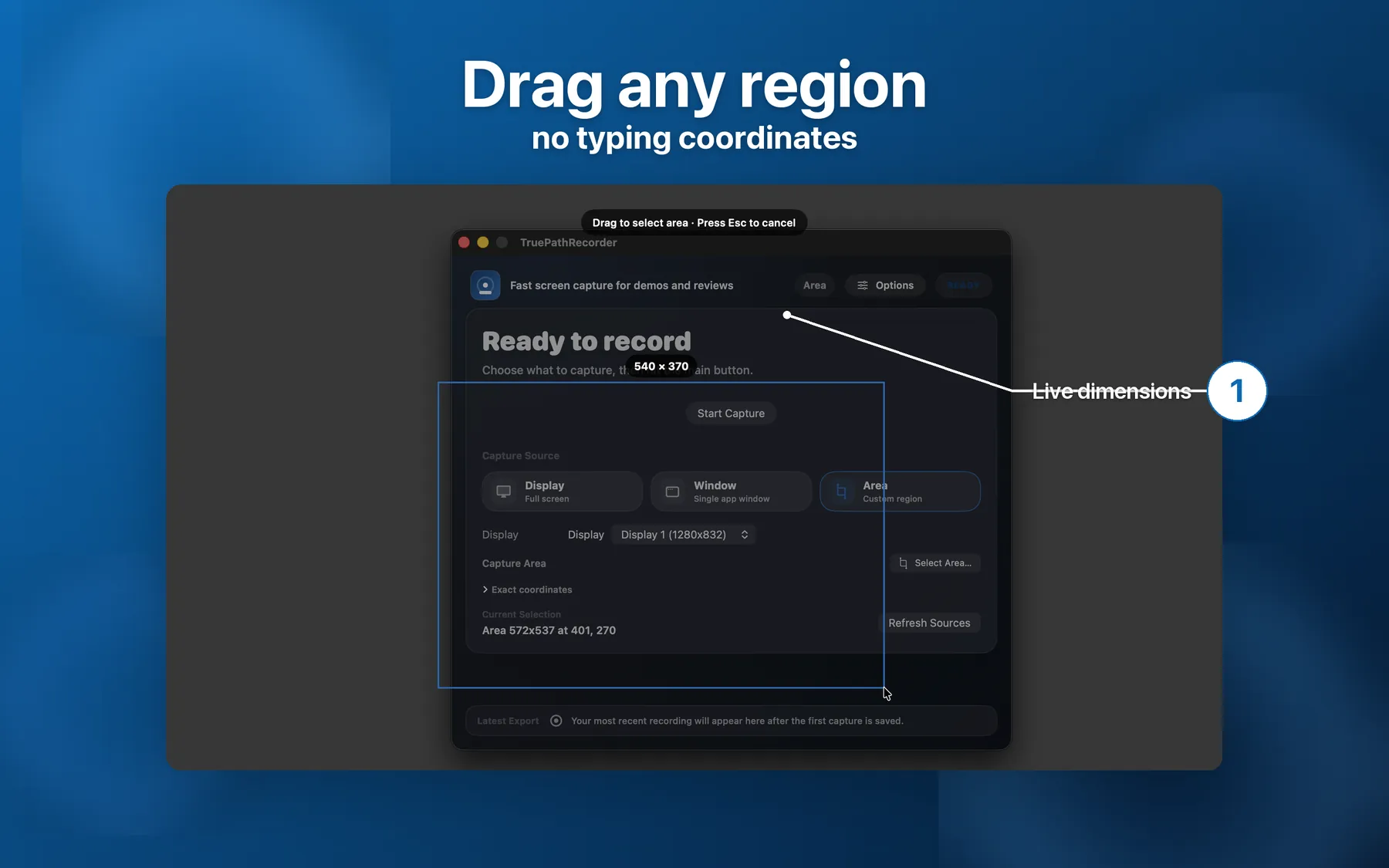
Recorder's drag-to-select flow is grounded on the current site and changelog: pick the rectangle visually, watch the live dimension readout while dragging, and avoid typing coordinates by hand. More importantly for repeated recording sessions, the region is remembered across recordings. That is a practical advantage when you are iterating on the same lesson, repeating a bug reproduction, or redoing the intro because the first sentence came out wrong.
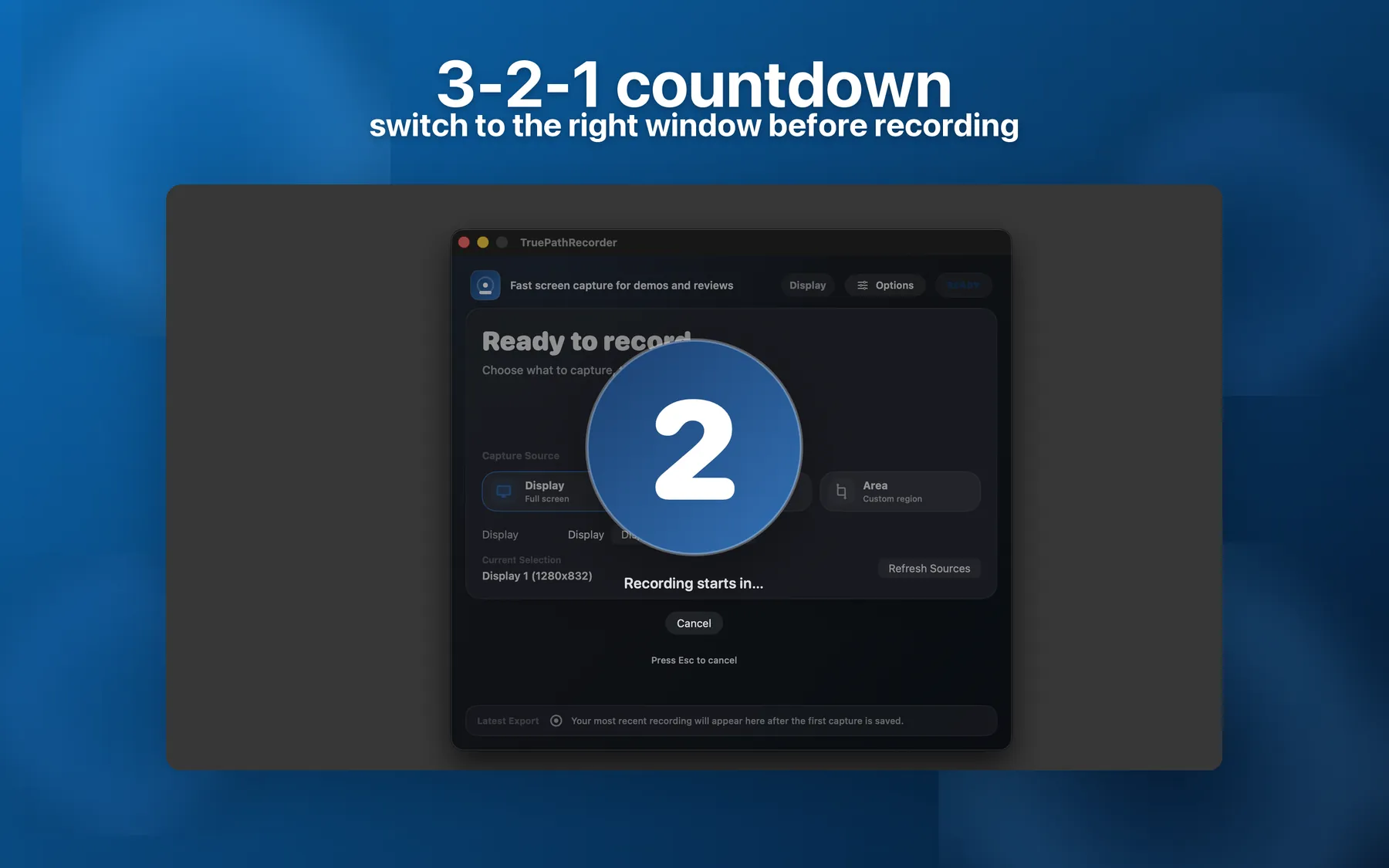
The current Recorder page explicitly calls out a configurable 3-2-1 countdown overlay. That sounds small until you record a lot. A clean countdown means you can switch to the right app, breathe, and start speaking after the overlay disappears. If your workflow is mostly capture and ship, those seconds matter more than another editing effect later. The app can also capture system audio directly, so the take can begin cleanly with the exact app sound you intended to show.
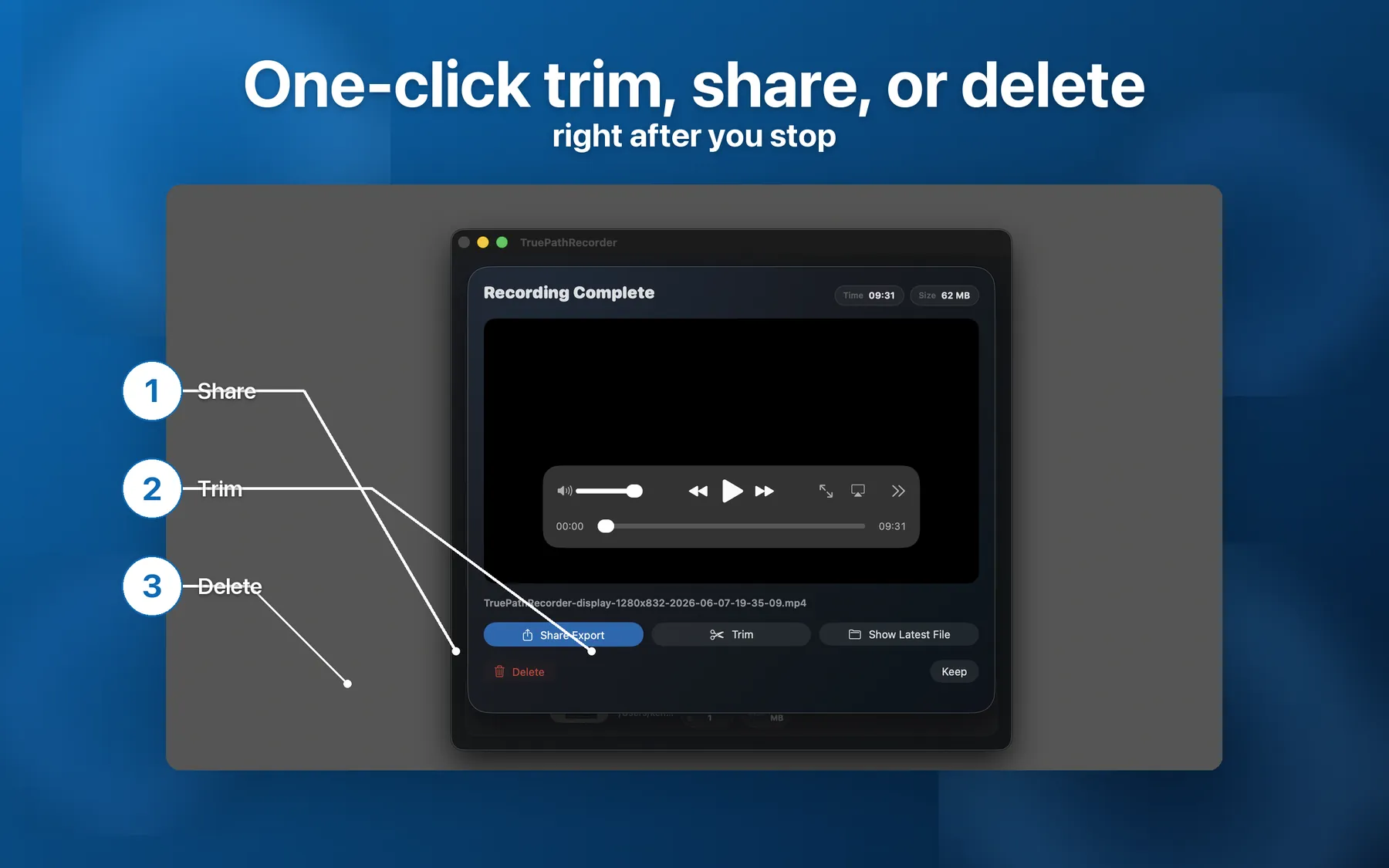
Recorder's post-recording sheet is the clearest expression of the product philosophy. The moment you stop, the current site says you get direct actions for Save, Trim, Share, Reveal in Finder, and Delete. That keeps output speed high because the recording is already in a usable state. If the take is good, save it. If the opening beat needs work, trim it. If it was a misfire, delete it. There is very little ceremony between the capture and the file leaving your machine.
The current Recorder site is strongest when the problem is capture friction, not editing ambition.
The current site explicitly shows save, trim, share, reveal, and delete actions the moment capture ends. That keeps the file moving instead of dropping you into a separate production phase.
Recorder exports MP4 with an HEVC option that the current site describes as typically around half the file size of H.264 at the same quality. Smaller files are easier to ship fast.
A configurable countdown is built in, so you can switch windows and start talking after the overlay is gone instead of planning to edit out the awkward first seconds.
Pick the region visually and keep it across retakes. That is a grounded current claim and one of the most useful differences for repetitive demo work.
The current site says system audio capture is built in under the same macOS permission flow as Screen Recording, with no separate routing utility required.
A red icon and live elapsed timer stay visible in the menu bar while capturing, with stop, pause, or cancel controls available without switching back into the app window.
This is intentionally not a feature-war table. Screen Studio is a legitimate, well-regarded Mac app with deeper editing. QuickTime remains useful as the built-in baseline. The useful question is simply which shape of workflow you want to live in most days.
| Dimension | TruePath Recorder | Screen Studio | QuickTime |
|---|---|---|---|
| Pricing model | Low one-time | Higher one-time | Built into macOS |
| Workflow focus | Capture | Capture-and-edit | Basic recording |
| Output speed | Instant save / trim / share | Capture first, post-production afterward | Immediate file, minimal finish layer |
| Audience | Creators who want to ship fast | Creators who want polished post | Occasional built-in recording needs |
If you want zoom choreography, presentation polish, and a deeper finishing pass, Screen Studio may simply be the better fit. If you already know what the clip needs to say and mostly want a dependable Mac-native way to capture, trim a little, and move on, Recorder is the cleaner tool.
These answers stay honest about where Recorder is stronger and where Screen Studio clearly goes further.
Choose TruePath Recorder when your job is to capture and ship quickly. The current Recorder workflow is built around fast area selection, countdown, system audio capture, HEVC export, and an immediate save-trim-share sheet. Screen Studio is a real, good Mac app with deeper editing; TruePath Recorder is the lower one-time tier for people who do not want the recording session to become a post-production session.
No. Those are editing and presentation effects, and they are not part of the current TruePath Recorder feature set described on the site. Recorder is positioned around capture controls, not post-production effects.
Recorder currently gives you trim and share from the post-recording sheet. For deeper editing, export the MP4 and continue in a separate video editor or a tool such as Screen Studio.
Recorder exports MP4 with HEVC encoding, which the current site describes as typically about half the file size of H.264 at the same quality. This page does not claim that Screen Studio is lower quality; the practical difference is workflow shape more than whether you can get a good-looking file.
Those effects are not part of the current Recorder feature story. The current Recorder pages focus on capture region selection, countdown, audio capture, HEVC output, overlays, and the instant post-recording actions.
Yes. A sensible setup is to use Recorder for the fast capture pass, then route the exported MP4 into a dedicated editor when a specific project needs more polish afterward.
If your everyday Mac recording job is "get the clip out cleanly," Recorder is built for that pressure.