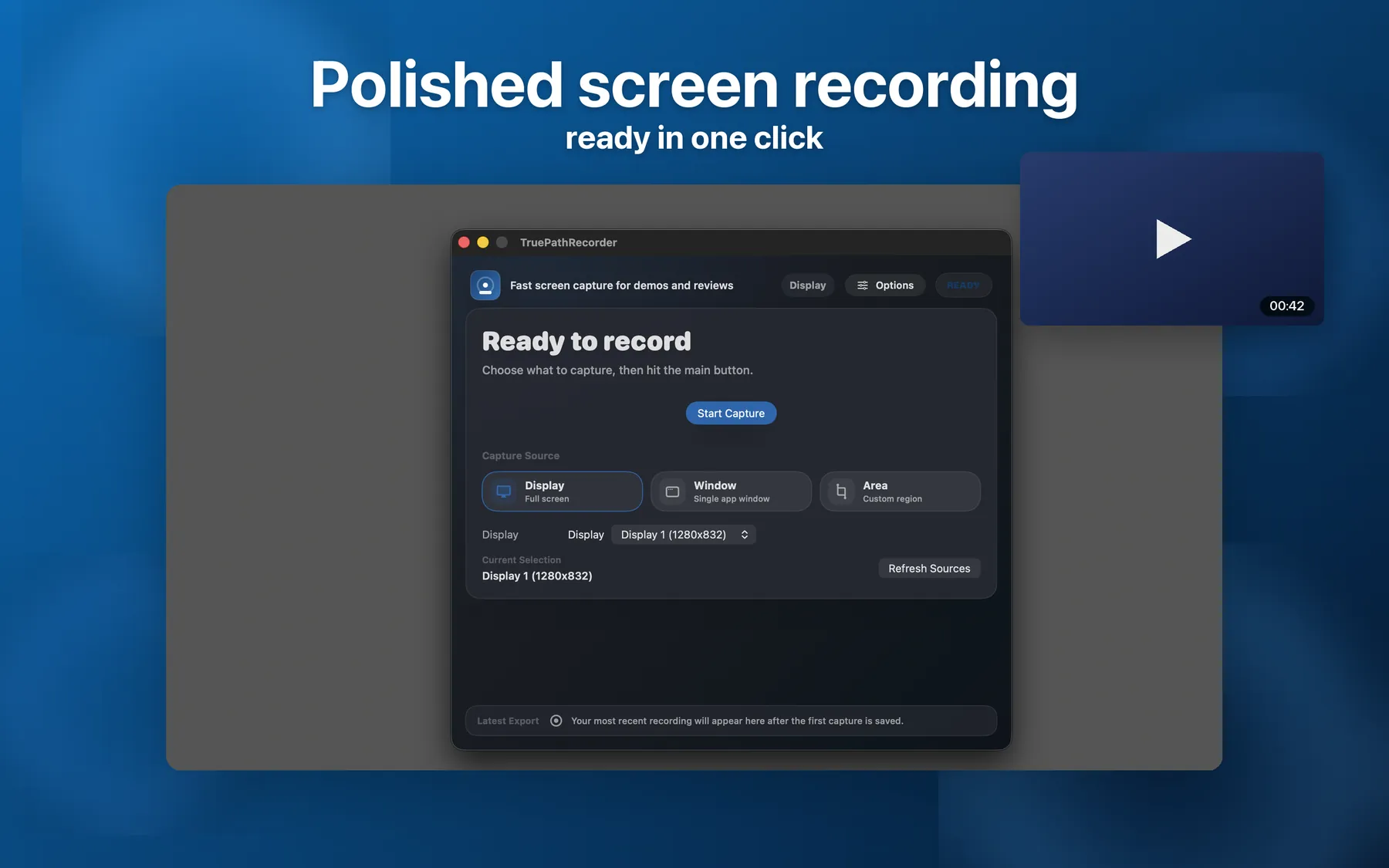
A native macOS screen recorder for teachers, course makers, and demo-builders. Polished out of the box. No subscription.
Prefer to download directly instead of the Mac App Store? Get the notarized app straight from us and try every feature free for 14 days. After the trial, recording and preview stay free; saving and exporting your recordings unlock with a one-time license — no subscription, no account.
Or install with Homebrew: brew install --cask joytruepath/tap/truepath-recorder
38927193161796528f887cdeb37e466d5f74dcd60f8a5124deef4da51502e856
No tier-locked basics. No watermark. No upload step.
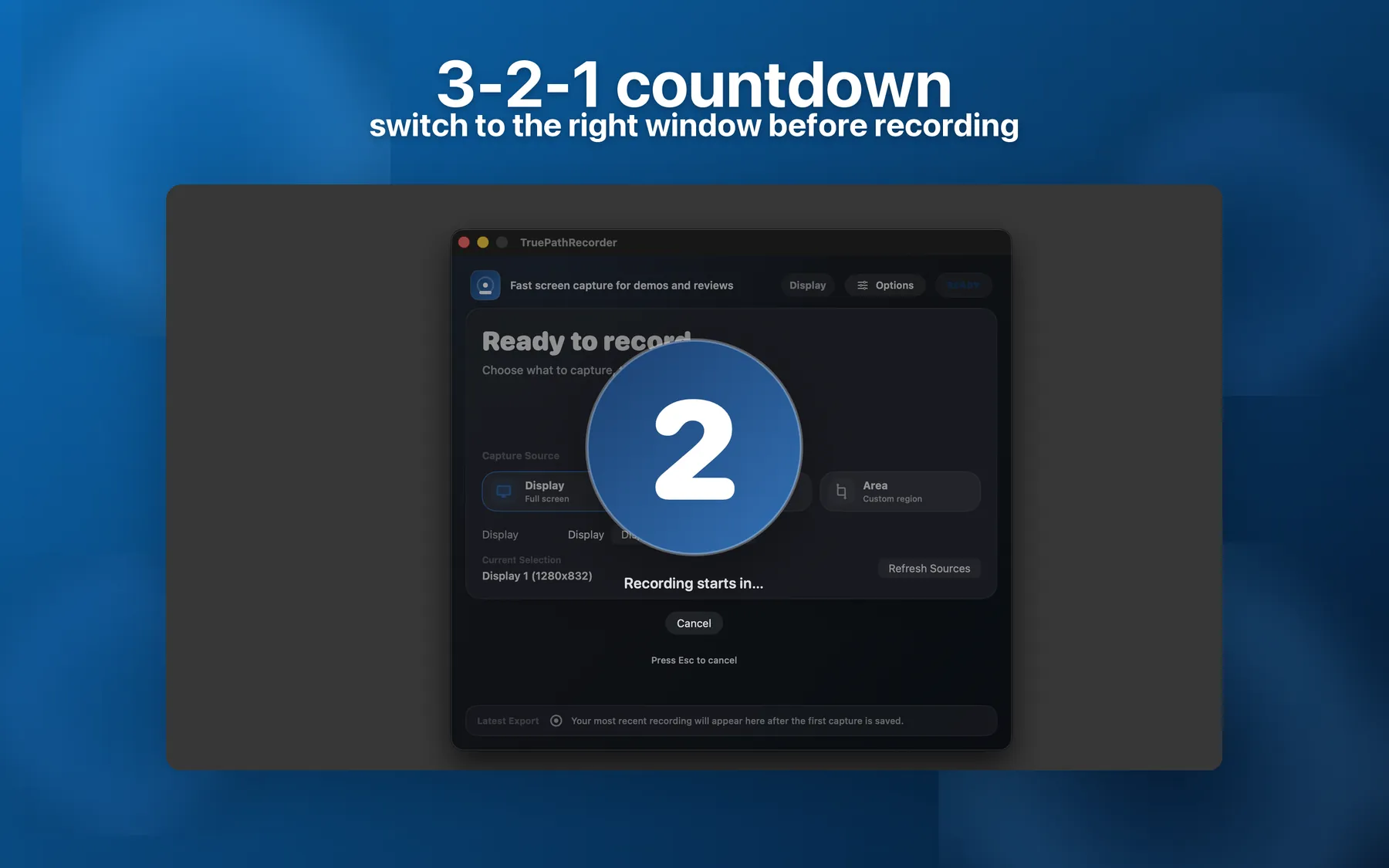
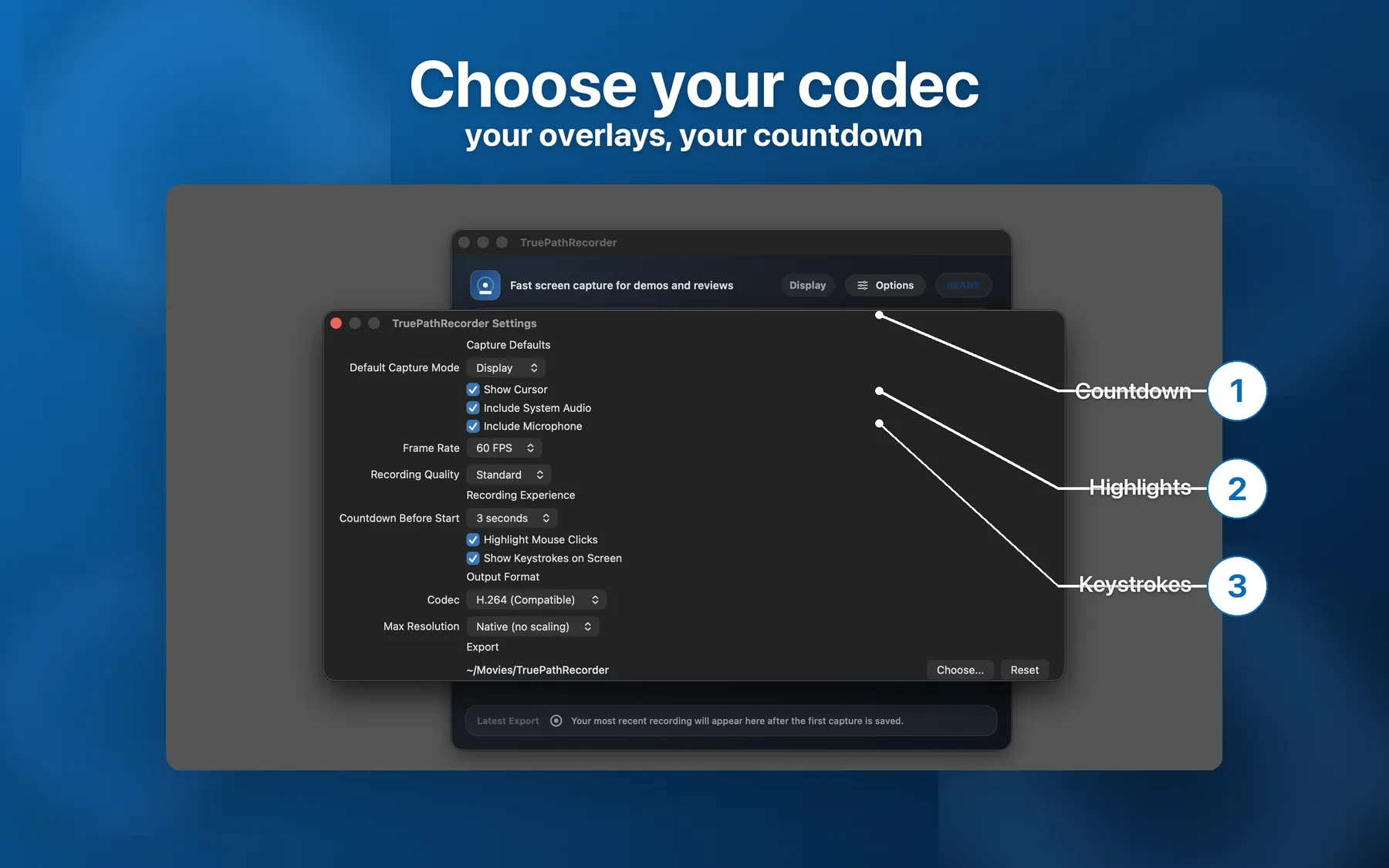
Press Start, switch to the right window, then capture begins. Configurable: off, 3s, or 5s.
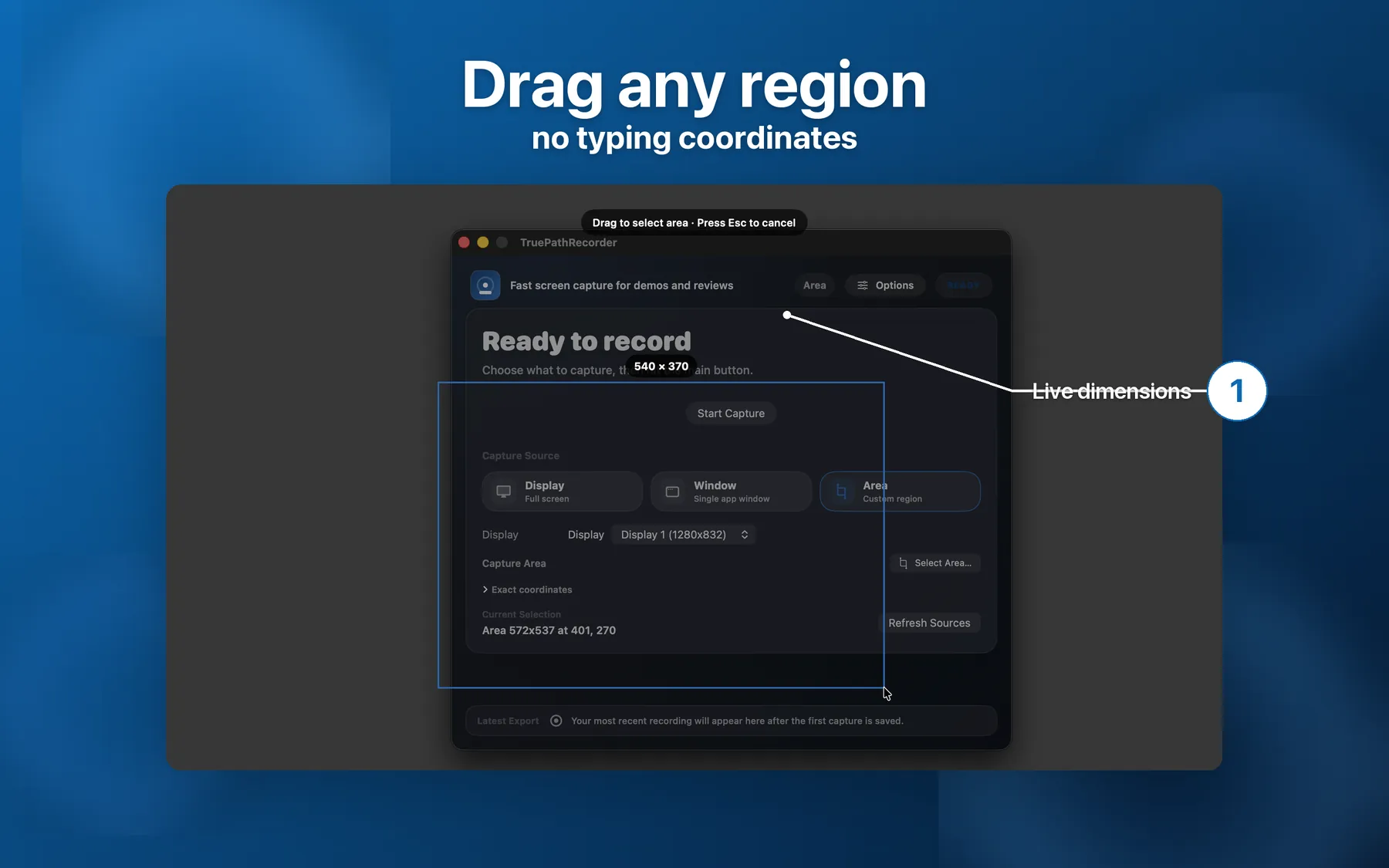
Pick any rectangle with your mouse. No typing coordinates. Live dimension readout while you drag.
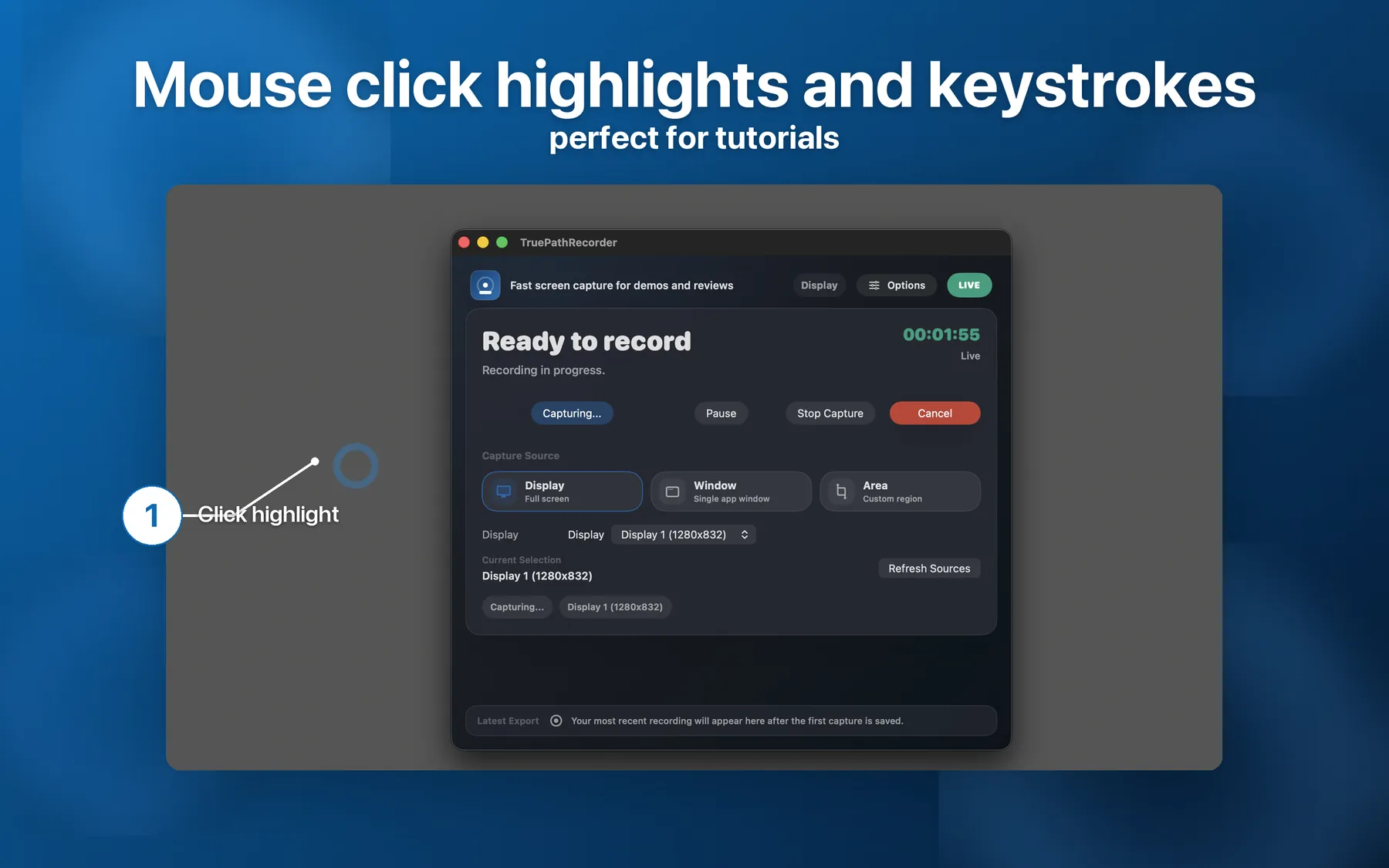
Blue rings on left-click, red on right-click. The clearest tutorials you've ever recorded.
Live pills show what you're typing with modifier glyphs (⌘ ⌥ ⇧ ⌃). Perfect for shortcut demos.
Every recording is named after the app or display you captured — not "Screen Recording 2026-05-12".
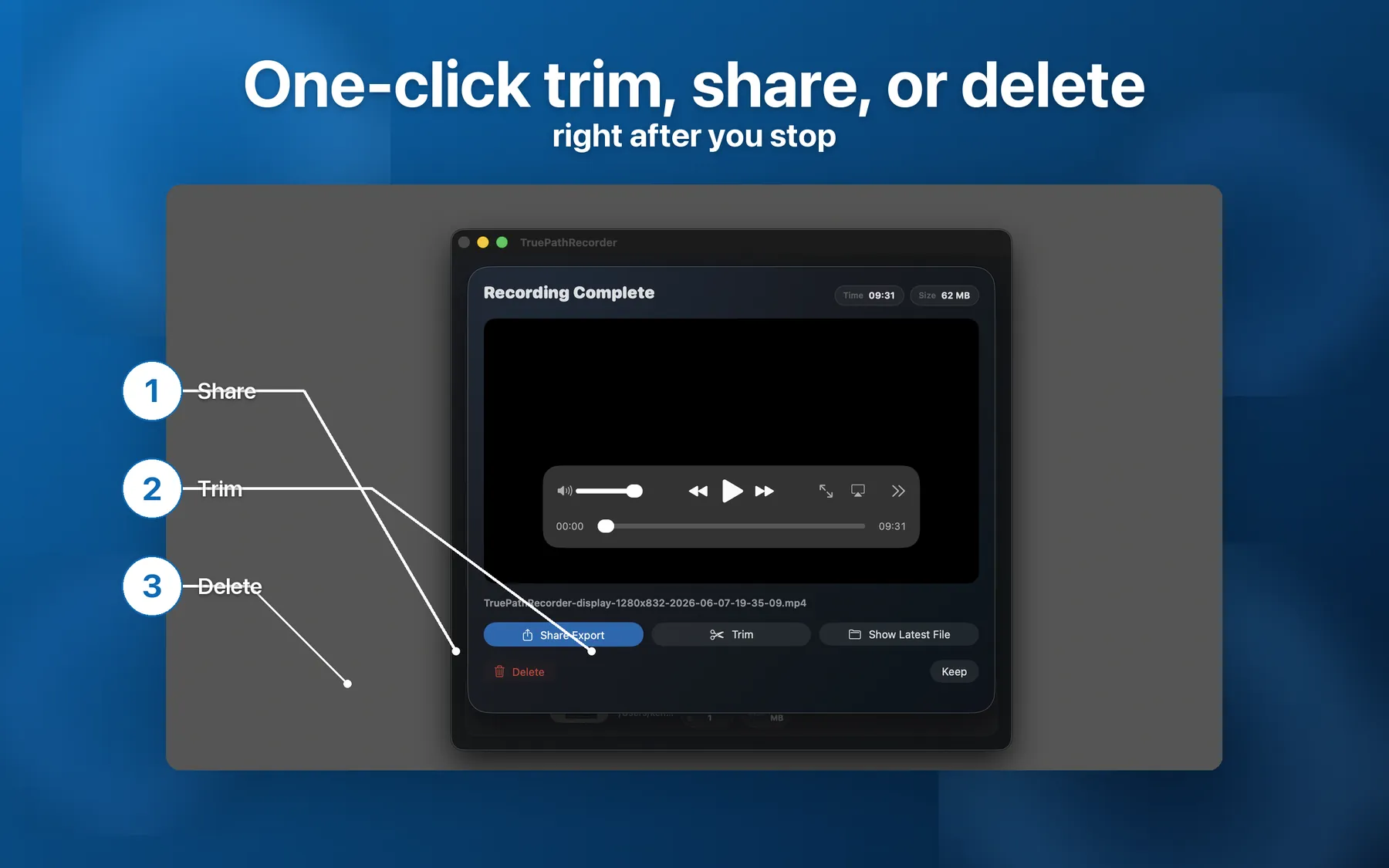
The post-recording sheet has Trim, Share, Reveal in Finder, and Delete — one click each.
~50% smaller files at the same visual quality. Plus 1080p / 720p caps when you want it light.
Cmd+Opt+R toggles recording from anywhere. Visible warning if the hotkey conflicts with another app.
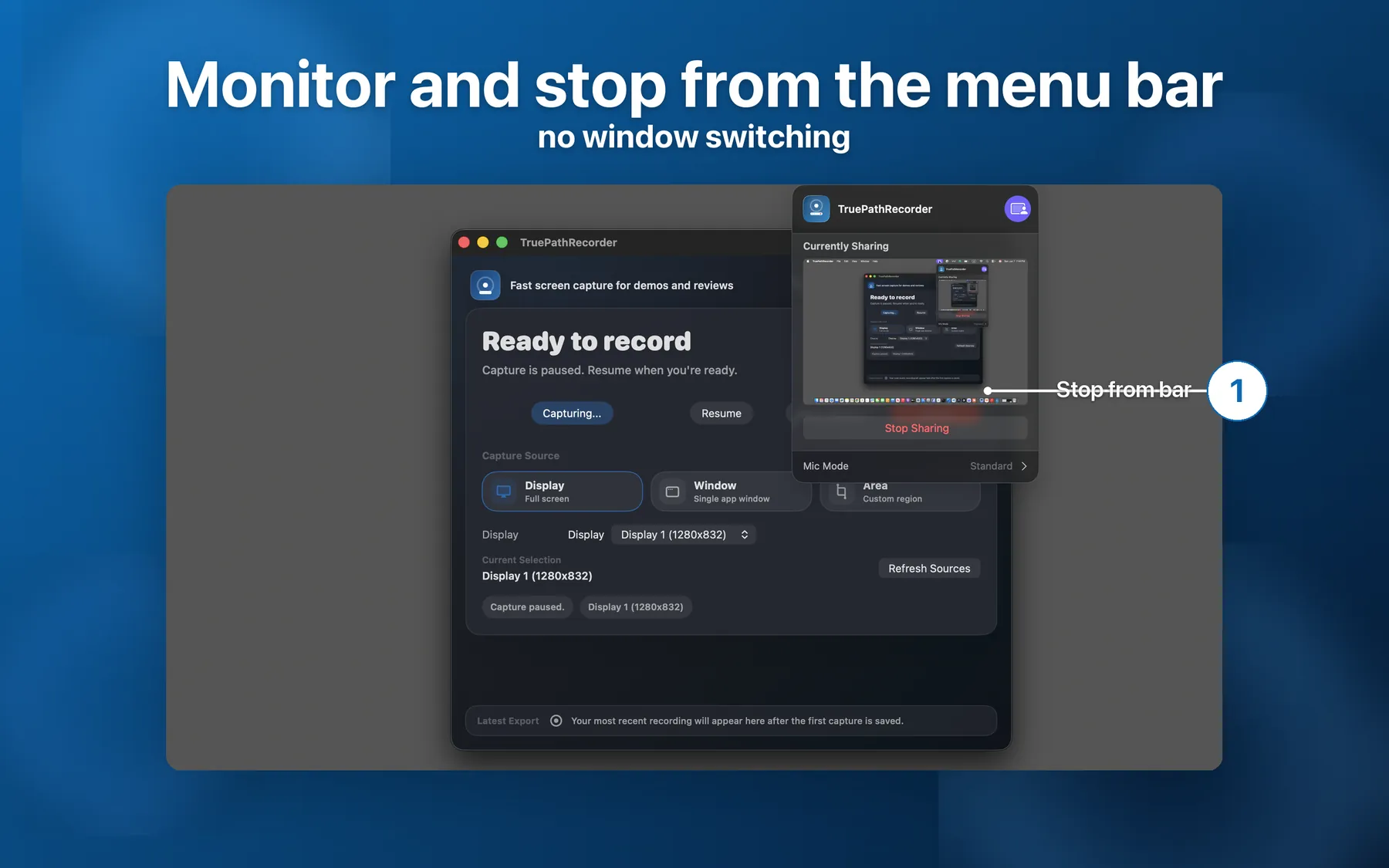
Live elapsed time + red record icon. Stop, pause, or cancel without switching windows.
Auto-stops before your drive fills up. Warns at 500 MB; stops cleanly below 100 MB.
If the app ever quits mid-recording, the next launch offers to keep or delete the partial file.
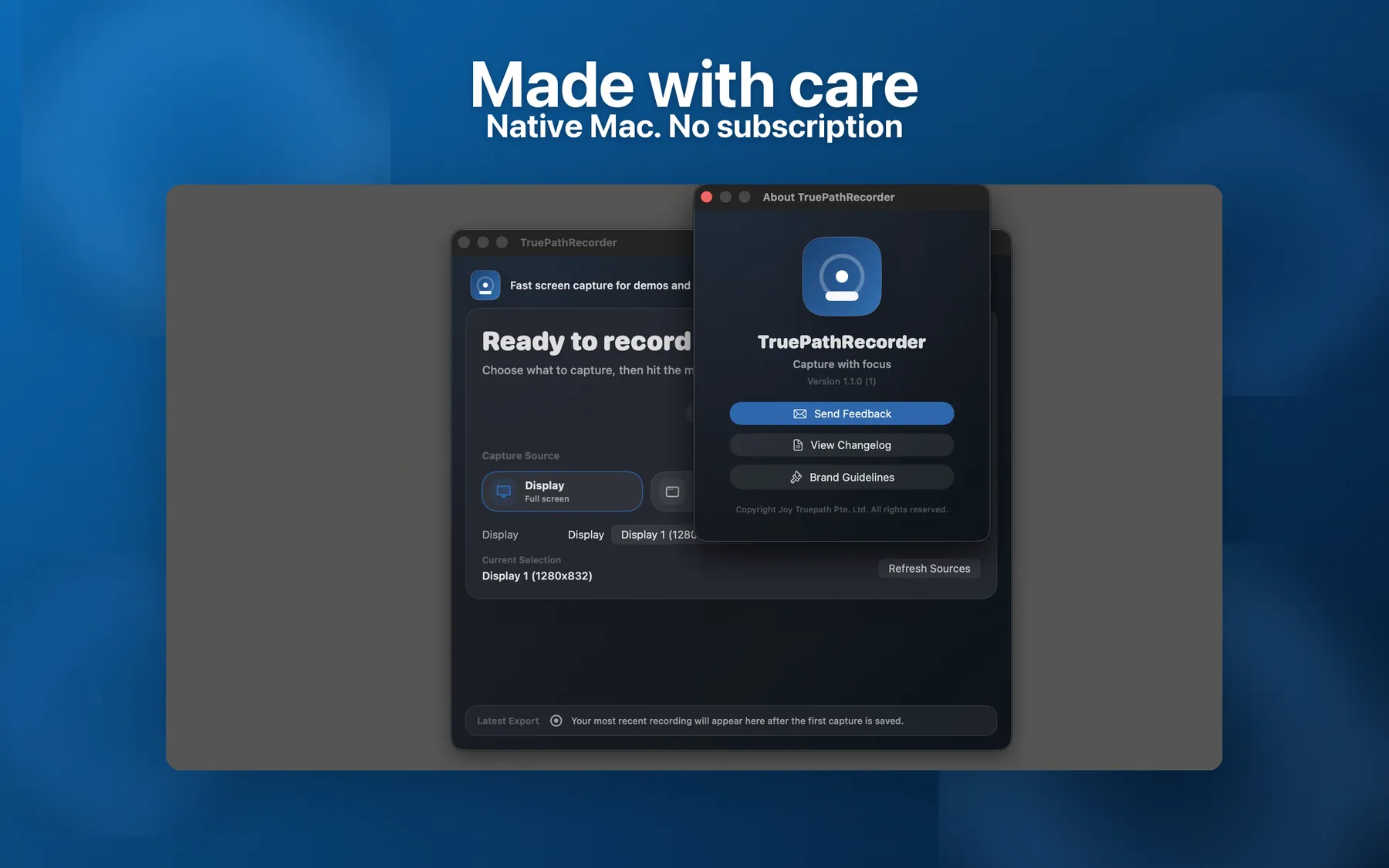
SwiftUI + AppKit. Universal binary. Light and Dark Mode. Sandboxed. Not Electron.
Not corporate teams. Not power users. Creators.
Honest comparison. No fluff.
| QuickTime | Loom | Kap | Screen Studio | TruePath Recorder | |
|---|---|---|---|---|---|
| Price | Free (built in) | Subscription | Free | $89 one-time | $19.99 one-time |
| Native macOS (not Electron) | Yes | No | Yes | Yes | Yes |
| Mouse click highlights | No | Yes | No | Yes | Yes |
| Keystroke overlay | No | No | No | Yes | Yes |
| 3-2-1 countdown | No | No | No | Yes | Yes |
| Drag-to-select region | No | No | Yes | Yes | Yes |
| Local-only (no cloud upload) | Yes | No | Yes | Yes | Yes |
| HEVC + resolution caps | No | No | No | Yes | Yes |
From first launch to export, here’s how Recorder handles the moments that matter.
Choose the Recorder path that matches how you capture, retake, trim, and ship on Mac.
Built for the take-47 workflow: a clean 3-2-1 start, region capture that survives across takes, and overlays that keep shortcuts and clicks visible in the final lesson.
Record the bug, show the steps, and drop it in the issue. Capture the failing window, keep inputs visible, then trim the clip down before you attach it.
Record lessons and walkthroughs with a simple countdown, selective capture, and standard MP4 exports that fit ordinary LMS upload workflows.
Screen Studio is editing-first. Recorder is for fast capture, fast trim, and fast shipping when you want the recording session to end as soon as the clip is clean.
Practical guides that go deeper than the feature list.
The setup that makes re-recording cheap: a region that stays put across takes, a countdown instead of a warm-up, on-screen keystrokes, and upload-ready HEVC.
Drive Recorder from Claude, Cursor, or Codex over MCP — start and stop recordings and get the file path back, all local and opt-in.
Straight answers on permissions, exports, privacy, and refunds.
The first time you press Start Capture, macOS will ask. If you said No by accident, go to System Settings › Privacy & Security › Screen Recording and turn TruePath Recorder on. You may need to quit and reopen the app.
Default: ~/Movies/TruePathRecorder/. To pick a different folder, open Preferences › Export Folder › Choose… The app uses a sandbox-safe security-scoped bookmark so your folder choice survives across app launches and macOS restarts.
Yes — toggle "Include System Audio" in Preferences or the Options popover. macOS handles the system audio permission under the same TCC prompt as Screen Recording, so you do not need a separate confirmation.
Try setting Codec to HEVC in Preferences › Output Format — typically ~50% smaller than H.264 at the same quality. You can also cap resolution to 1080p or 720p if your source is 4K or larger.
Right after you stop, the post-recording preview sheet appears with a Trim button. Or open Latest Export › Trim at any time to scrub through and clip the file. Trimmed clips save as a new MP4 alongside the original.
No. The app does not connect to any TruePath server. Your recordings stay on your local disk. See the privacy policy for the full breakdown.
Refunds on Mac App Store purchases are handled by Apple, not by us. Go to reportaproblem.apple.com, sign in with the Apple ID that purchased the app, and request a refund. If Apple denies it and you believe you have a strong case, email us and we will reach out to Apple on your behalf.